


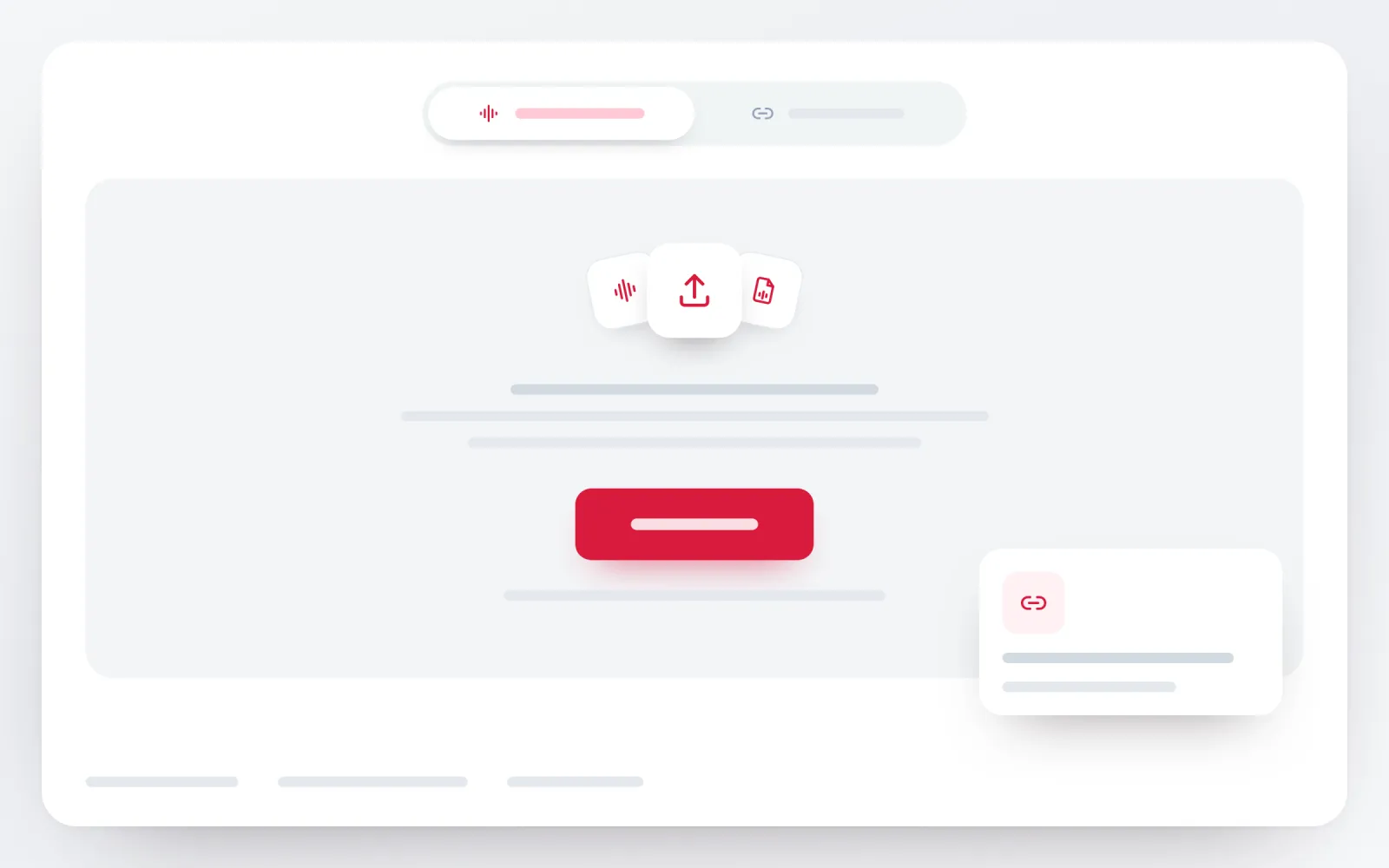
Upload the audio
Select an MP3, WAV, M4A, AAC, FLAC, OGG or another supported audio recording.

Upload an interview, meeting, voice note or podcast recording. ScribeTo turns the speech into an editable, searchable transcript you can review and export.
Move from a recording on your device to an editable transcript in three clear steps.
Select an MP3, WAV, M4A, AAC, FLAC, OGG or another supported audio recording.
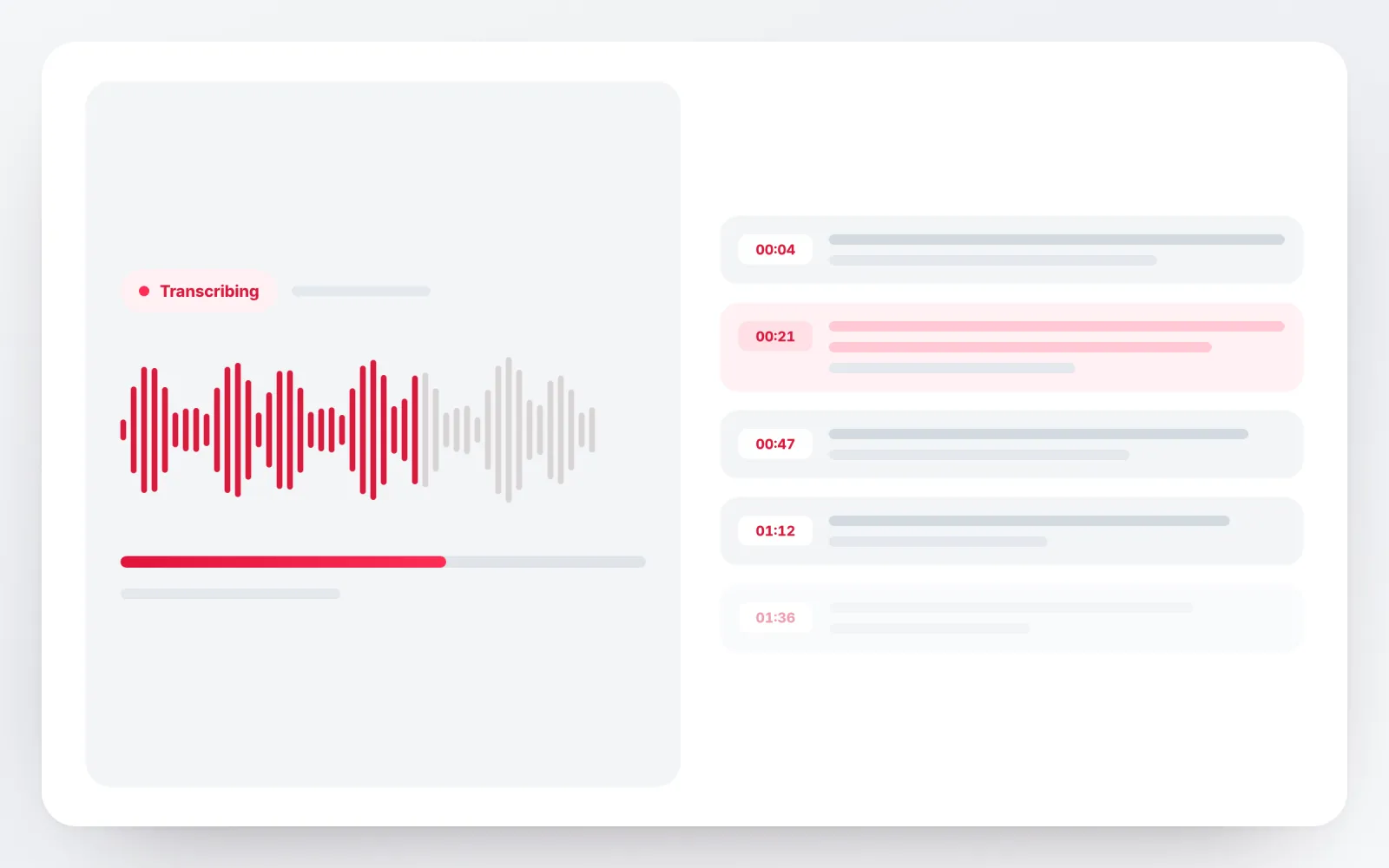
ScribeTo processes the speech and prepares timestamped text for review in your workspace.
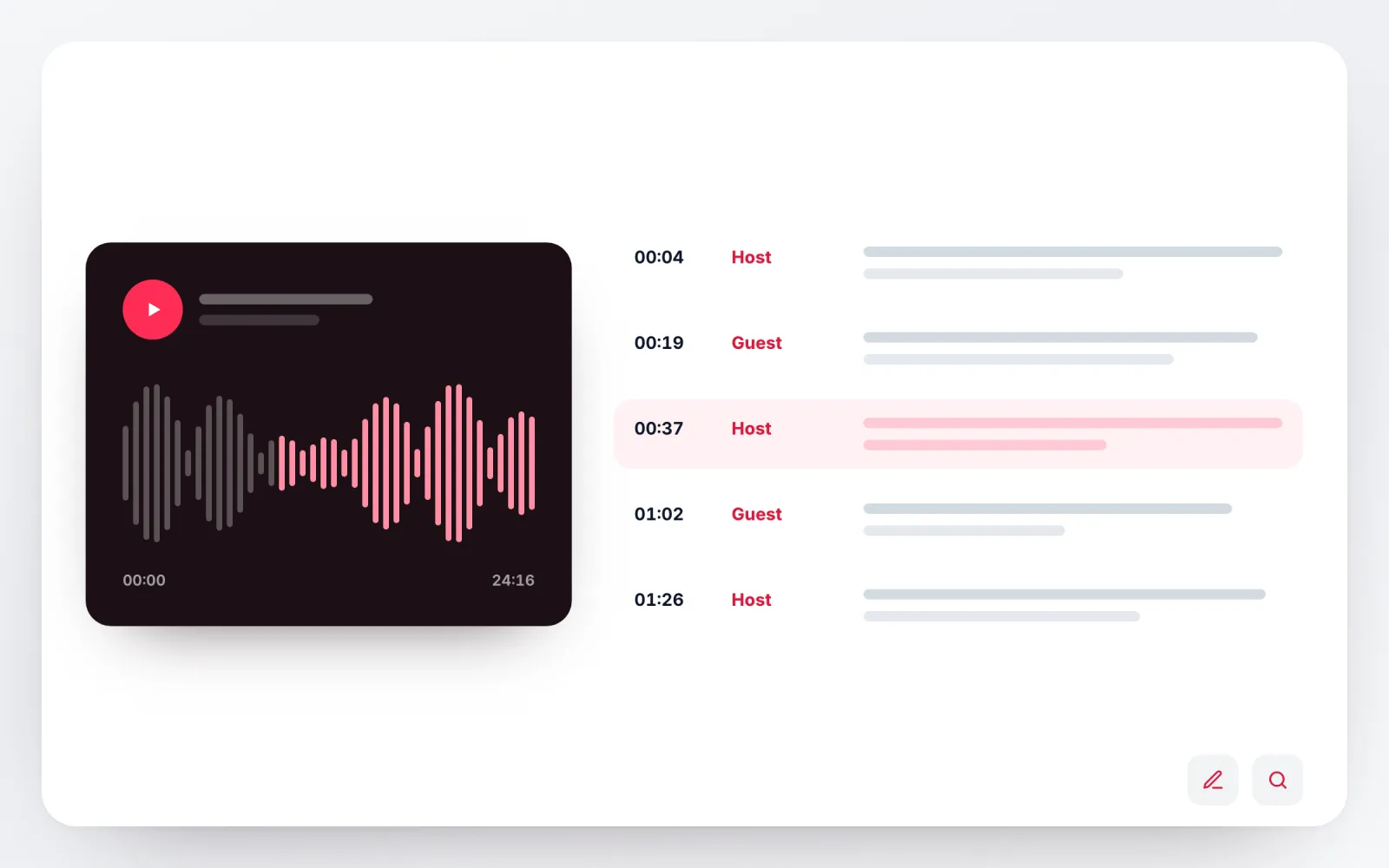
Correct names, inspect speaker changes and export the result in the format your next workflow needs.
A recording is quick to make and slow to search. ScribeTo keeps the transcript attached to the audio, so the wording that matters stays easy to verify and the rest stays easy to reuse.
Fix names, figures and specialist terms while the recording is still one click away, instead of proofreading a detached text file afterwards.
Automatic detection covers the supported speech-language set, including interviews and calls recorded in more than one language.
Conversation turns stay visible when speaker information is available, so a two-person interview never arrives as one undivided block of text.
Carry reviewed text into writing, caption and structured-data workflows without transcribing the recording a second time.
Every segment keeps the moment it was spoken, so the result is text you read, search and correct against the original audio — not one unbroken block you have to proofread blind.
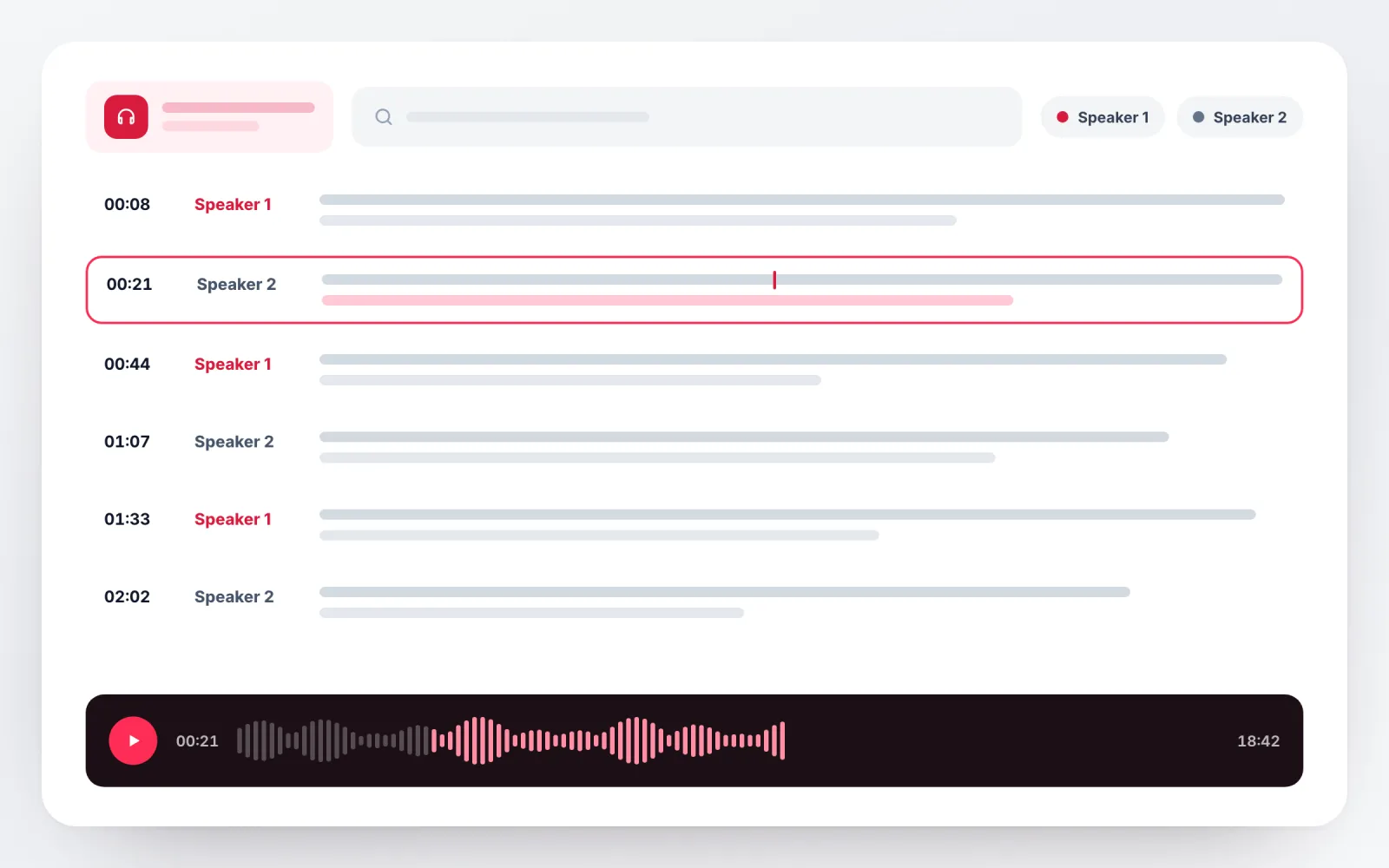
Every segment keeps the time it was spoken, so a quote or a correction can be checked against the original recording.
Speaker-aware review is available when the recording supports it. Similar or overlapping voices still need a human check.
Correct wording, names and speaker labels in place, then export the version you actually want to keep.
Bring the recording exactly as your recorder, phone or conferencing app saved it. How clean the source is decides how much you correct afterwards, so the checklist matters more than the extension.
Compressed audio
Uncompressed recording
Phone and voice memo
Efficient audio codec
Lossless audio
Open audio container
Transcription still needs human review. A few recording choices can reduce the amount of correction afterward.
Keep the microphone close enough to capture speech clearly without clipping.
Reduce music, room echo and steady background noise when possible.
Ask people not to talk over one another when speaker separation matters.
Review names, technical terms and unclear passages against the original audio.
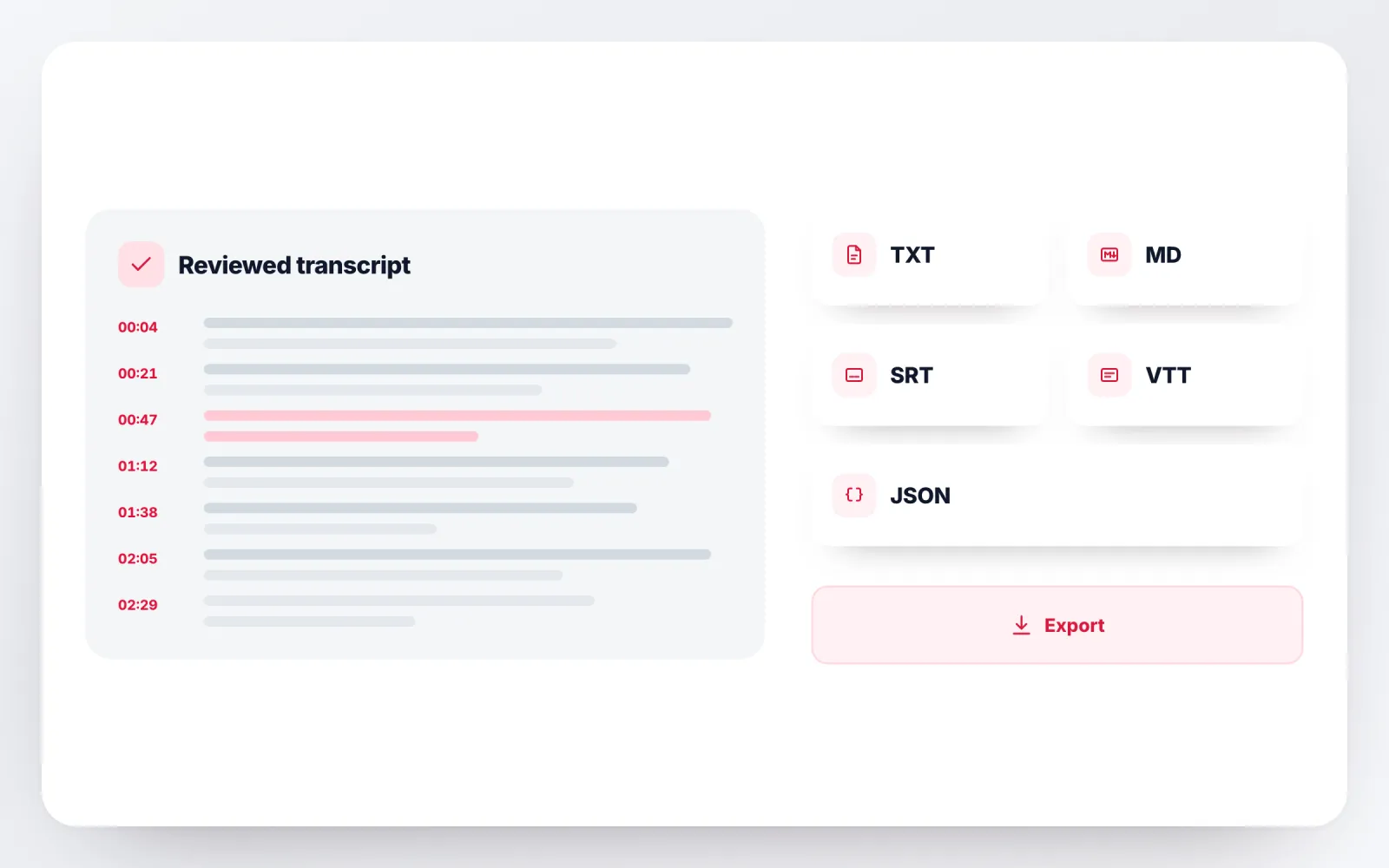
Reading text, structured notes or a timed caption track — the transcript is the same, and the file you download depends on what happens next.
Plain reading text with no markup. The right choice for pasting an interview into a document, an email or a research tool.
Structure and headings preserved, so meeting notes drop straight into Notion, Obsidian or a docs repository.
Numbered, timed caption blocks. Use it when the recording is the audio track of a video that still needs subtitles.
The web caption format browsers and HTML5 players read natively, for podcasts and audio embedded on a page.
Audio transcription helps when the source is worth listening to once but the ideas need to remain searchable afterward.
Interviews, client calls and dictated notes are not neutral files. Transcription runs through the speech providers ScribeTo has configured, and only the data needed to complete the task is passed to them.
Read the full privacy policyYour recording and its transcript are stored in Cloudflare R2, so you can close the tab and come back to the task in your workspace.
Uploads and downloads use encrypted transport, and the storage bucket is protected with access controls and server-side credentials.
Delete the task yourself in your workspace at any time, or email support@scribeto.ai to request deletion of account data.
Start with the included allowance, choose a recurring plan for ongoing recordings or buy a minute pack for occasional projects.
Great for trying the whole workflow once.
$0
No credit card required
Get startedFor regular transcription work, week to week.
$19.99 / month
$219.90 / year if billed yearly
Subscribe nowFor high-volume archives, teams and agencies.
$59.99 / month
$679.90 / year if billed yearly
Subscribe nowPractical answers about audio formats, editing, speakers, exports, cost and privacy.
Upload a supported audio recording above, start transcription and open the resulting workspace to review the timestamped text. You can then edit and export it.
ScribeTo accepts common audio sources including MP3, WAV, M4A, AAC, FLAC, OGG, Opus and WebM audio when the file contains a valid supported audio stream.
The review workspace supports speaker-aware transcripts when speaker information is available. Always review labels when voices overlap or sound alike.
Yes. Transcript segments include timing information so you can locate a passage in the source recording and create timed exports.
Yes. Open the transcript workspace to correct words, names and speaker details before exporting the final version.
Available transcript exports include TXT, Markdown, SRT, VTT and JSON. The best option depends on whether you need reading text, structured data or timed captions.
Yes. The editable transcript lets you search the recording’s words and use workspace actions according to your product entitlement to shape notes or summaries.
A free account includes 10 transcription minutes every month with no card required, which covers a short interview or a handful of voice notes. Longer recordings draw on a plan or a minute pack.
No. Uploading a recording creates a transcription task; ScribeTo does not edit or overwrite the original file on your device.
Yes. The transcript opens in a workspace tied to your account, which is what lets you edit it, export it and come back to the same recording later.
Up to 50 MB per file, one file per transcription. If a long recording is over the limit, re-encode it at a lower bitrate or split it into parts and transcribe them in sequence.
Your recording and transcript are stored in Cloudflare R2 behind access controls, and transfers use encrypted transport. You can delete the task in your workspace at any time; the privacy policy has the full detail.
Choose the workflow that matches your source, from uploaded audio and video files to public links, captions, live speech and platform-specific transcripts.
Your next recording can become working text
Upload the audio, review the timestamped transcript and carry the useful parts into notes, quotes or exports.