
01
Paste the media link
Copy the Spotify link for a song, playlist, album, or podcast episode from Share and paste it into the downloader.

Download Spotify music and podcast audio from one link. Paste a song, playlist, album, or episode URL, choose an available format, and save the audio you need.
Paste a Spotify song, playlist, album, or podcast link, choose available audio options, and save the files for offline listening or work.
Copy the Spotify link for a song, playlist, album, or podcast episode from Share and paste it into the downloader.
Review the detected item or list and compare available audio formats, bitrate, duration, and file-size details before saving.
Choose an available audio option and save it through your browser for offline listening, a media library, editing, notes, or transcription.
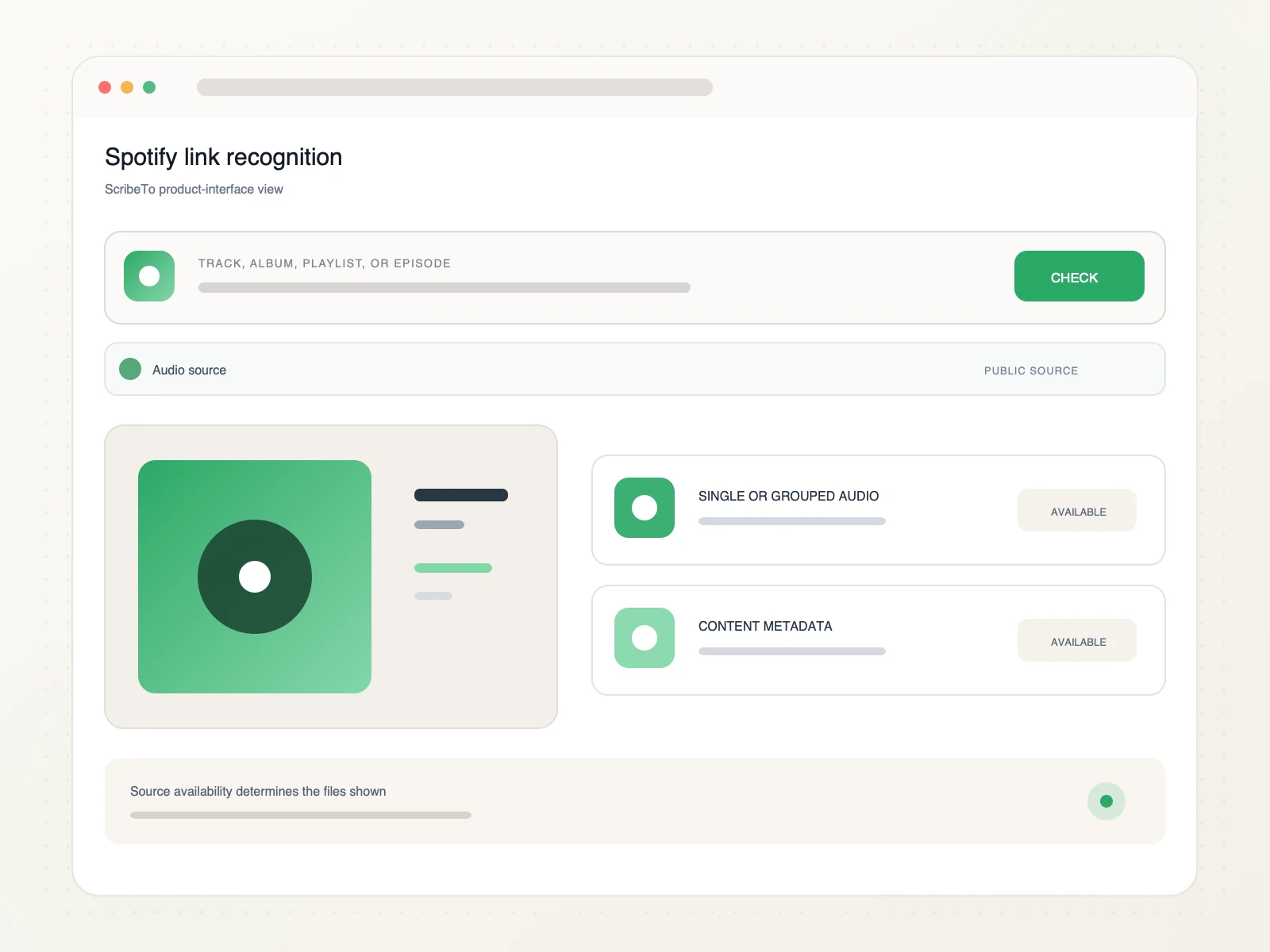
Recognize the supported Spotify content type, review single or grouped audio outputs, and continue into the right media workflow.
Detect whether a supported Spotify link identifies a track, album, playlist, or public podcast episode.
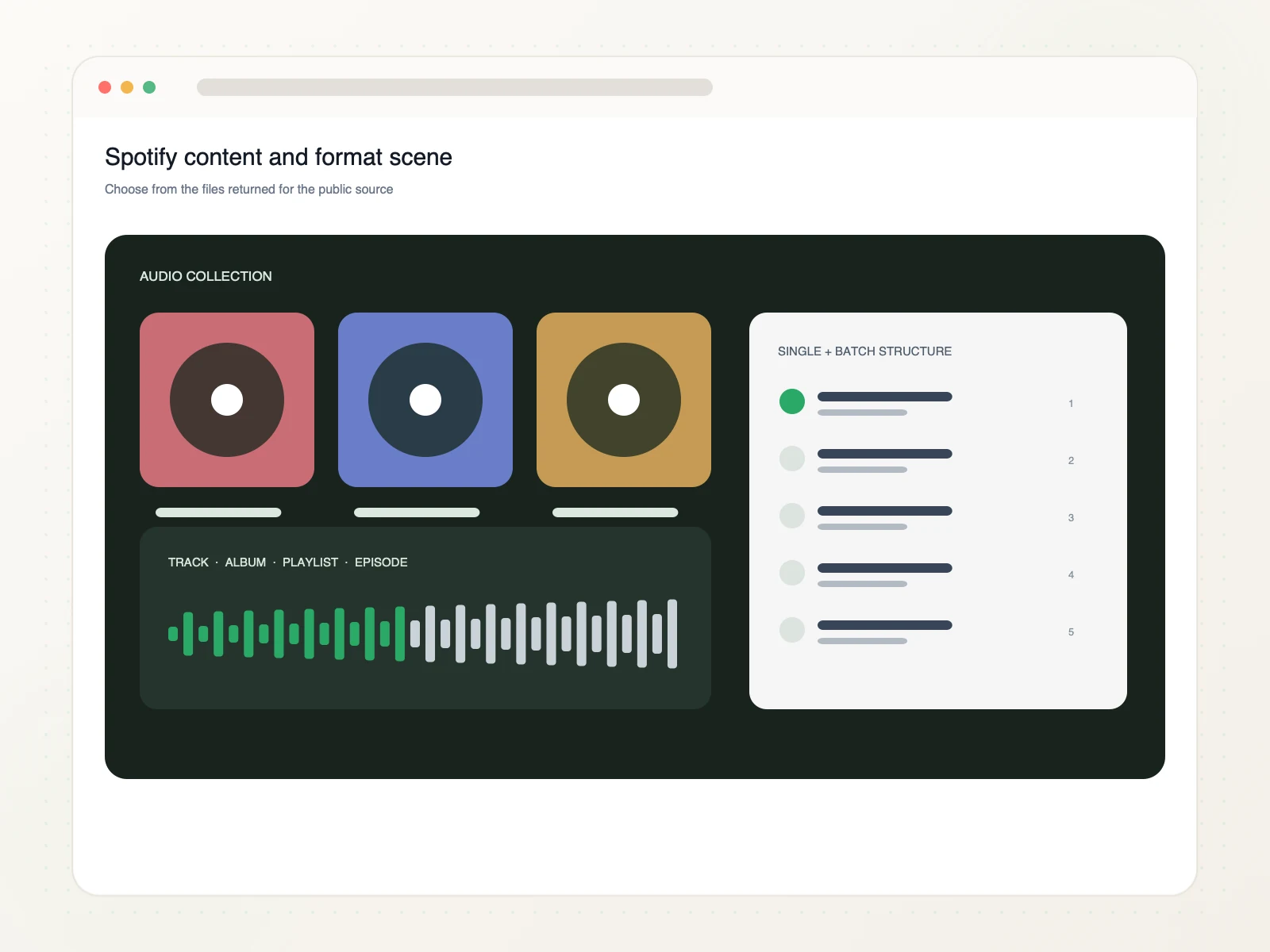
Review the planned single-file or batch audio structure and the format details returned for the source.
Continue into authorized offline listening, audio organization, media work, or a separate podcast transcription task.
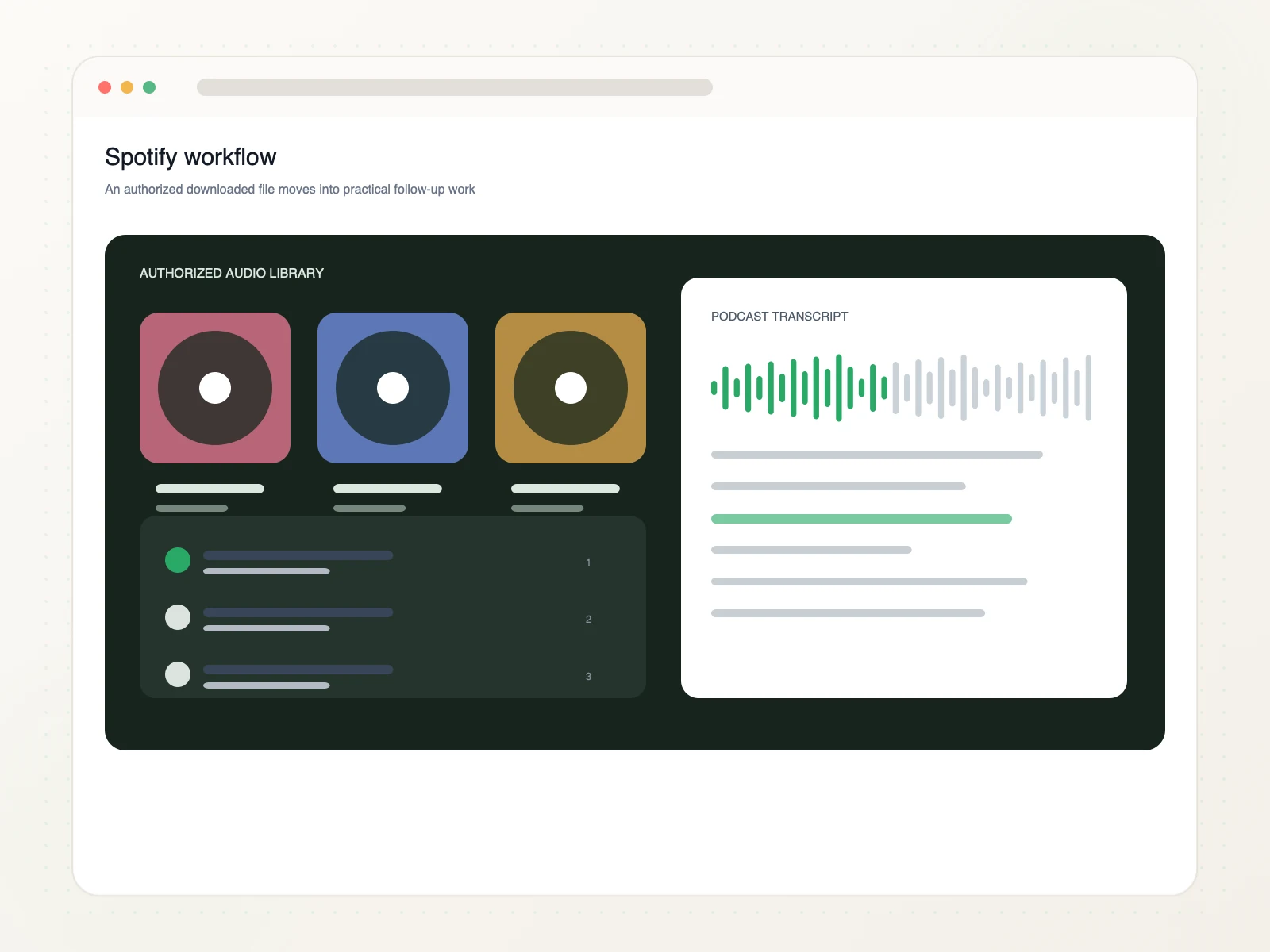
Organize authorized Spotify audio for listening, library preparation, and spoken-word research.
Keep permitted tracks or episodes available for focused listening away from the browser.
Arrange authorized album audio and metadata as one coherent collection.
Review grouped playlist items before a supported batch-audio workflow.
Move a spoken episode into notes, quotes, or a separate transcript task.
Copy a supported Spotify song, playlist, album, or podcast episode link, paste it into ScribeTo, choose an available audio format, and start the browser download.
Yes. Link resolution and direct downloads require a signed-in account and available download units. Each format button shows its direct-download unit cost.
Yes. Paste a supported public Spotify song or track link to review the available audio options and save the file that fits your listening or media workflow.
Yes. Paste a supported public Spotify playlist or album URL. ScribeTo detects the list so you can review its available audio download options.
Yes. Supported public Spotify podcast episode links can be processed alongside songs, playlists, and albums for audio you can save or transcribe.
Available containers, bitrates, durations, metadata, and estimated sizes depend on the selected Spotify source. ScribeTo shows the available options before download.
Private, removed, unavailable, region-limited, login-only, or unsupported Spotify links may not expose downloadable audio. Check that you pasted one direct public content URL.
Only download audio you own or have permission or another lawful basis to use. You are responsible for copyright compliance and Spotify's terms.
Paste a Spotify song, playlist, album, or podcast link, choose an available audio format, and save the files you need.
Paste a Spotify link