
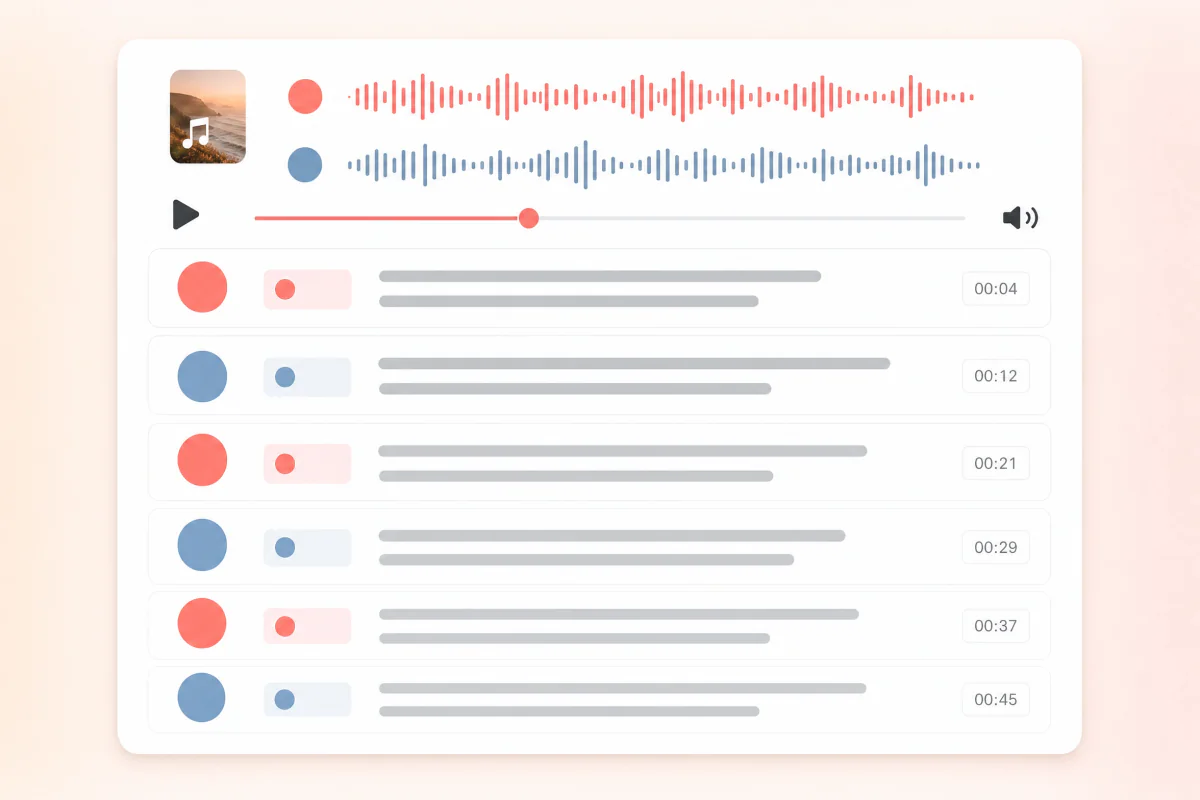
Speaker-aware transcript
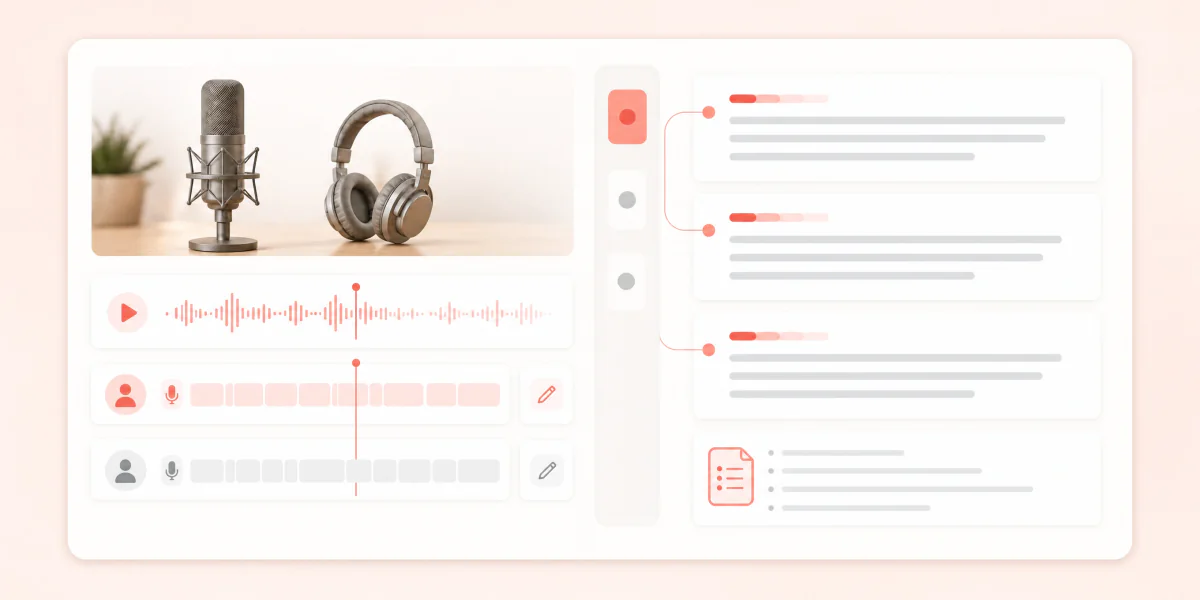
Separate host and guest turns, correct speaker names, and keep attribution readable before sharing or exporting.

Use ScribeTo as a podcast transcript generator for public episode links. Paste a Spotify, Apple Podcasts, or RSS episode URL and create a timestamped transcript you can edit, search, summarize, and export.
Choose a file from your device and turn it into an editable transcript.
Choose a fileMP3, WAV, M4A, MP4, MOV, WebM and more
Go from a public podcast URL to editable episode text in three focused steps.
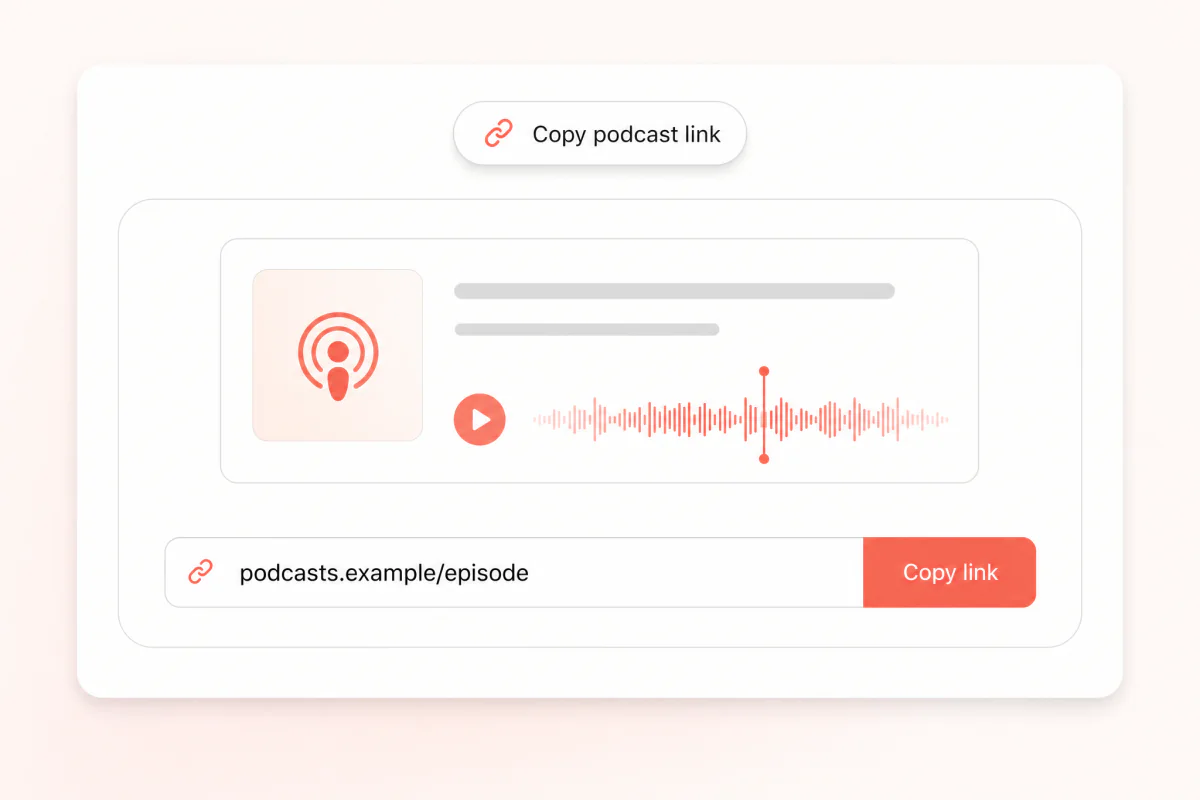
Copy the public episode URL from Spotify, Apple Podcasts, or a podcast page backed by an RSS enclosure.
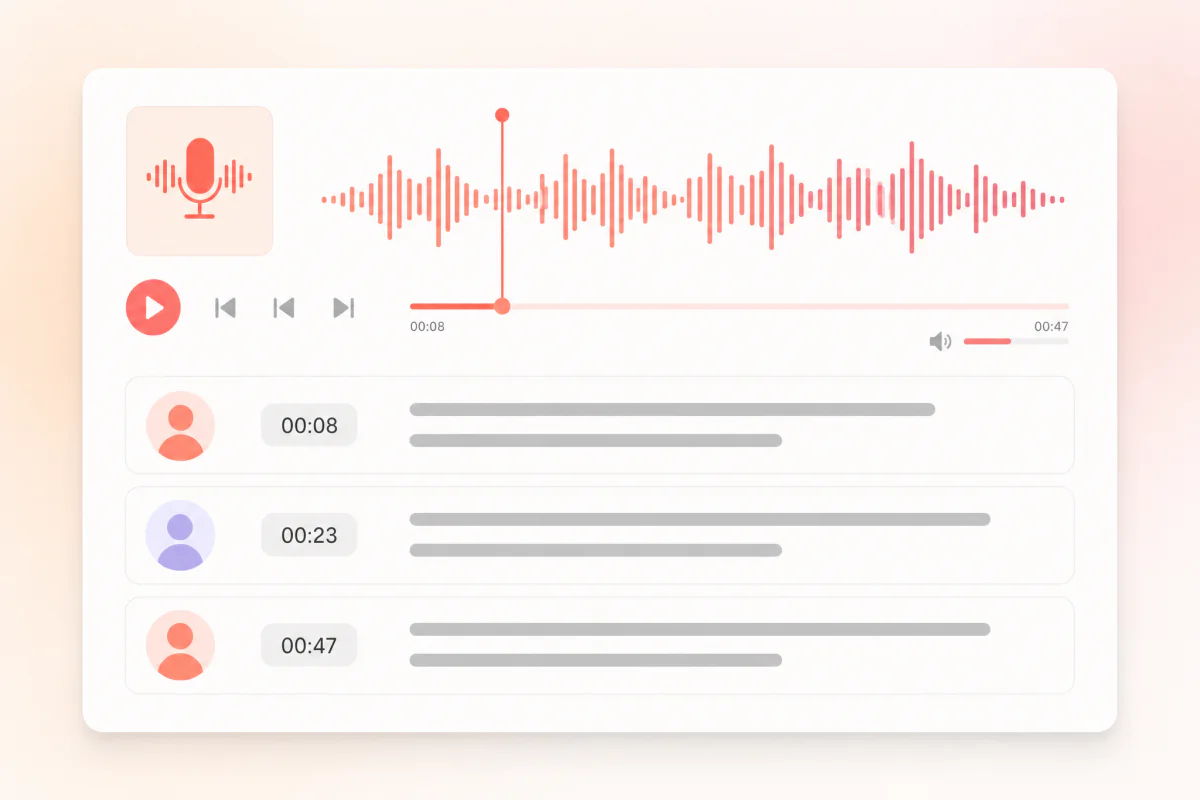
ScribeTo reads the accessible podcast audio and creates editable transcript segments with timestamps and speaker-aware review.
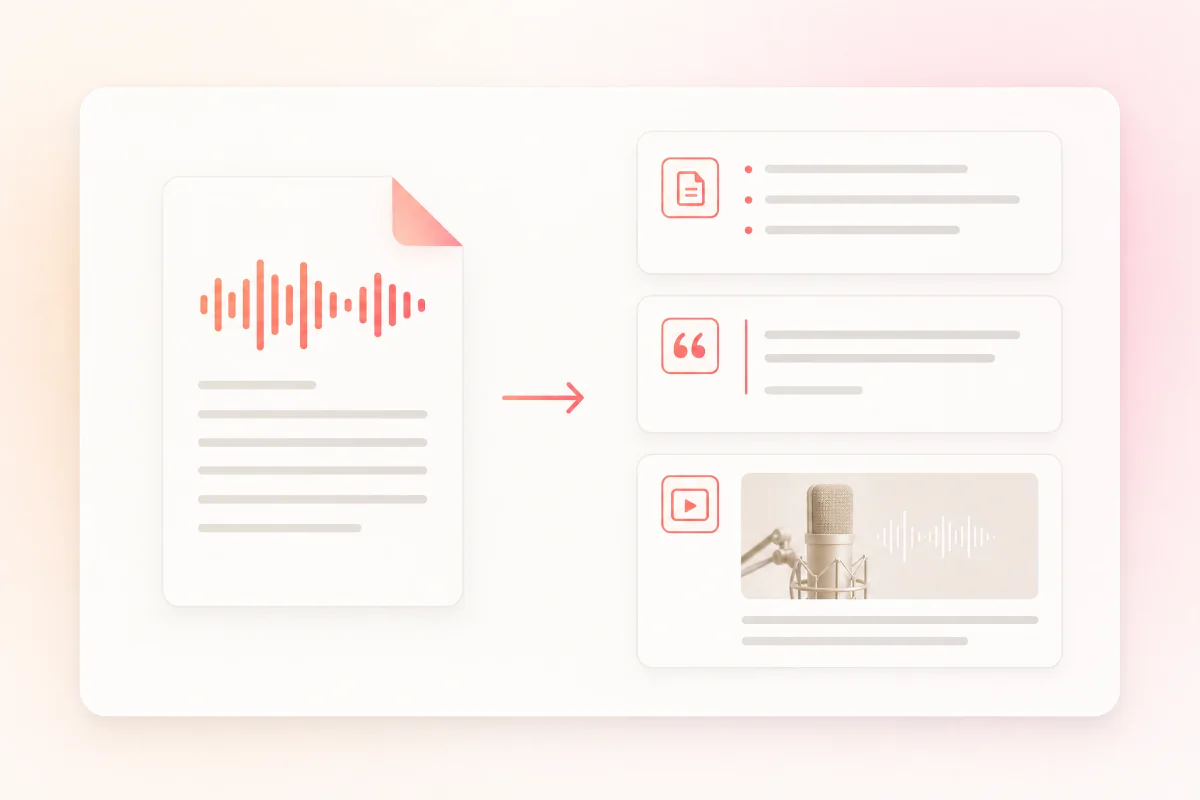
Review the transcript, correct names, generate show notes or summaries, and export the text for publishing or research.
A useful podcast transcript is more than a block of text. It keeps the episode structure, timestamps, speaker turns, searchable quotes, and export formats connected.
Separate host and guest turns, correct speaker names, and keep attribution readable before sharing or exporting.
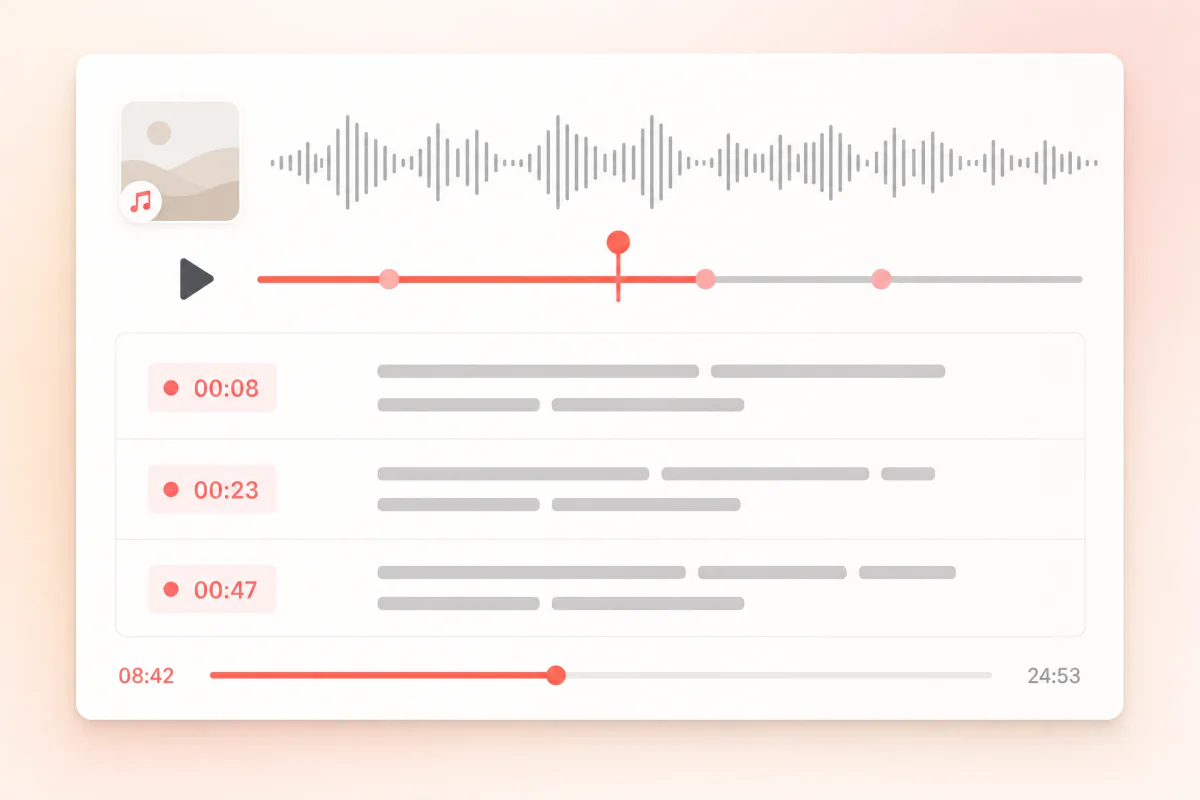
Every segment stays connected to the moment it was spoken, so review, clipping, citation, and caption export stay grounded in the episode.
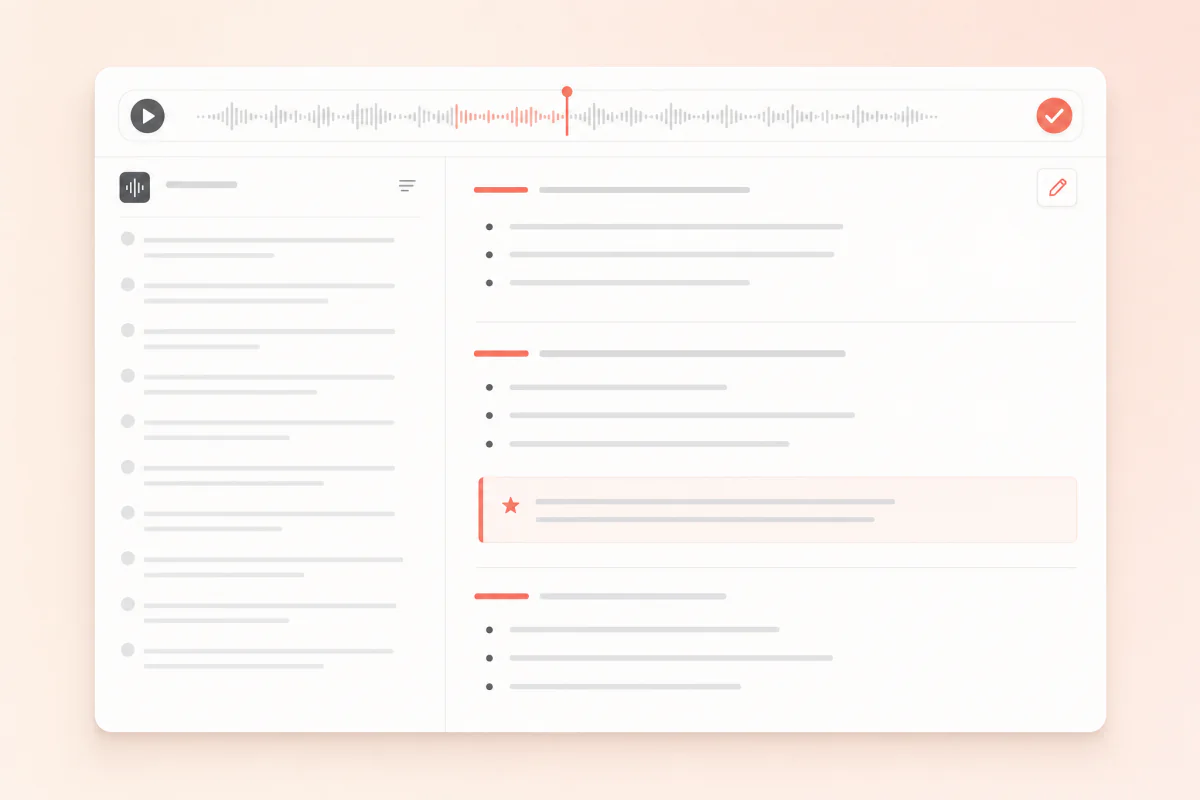
Turn long conversations into episode summaries, timestamped chapters, publishing notes, and outline-ready sections.
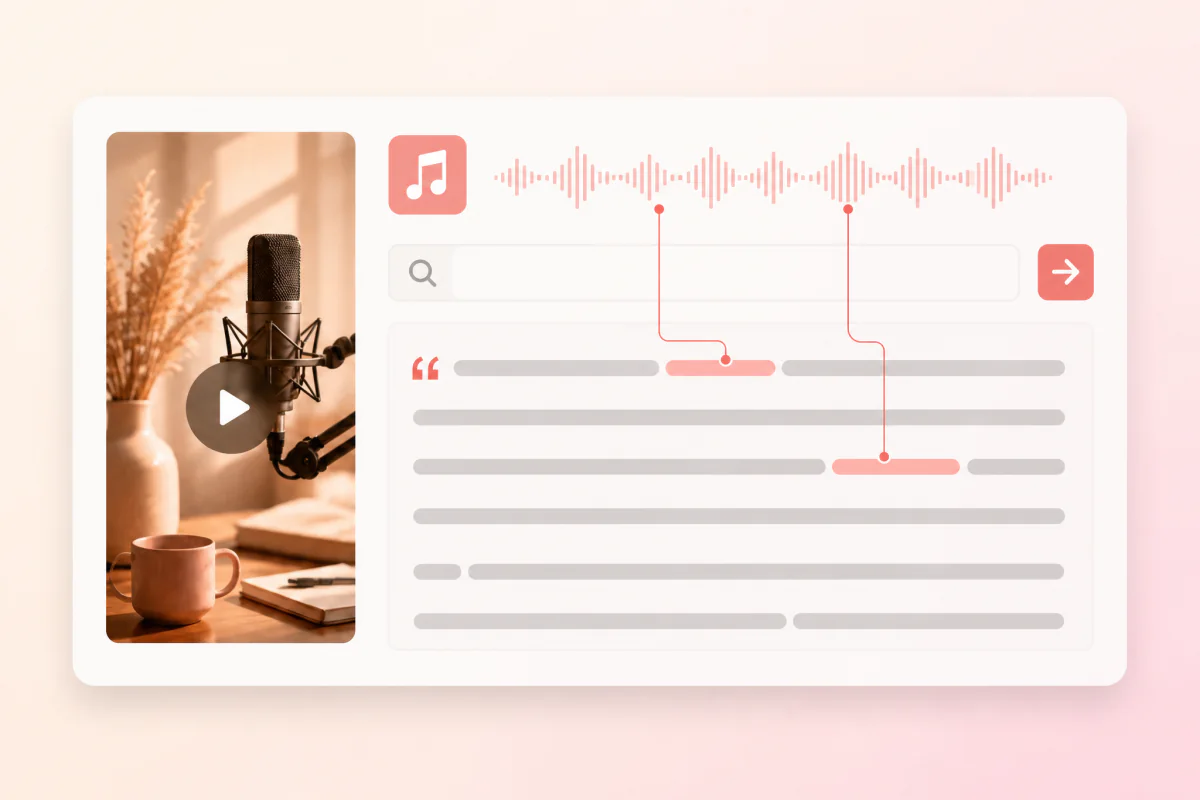
Search the transcript for a phrase, claim, topic, or guest quote, then jump back to the timestamp before clipping or citing it.
Podcast transcription works best when the episode audio is public, playable, and tied to a specific episode URL. ScribeTo handles language detection, timestamped transcription, editing, and export in one workspace.
Paste a public podcast episode that opens in a signed-out browser. Private feeds and login-only episodes should be uploaded as files instead.
Use the exact episode URL rather than a show homepage, chart page, or profile page so the transcript belongs to the right recording.
Transcribe your own show, an interview you are permitted to process, or public audio you may quote, study, summarize, or repurpose.
Paste the public link and skip manual downloading, audio extraction, file conversion, and re-uploading.
Leave language on Auto for normal episodes, or choose a language when a show mixes languages, accents, or interview formats.
Review terms, guest names, and punctuation once, then export the podcast transcript as text, notes, or captions.
Use TXT for copy-ready podcast text, Markdown for show notes and content briefs, SRT for video editing, or VTT for web players and course pages.
Docs, quotes, prompts
Clean transcript text with no markup, ready for documents, CMS drafts, AI prompts, and quote collection.
Show notes, outlines, briefs
Keep sections readable for podcast show notes, article drafts, research notes, and internal episode briefs.
Video editors and clips
Export numbered caption cues when an episode becomes audiograms, YouTube clips, lessons, or social video.
Web players and courses
Use web-ready timed captions for episode pages, course players, media libraries, and searchable archives.
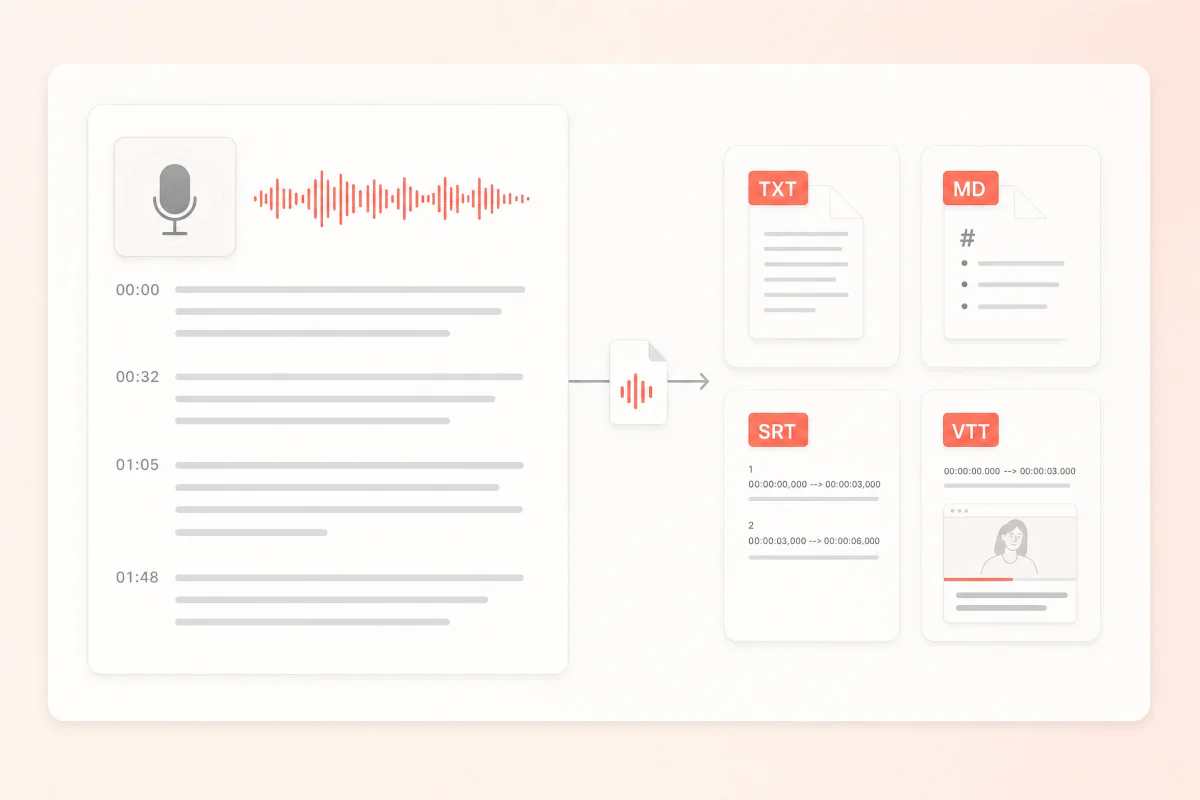
Producers, writers, researchers, and content teams all start from the same reviewed podcast transcript, then reuse it for different publishing jobs.
Privacy and access
Podcast transcripts are saved to your workspace so you can reopen, edit, summarize, and export them later. Access checks protect the task and its files.
Read the privacy policyRetrieved media and transcript files are stored with your authenticated task, not published as public pages.
Playback, transcript editing, export, and AI actions run through authenticated ScribeTo routes over encrypted transport.
Delete a task when you no longer need it, or contact support if you need help removing transcript data.
Compare the shared ScribeTo plans for podcast transcription, link transcription, editing, export, and AI actions across your media-to-text workflow.
Great for trying the whole workflow once.
$0
No credit card required
Get startedFor regular transcription work, week to week.
$19.99 / month
$219.90 / year if billed yearly
Subscribe nowFor high-volume archives, teams and agencies.
$59.99 / month
$679.90 / year if billed yearly
Subscribe nowPractical answers about podcast links, speaker labels, podcast to text output, export formats, privacy, and reuse.
Copy the public episode URL from Spotify, Apple Podcasts, or an RSS-backed podcast page, paste it into the field at the top of this page, and create the transcription task. When the audio is accessible, the podcast transcript opens in your workspace.
Speaker identification is available in supported transcription workflows. You can review host and guest turns, rename speakers, and keep attribution clear before exporting the transcript.
No. This page is for podcast to text transcription. It creates an editable transcript and export files rather than saving the original podcast audio. Use the podcast downloader pages when you need a media file.
A public episode can still fail when the audio is deleted, private, region restricted, temporarily unavailable, login protected, or blocked by the host. If you own the recording, upload the audio file instead.
Export TXT for clean copy, Markdown for show notes and briefs, or SRT/VTT when the episode becomes a video, clip, or course asset with timed captions.
Not reliably. ScribeTo works with public media you have the right to process. Upload the original file when a platform blocks access.
Start with one episode link and leave with reusable podcast text.
Paste a public podcast episode link and turn the conversation into an editable transcript, show notes, pull quotes, and export-ready files.