
Search the whole video
Find a quote, decision or keyword without replaying the full recording.

Public video links and your own files
Generate transcript from video link or upload video and get a transcript. Review searchable text with timestamps, speaker labels and export formats built for the next step.
YouTube · TikTok · Instagram · X · Facebook · Spotify · Apple Podcasts
A free account includes 10 transcription minutes each month.
The result is more than a paragraph of text. Keep the video, timing, speakers and editable words together while you verify what matters.
Speakers
HostA useful transcript keeps every claim close to its source.
HostSearch the words first, then jump back to this moment.
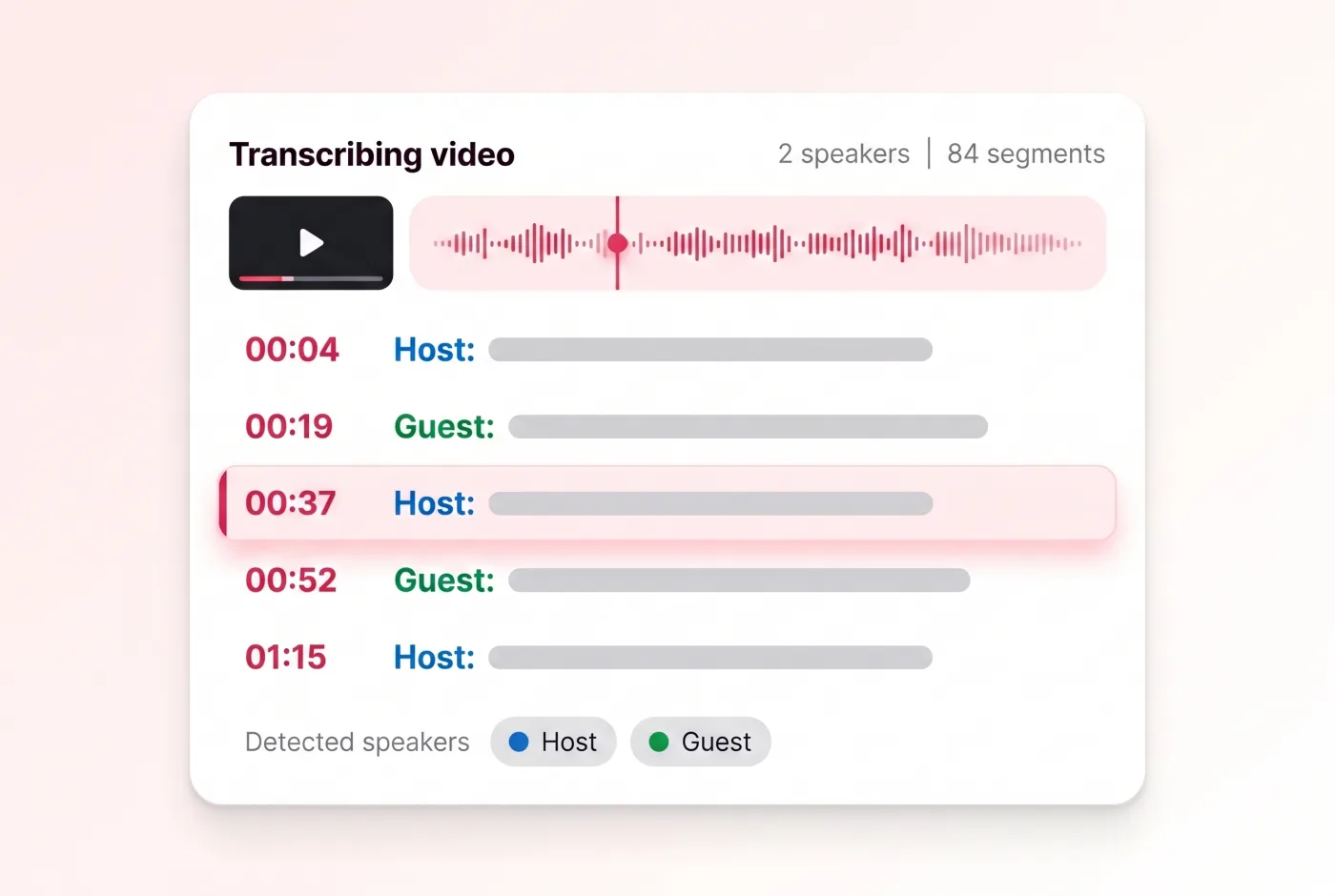
GuestSpeaker labels make interviews and panels easier to scan.
HostReview the wording before you quote, caption or publish it.
Find a quote, decision or keyword without replaying the full recording.
Use a timestamp to return to the exact source moment before quoting it.
Review distinguishable voices and rename a label once for consistent reading.
Correct a name, number or technical term without rebuilding the transcript.
Move reviewed text into TXT, Markdown, SRT, VTT or JSON.
One workflow takes you from a public link or owned file to reviewed, portable text.
Step 1
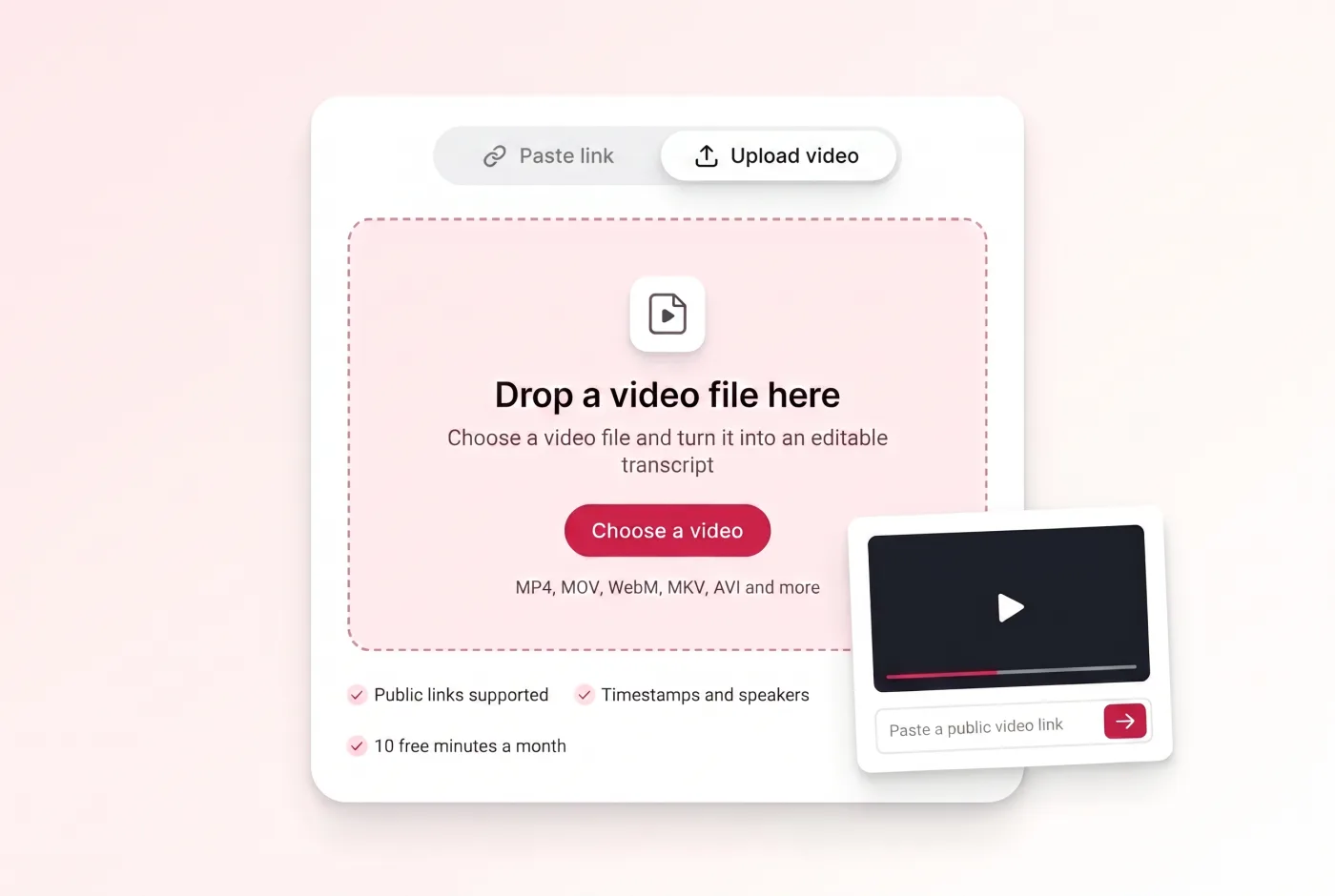
Paste a supported public video link, or switch to Upload video for a file you own.
Step 2
ScribeTo processes accessible speech and creates timestamped transcript segments, even when the source has no caption track.
Step 3
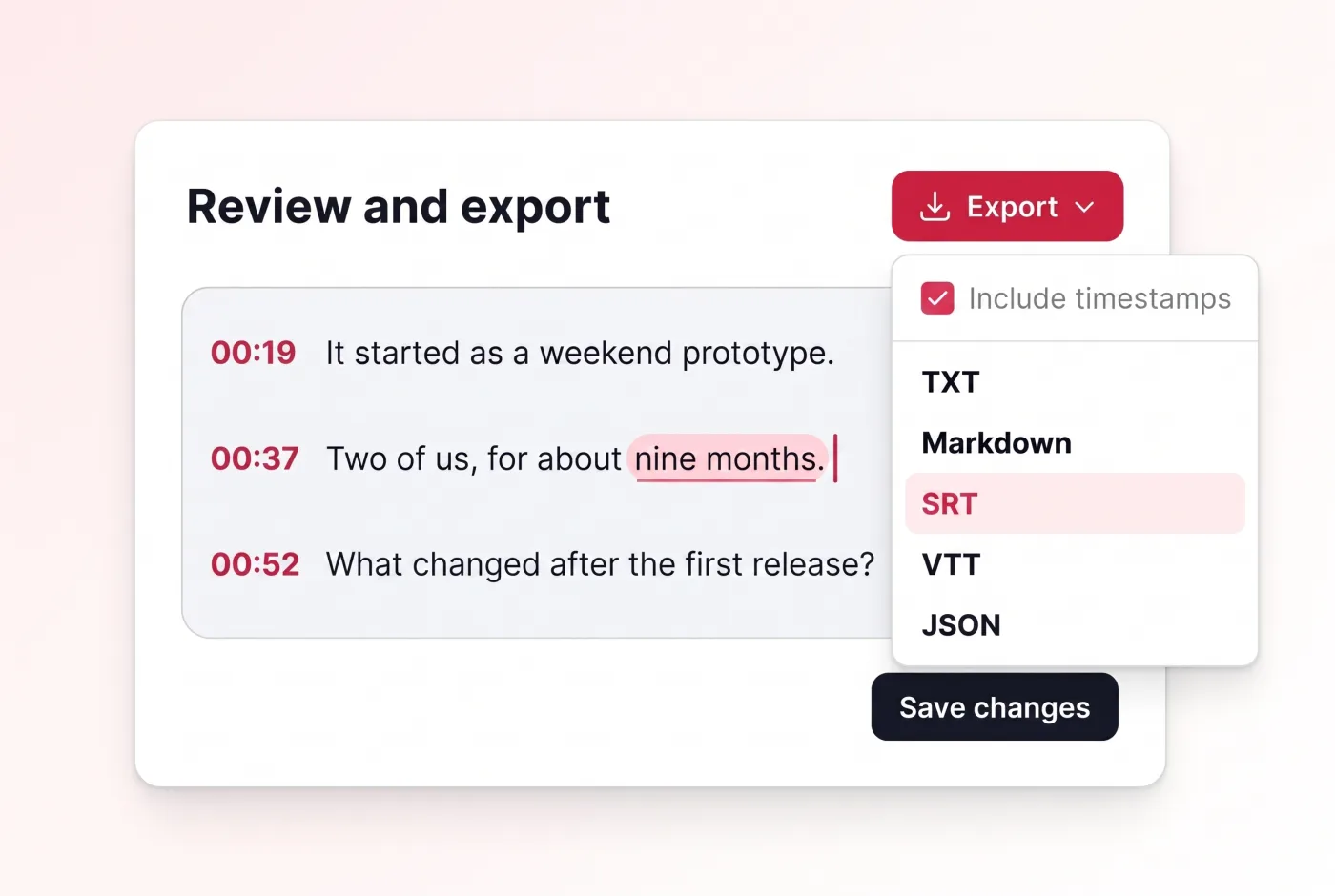
Check names, numbers and technical terms, then copy, search or export as TXT, Markdown, SRT, VTT, JSON.
Use one of the verified public-link providers or upload a common video file. The media still has to be playable when the task begins.
tiktok.com
instagram.com
youtube.com
x.com
facebook.com
spotify.com
podcasts.apple.com
Common uploads include MP4, MOV, WebM, MKV and AVI. Use the file you own or are authorized to process.
Private, deleted, expired, login-only, region-restricted or age-restricted media may not expose a playable source. Upload your own file when you have it.
The transcript stays beside the source while you correct details, organize speakers and prepare the next output.
Correct wording inline and keep the surrounding timestamped context.
Locate a phrase across the complete recording instead of scrubbing the timeline.
Rename distinguishable voices and keep their lines consistent throughout the transcript.
Download the reviewed version as text, subtitles or structured segments.
Use account-entitled AI actions after the transcript is ready, while keeping the full text available for checking.
Create a concise overview when you need the main point before the full detail.
Turn a long recording into a navigable structure without discarding the source wording.
Identify decisions and next steps after the source text has been reviewed.
Ask a focused question and ground the response in the finished transcript.
A complete transcript serves different jobs without forcing every audience into the same output.
Search lectures, prepare study notes and revisit the exact source moment behind a concept.
Turn owned videos into show notes, caption drafts, article outlines and searchable archives.
Find quotations, verify wording and keep timestamps beside interview or evidence notes.
Review webinars, customer interviews, training videos and recurring team recordings.
Related search phrases sound similar, but the most useful output depends on what you plan to do next.
Choose a searchable, editable record when you need to read, quote, review or reuse what was said.
Choose timed, line-broken text when the words must play back on screen.
Use the upload-first converter when your job begins and ends with a local video file.
Use a focused page when you only need YouTube, TikTok or Instagram link guidance.
AI creates the first draft; a short source-aware review turns it into text you can rely on.
Your transcript is account-scoped, deletable and separate from public page content. Media uses a shorter retention path than the transcript record.
The same balance works across every ScribeTo transcription tool. Start on the free allowance, buy minutes once, or subscribe.
Great for trying the whole workflow once.
$0
No credit card required
Get startedFor regular transcription work, week to week.
$19.99 / month
$219.90 / year if billed yearly
Subscribe nowFor high-volume archives, teams and agencies.
$59.99 / month
$679.90 / year if billed yearly
Subscribe nowStraight answers about links, uploads, free allowance, missing captions, accuracy, export and privacy.
A video transcript generator uses speech recognition to turn spoken video audio into editable written text. A practical result keeps timestamps, speaker labels and export options beside the words.
Paste a supported public link or upload a video you own, start the transcription task, then review names, numbers and technical terms before copying or exporting the result.
You can start with a free account that includes 10 transcription minutes and 3 AI actions each month. Minute packs and subscriptions use the same pricing as the other ScribeTo transcription tools.
Paste supported public links from YouTube, TikTok, Instagram, X, Facebook, Spotify and Apple Podcasts. A valid host does not guarantee access when the media is private, deleted or restricted.
The page accepts common video files such as MP4, MOV, WebM, MKV and AVI. The browser also validates that the selected file is recognized as audio or video before starting an upload.
Yes. ScribeTo can process audible speech from accessible media instead of depending on an existing caption track, so a supported video without captions can still become a transcript.
Yes. Transcript segments preserve timing, and distinguishable voices can receive speaker labels that you can review and rename in the workspace.
After review, export the result as TXT, Markdown, SRT, VTT, JSON. Text formats support writing and archiving, SRT and VTT support timed captions, and JSON preserves structured segments.
ScribeTo's transcription and translation workflows include 99+ language choices. Automatic detection is available, while recording quality and task configuration still affect the result.
Video transcript accuracy depends on the recording. Clear speech, distinct speakers and little background music usually need fewer corrections; noise, crosstalk, accents and compressed audio can require more review.
ScribeTo cannot bypass a platform's access controls. A private, deleted, login-only, age-restricted, region-restricted or otherwise unavailable source may not provide playable media for transcription.
Transcripts are scoped to your account and can be deleted. Retrieved or uploaded media follows the product's shorter media-retention workflow rather than becoming a permanent public video library.