
01
Paste the media link
Open a public Reel or video post, use Copy Link, and paste the direct /reel/, video /p/, or supported /tv/ URL above.

Download public Instagram Reels and video posts from one link. Compare the video or audio formats available from the source, then save the file you need.
Copy a public Instagram Reel or video-post link, review the available source formats, and save the file in your browser.
Open a public Reel or video post, use Copy Link, and paste the direct /reel/, video /p/, or supported /tv/ URL above.
Review the source-provided video and audio variants, including container, resolution, bitrate, and estimated size when available.
Select the format you want and save it to your current device for offline viewing, editing, captions, or transcription.
Follow a clear path from one public Reel or video post to an available file and a useful next step.
Start with one public Reel or supported video-post URL rather than a profile, Story, Highlight, or private page.
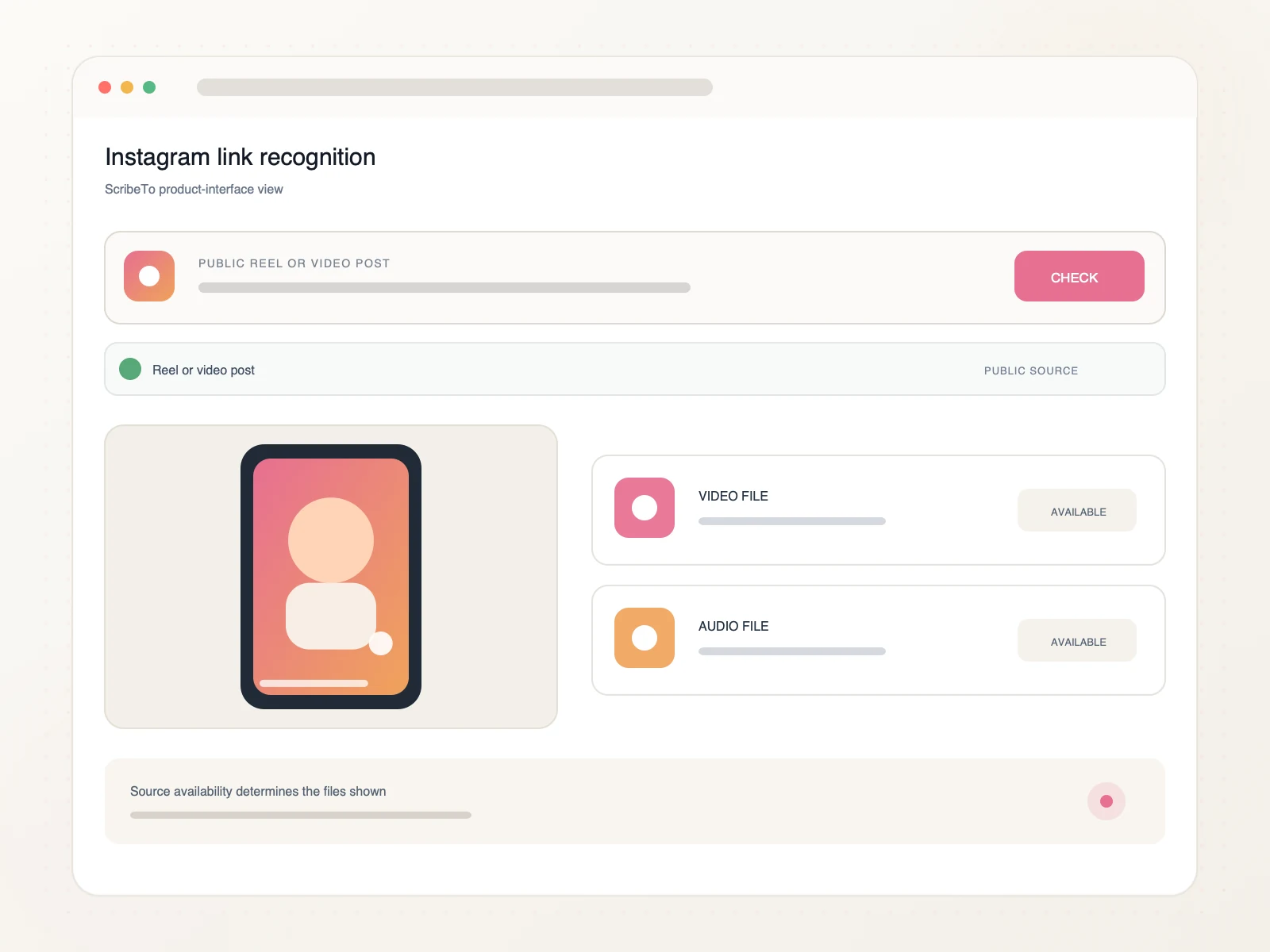
Compare the video or audio files returned for that public source, including available container and size details.
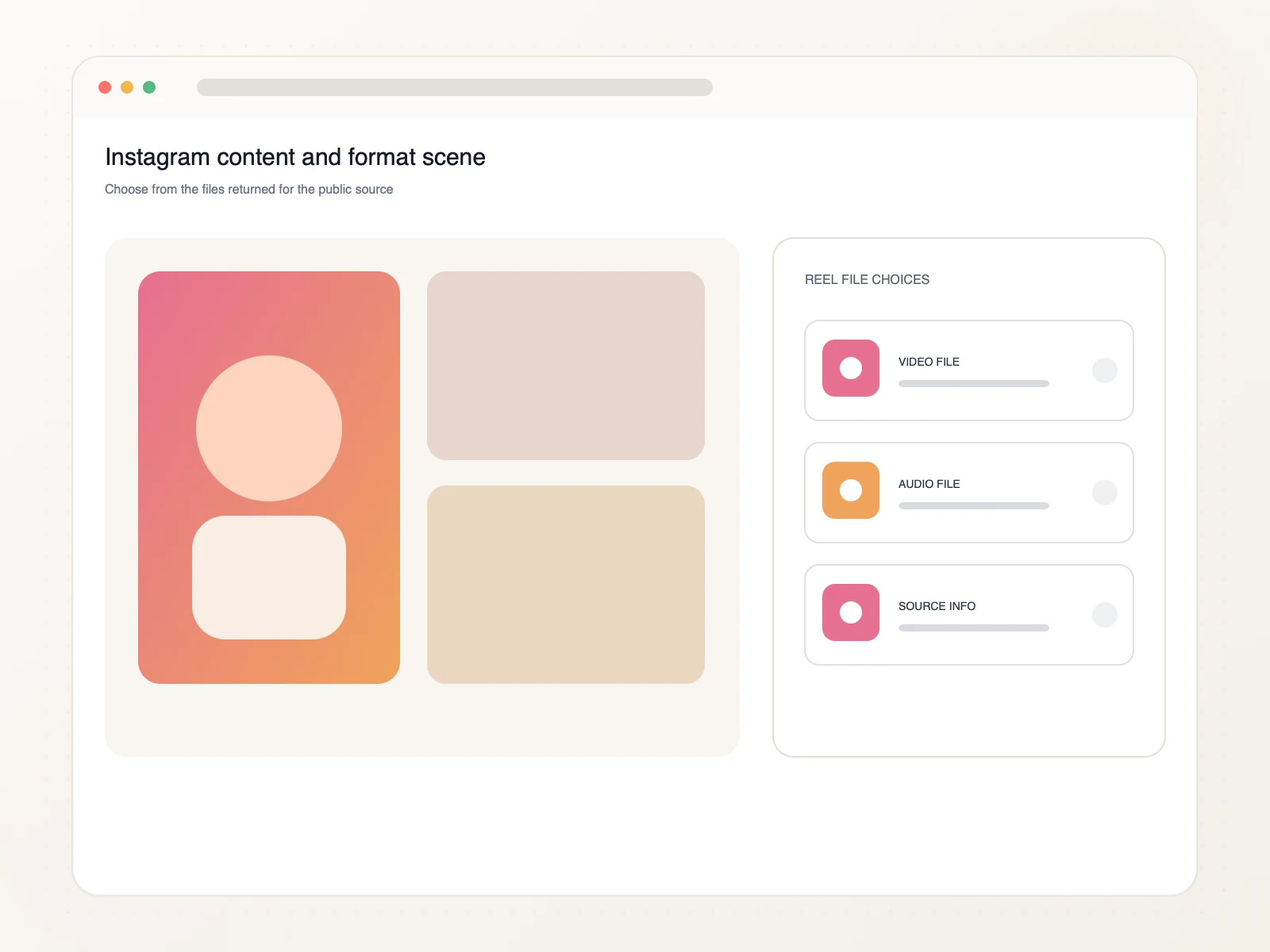
Use an authorized saved Reel for creative reference, owned-content repurposing, captions, or an editable transcript.
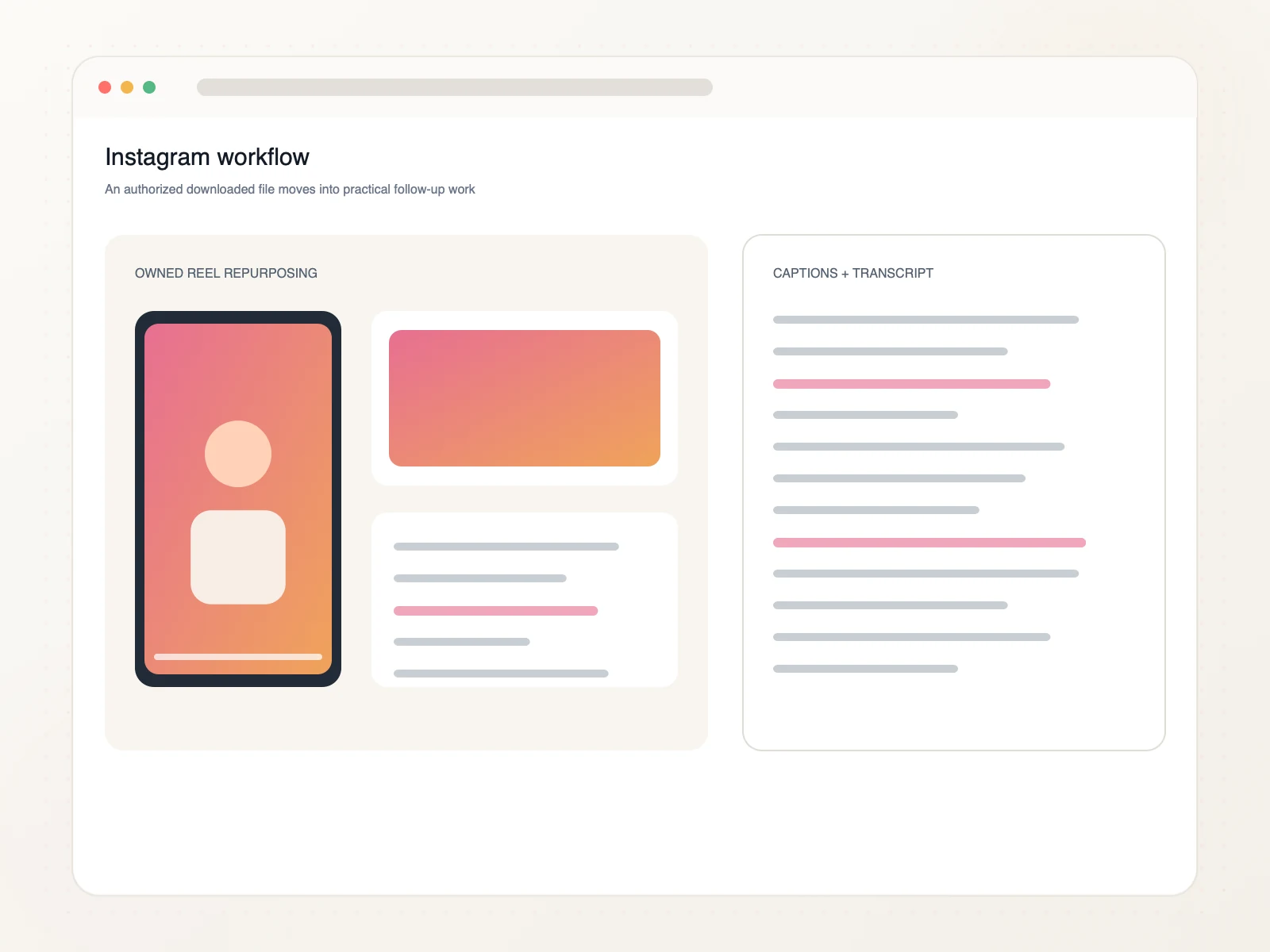
Keep authorized Instagram video useful beyond the feed without losing its original context.
Move your own Reel into another edit, channel, or campaign asset.
Keep authorized visual references organized with their original source.
Prepare spoken video for a separate caption-writing or review step.
Create searchable text from an authorized Reel when the words matter.
Copy the public Reel or video-post link, paste it into ScribeTo, choose an available format, and start the browser download.
Yes. Supported public Instagram Reel links can be processed alongside video posts and supported Instagram TV URLs.
Yes. Link resolution and direct downloads require a signed-in account and available download units. Each format button shows its direct-download unit cost.
ScribeTo does not remove or alter watermarks. It shows the video variants made available by the source, so watermark behavior depends on the selected source file.
Available containers, resolutions, audio options, bitrates, and sizes depend on the public Reel or video post and are displayed before download.
Yes. The workflow runs in a modern mobile or desktop browser. Your browser and device settings determine the final download location.
Private, deleted, login-only, unavailable, profile, Story, or Highlight links may not expose downloadable video. Paste one direct public Reel or video-post URL.
Only download media you own or have permission or another lawful basis to use. You are responsible for copyright compliance and Instagram's terms.
Paste a public Instagram Reel or video-post link, compare the available formats, and save the file in your browser.
Paste an Instagram link