
01
Paste the media link
Open the public X or Twitter post containing media, copy its direct status URL, and paste it into the downloader.

Download video from public X and Twitter posts. Paste one status link, compare the source-provided video or audio options, and save the format you need.
Copy a public X or Twitter status link, review the available source formats, and save the file through your browser.
Open the public X or Twitter post containing media, copy its direct status URL, and paste it into the downloader.
Review the source-provided video and audio variants, including container, resolution, bitrate, and estimated size when available.
Choose one available format and save it in your current browser for an offline file you can review or reuse.
Resolve one public status link, inspect the media source returned, and preserve the file with its research context.
Paste the status URL for one public post on x.com or twitter.com so the page can inspect its media source.
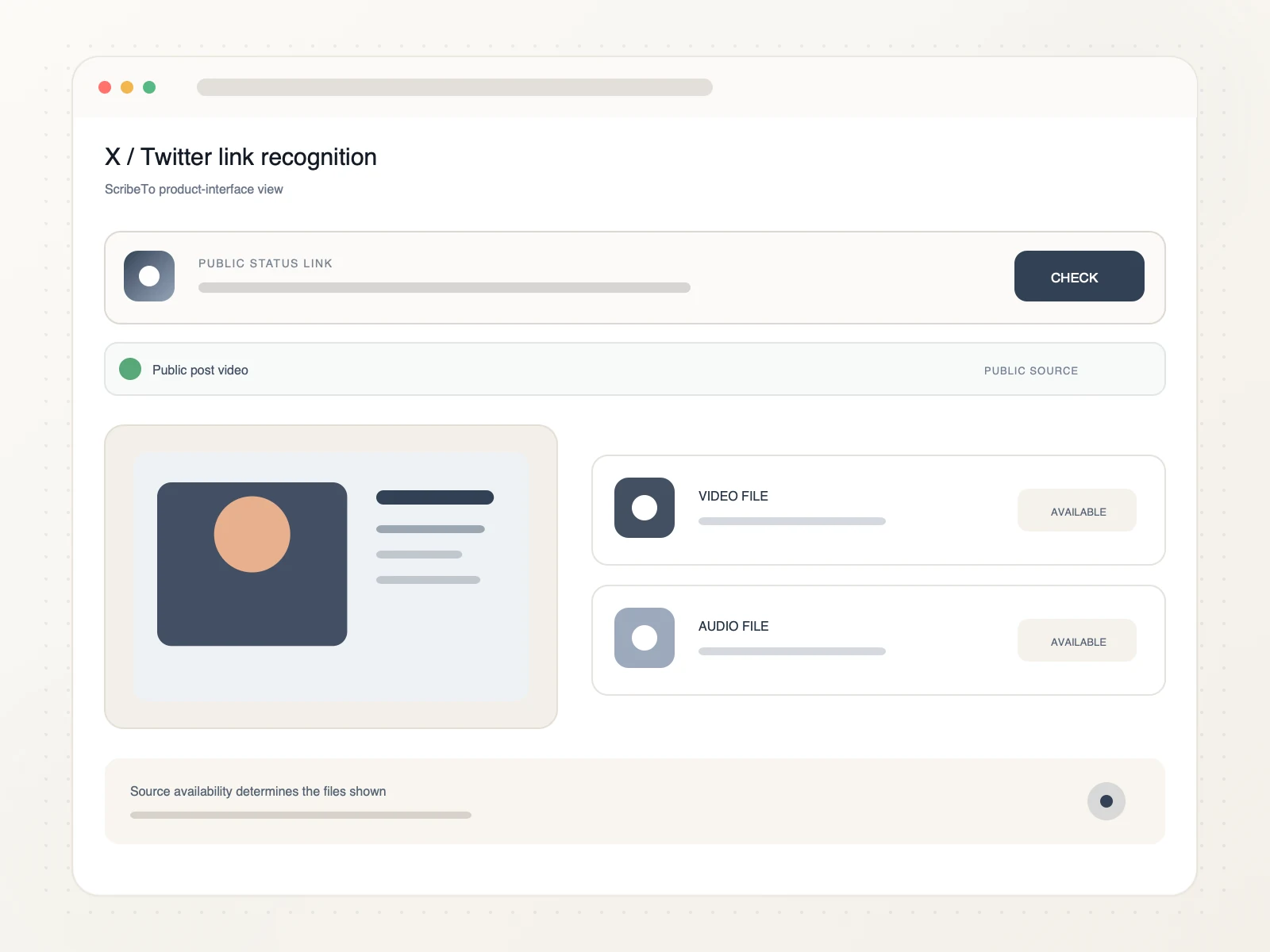
Review the available video or audio source returned for that public post before saving a file.
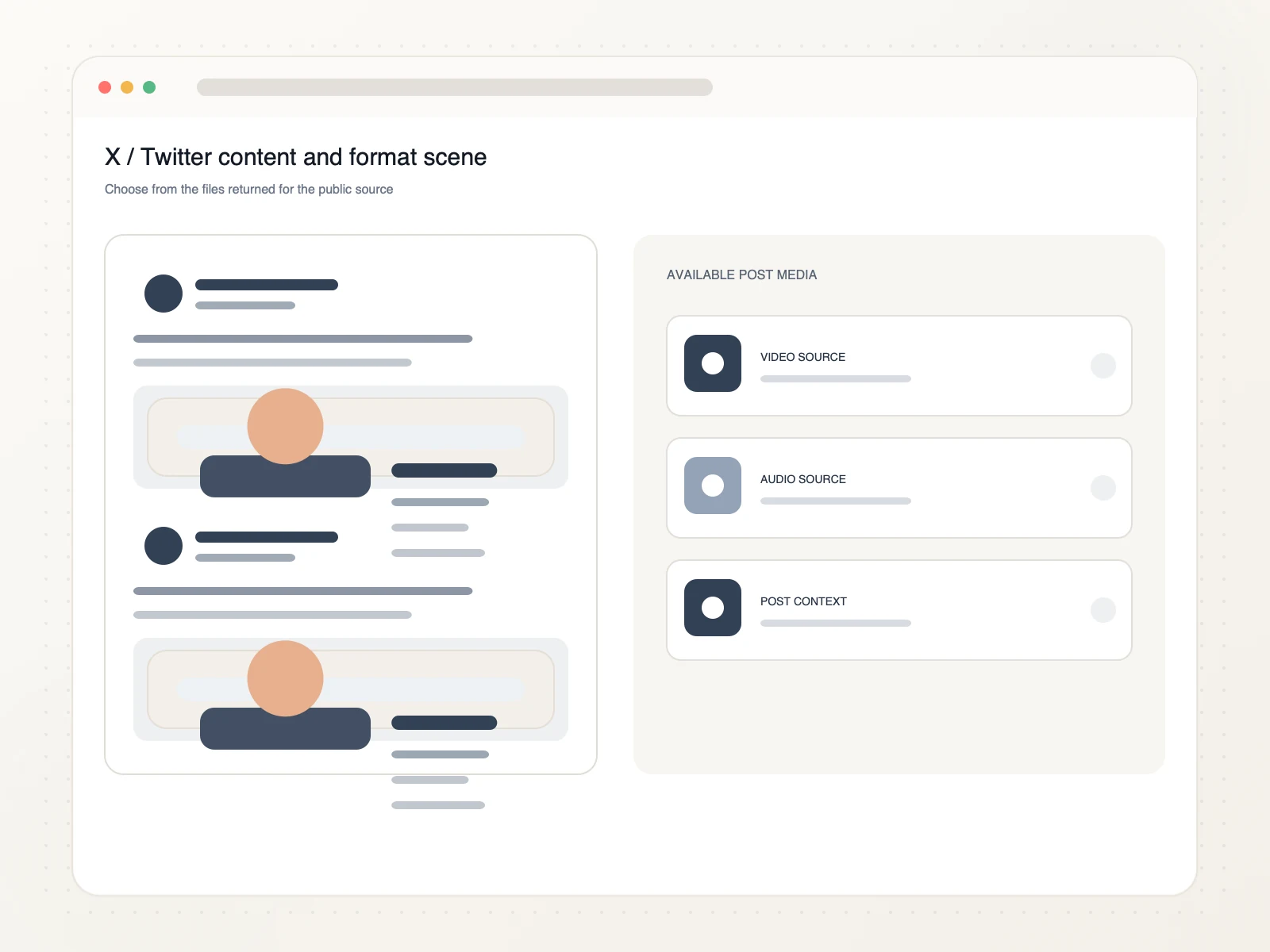
Preserve authorized post media for source review, fact-checking, quote research, or transcription.
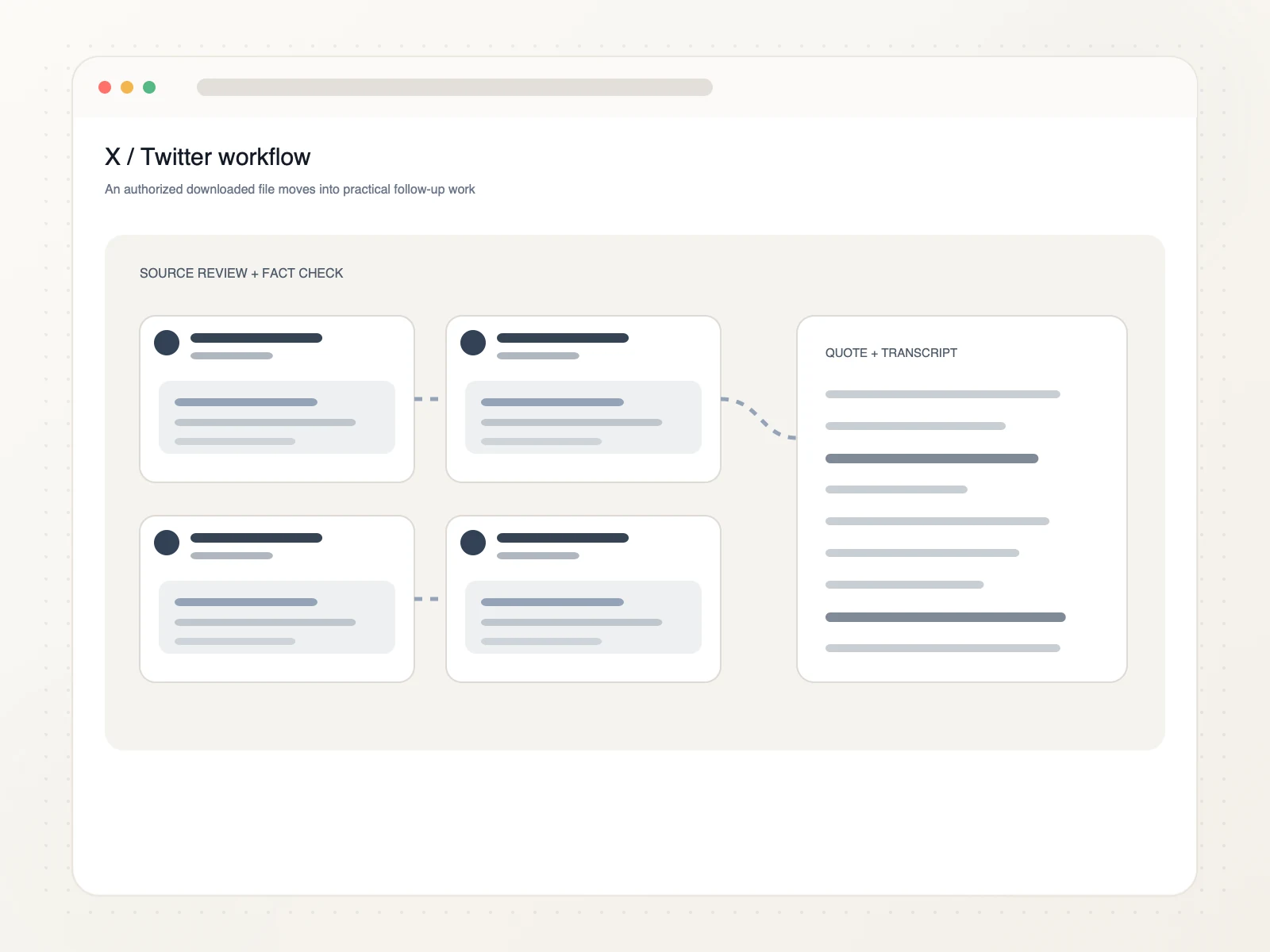
Turn authorized public-post media into evidence, notes, and searchable source material.
Keep public-post media beside the link and notes that explain its context.
Preserve authorized video evidence for comparison with other public sources.
Review spoken statements and isolate the passages relevant to your research.
Turn saved speech into searchable text and a durable source record.
Copy the public status URL with media, paste it into ScribeTo, choose an available source format, and start the browser download.
Yes. Link resolution and direct downloads require a signed-in account and available download units. Each format button shows its direct-download unit cost.
Yes. Supported public x.com and twitter.com status URLs work when the post contains media that is available from the source.
Available containers, resolutions, audio options, bitrates, and sizes depend on the public post. ScribeTo displays the source-provided options before download.
Yes. The downloader works in a modern browser on mobile, tablet, and desktop. Your device and browser settings determine where the completed file is saved.
If the public post exposes an audio-only source variant, it appears alongside video options. Availability depends on the media returned for that status URL.
Protected, deleted, login-only, age-restricted, unavailable, profile, search, or non-status pages may not expose downloadable media. Paste one direct public status URL.
Only download media you own or have permission or another lawful basis to use. You are responsible for copyright compliance and the platform's terms.
Paste a public x.com or twitter.com status link, compare the available formats, and save the video or audio file in your browser.
Paste an X link