
01
Paste the media link
Open the Apple Podcasts episode, use Share or Copy Link, and paste the public URL with its specific episode identifier above.

Download audio from a public Apple Podcasts episode link. Review the source-provided format, then save the file for offline listening, notes, clips, or transcription.
Copy a public Apple Podcasts episode link, review the available audio source, and save the file through your browser.
Open the Apple Podcasts episode, use Share or Copy Link, and paste the public URL with its specific episode identifier above.
Review the available audio container, bitrate, duration, metadata, and estimated size returned for that individual episode.
Choose the available episode audio and save it to your current device for offline listening, notes, clips, research, or transcription.
Resolve one public episode link, inspect the available audio details, and carry the saved episode into later work.
Start with a public Apple Podcasts URL that identifies one episode rather than only a show page.
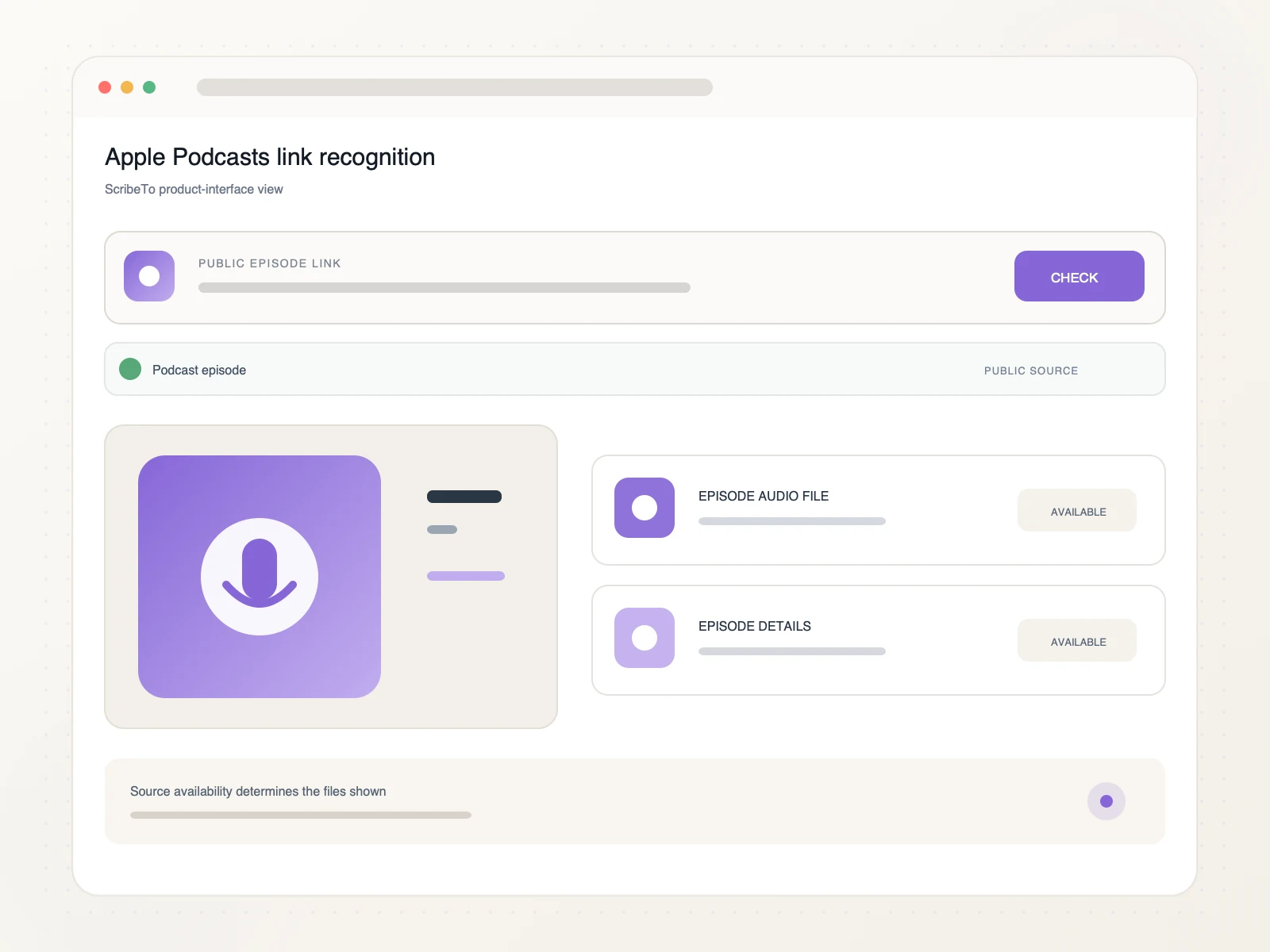
Review the episode audio file, container, bitrate, duration, and size when those details are available.
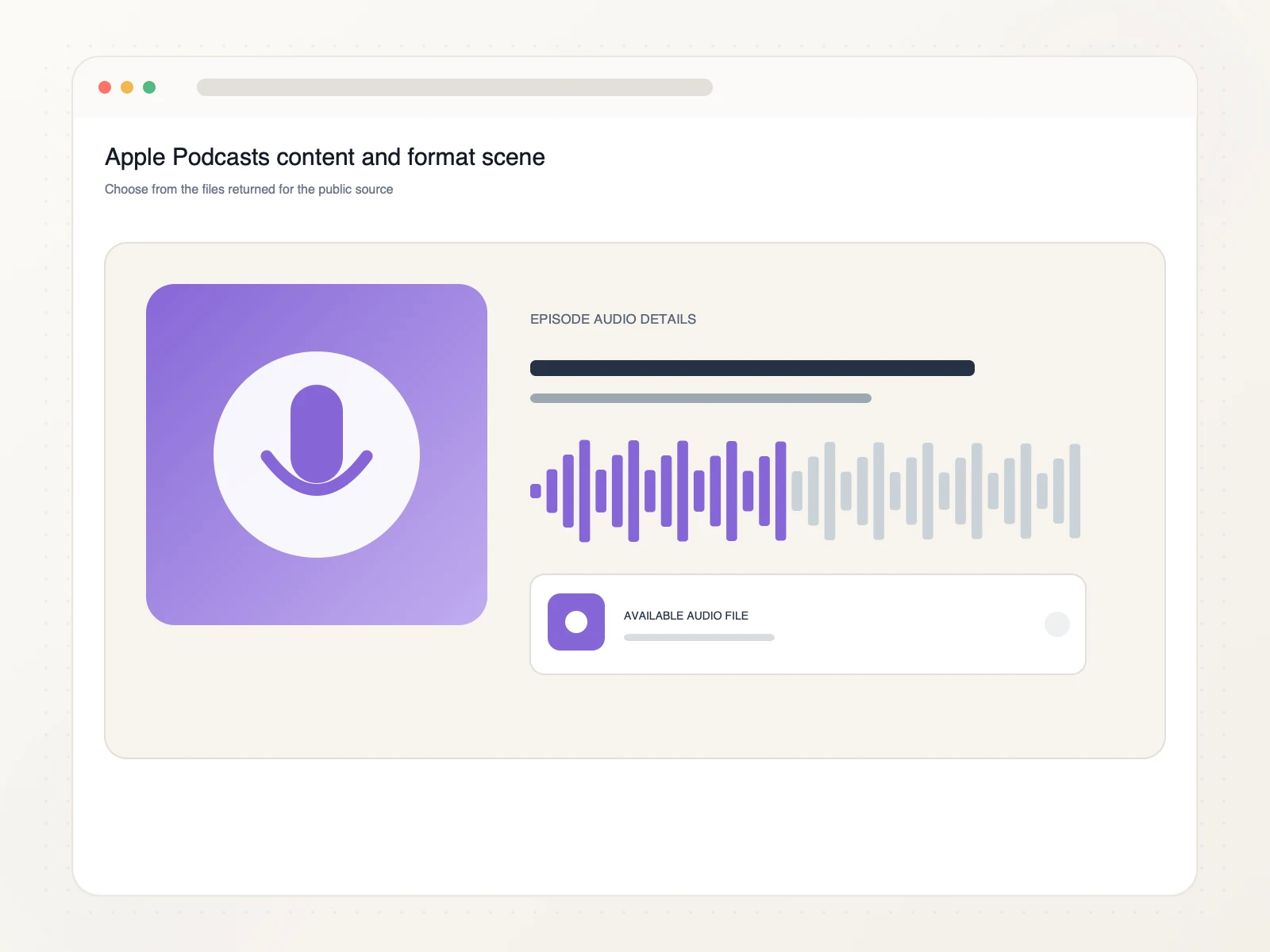
Bring the saved episode into an archive, quote-research workflow, show-note process, or transcription task.
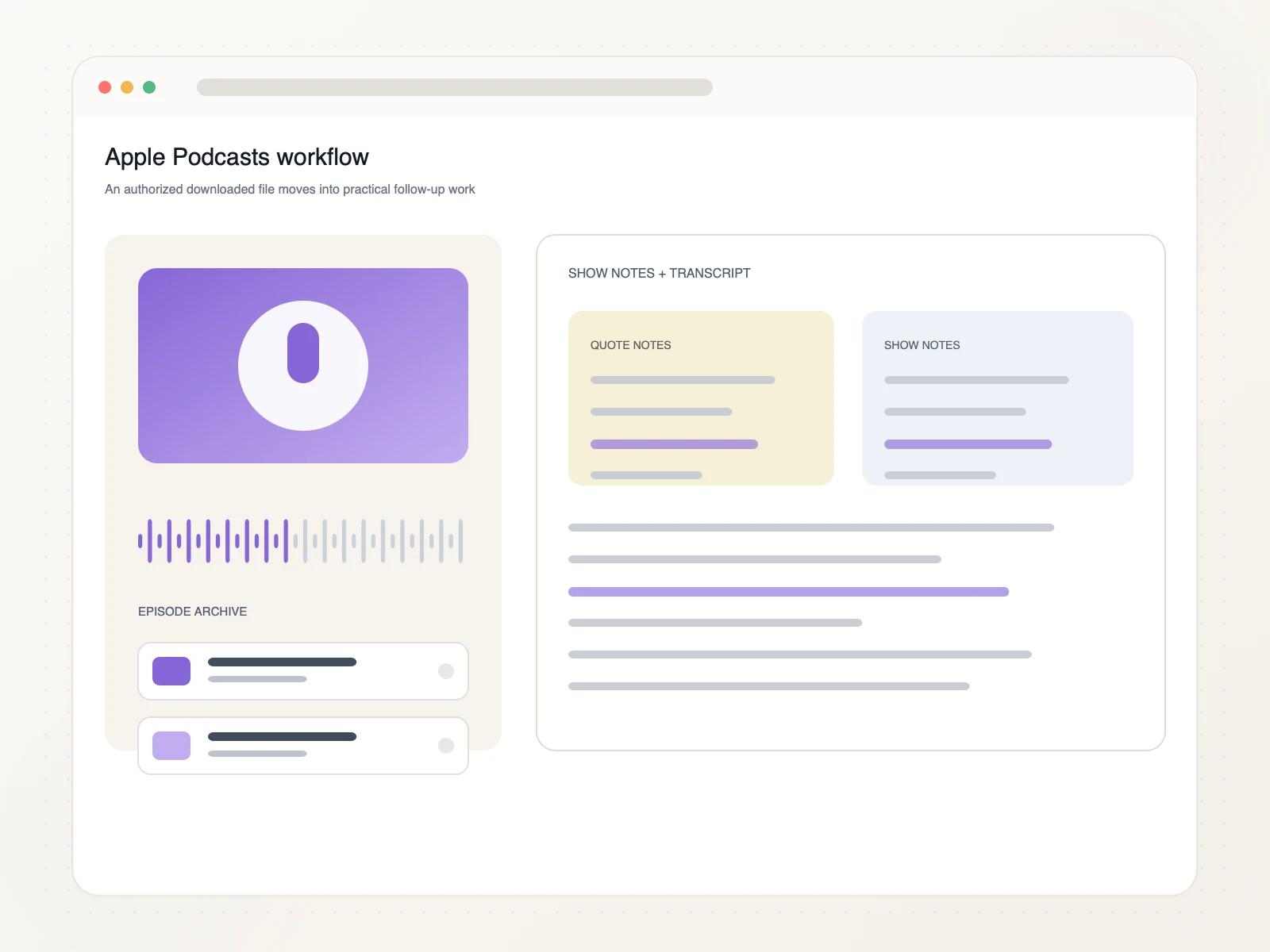
Use authorized episode audio for listening, archiving, research, and searchable notes.
Keep one authorized episode available for listening outside the browser.
Store the audio with its show, episode, and source details for later reference.
Review important passages and preserve the context around each quotation.
Turn spoken content into structured notes or searchable text in a separate step.
Copy the public Apple Podcasts episode URL, paste it into ScribeTo, review the available audio source, and start the browser download.
Yes. Link resolution and direct downloads require a signed-in account and available download units. Each format button shows its direct-download unit cost.
Use a direct public Apple Podcasts URL for one episode. Show pages without an episode identifier and bulk show downloads are not supported inputs.
The available container, bitrate, duration, metadata, and estimated size depend on the public episode source and are shown before download.
Yes. Use a modern browser on iPhone, Android, tablet, or desktop. The browser and device settings determine where the downloaded episode file is saved.
Use one direct public episode URL at a time. This keeps the available source audio and the file you choose clear for each episode.
Protected, removed, unavailable, region-limited, show-only, or episode links without accessible public audio may not be available for download.
Only download audio you own or have permission or another lawful basis to use. You are responsible for copyright compliance and Apple Podcasts terms.
Paste a public Apple Podcasts episode link, review the available audio source, and save the file for listening, notes, clips, or transcription.
Paste an episode link