


Search and correct wording
Find an exact hook, quote, product name or call to action.

Works with public Instagram Reels and video posts
Paste a public Instagram link and turn spoken audio into editable, searchable text with timestamps, speaker labels and practical export options.
Choose a file from your device and turn it into an editable transcript.
Choose a fileMP3, WAV, M4A, MP4, MOV, WebM and more
Turn a Reel or Instagram video into editable text with speaker labels and timestamps. Search, correct and reuse any moment without losing its source.
CreatorThe first three seconds decide whether people keep watching.
CreatorStart with the result, then explain why it matters.
GuestNow the hook is searchable, editable and ready to review.
CreatorKeep the timestamp when you quote or turn it into subtitles.
Find an exact hook, quote, product name or call to action.
Each segment stays connected to its moment in the Reel.
Rename a distinguishable voice once and keep its segments organized.
Download text, Markdown, SRT, VTT or JSON after review.
Copy the public Instagram link you already have. ScribeTo handles the media handoff, speech recognition and editable output in one browser workflow.
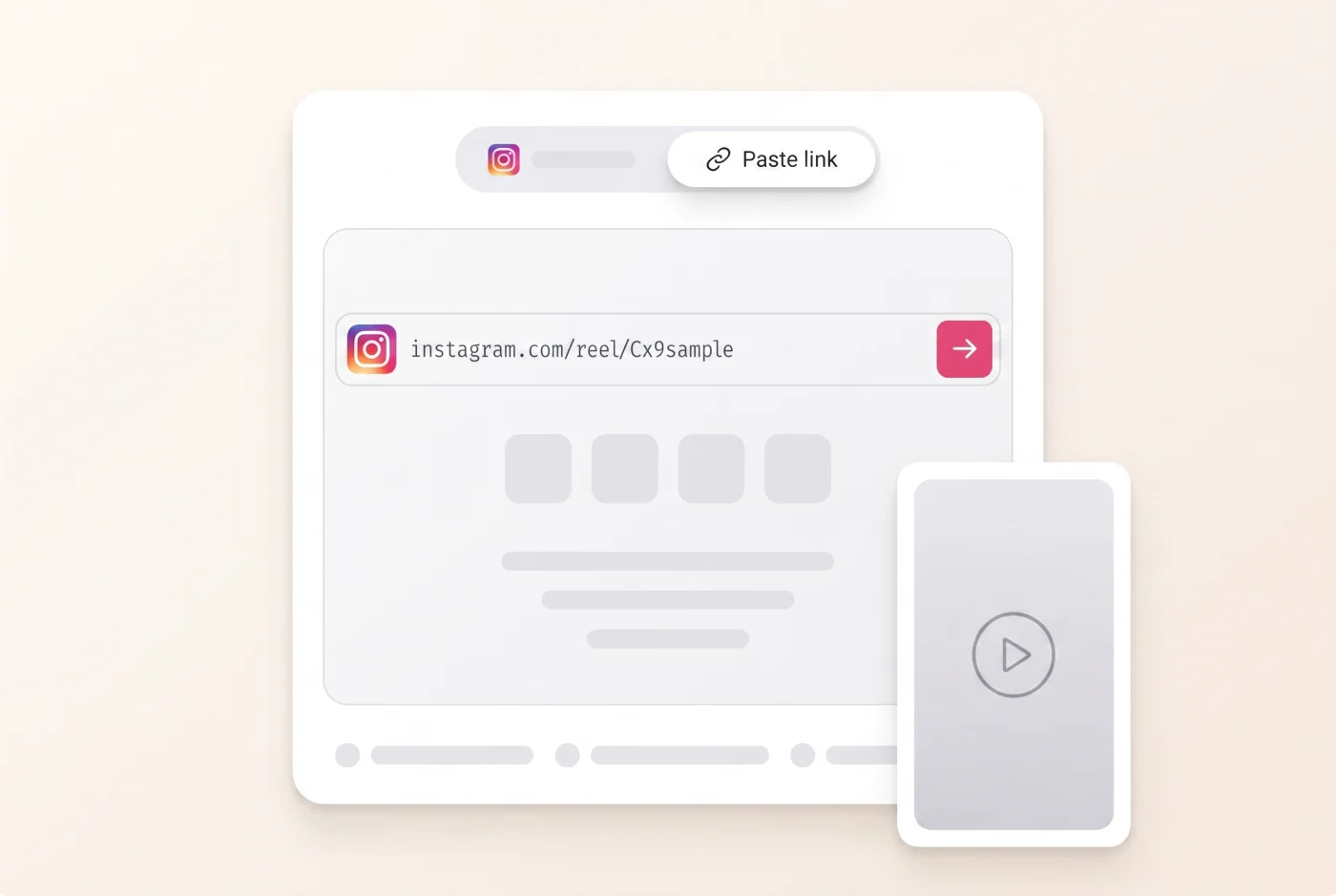
Step 1
Open a public Reel or video post and copy its link from Share or the desktop address bar.
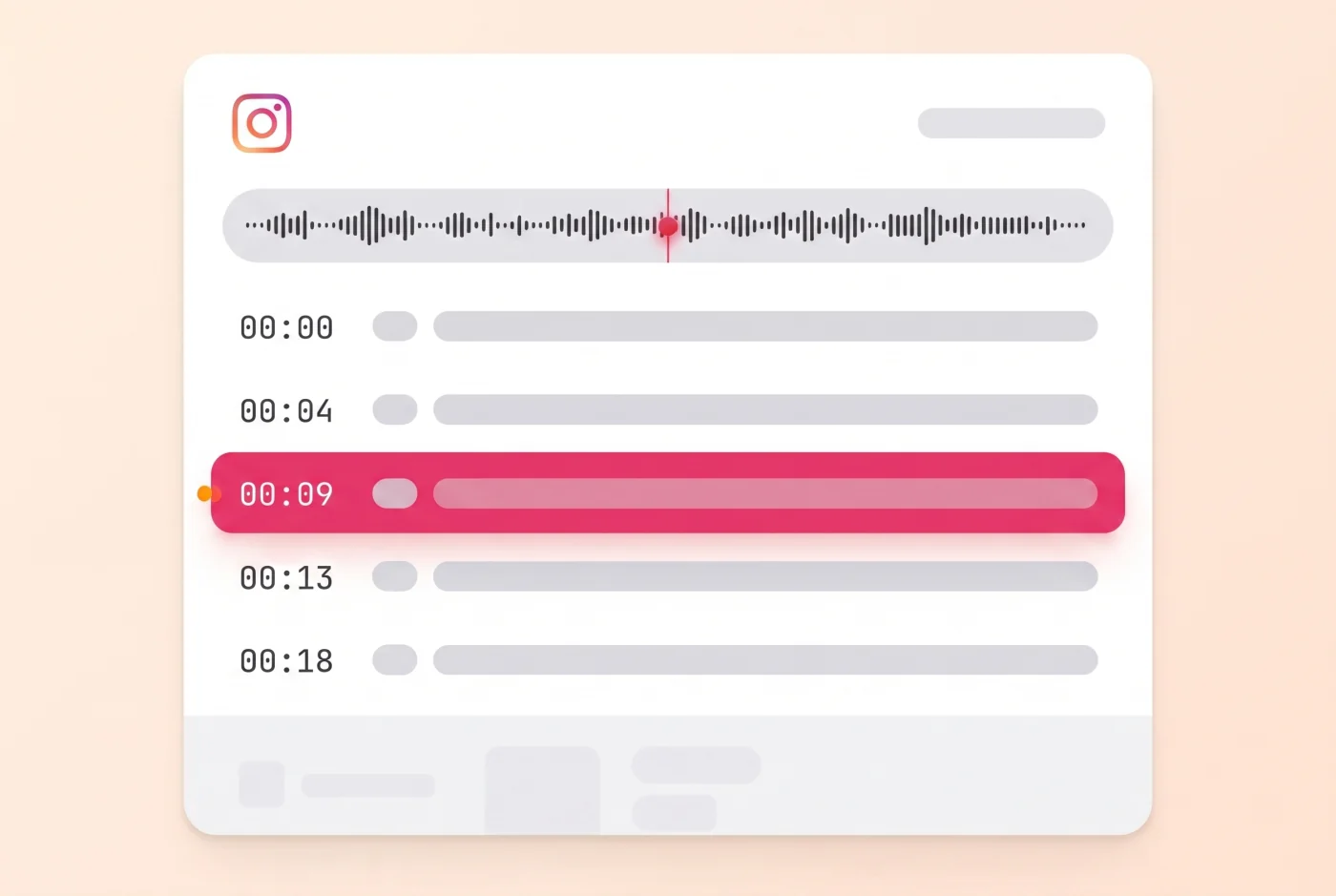
Step 2
Paste the link above and start the task. ScribeTo processes audible speech from accessible media.
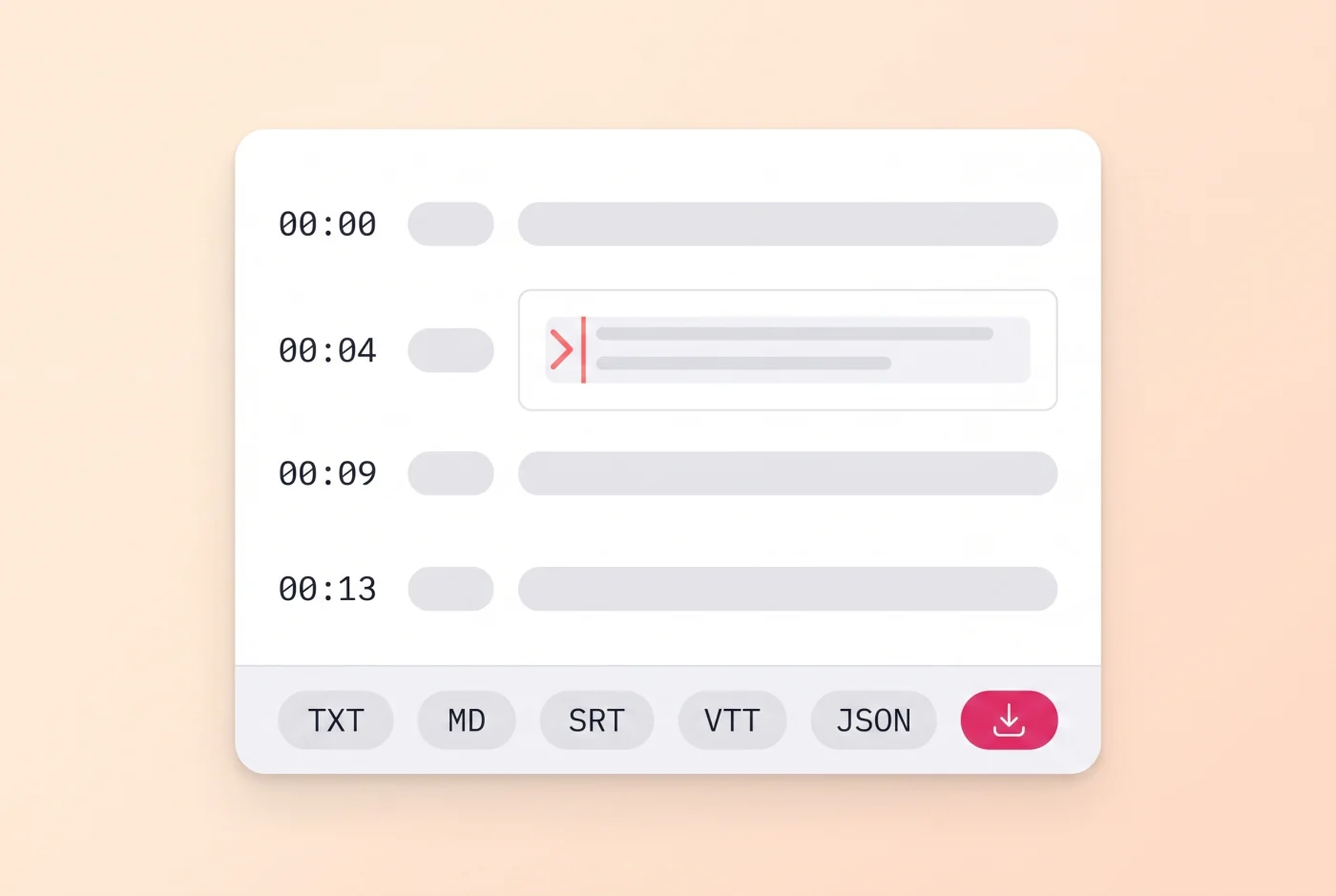
Step 3
Correct important wording, search the Reel script, then copy or export it as TXT, Markdown, SRT, VTT, JSON.
A valid instagram.com URL is only the first check. The Reel or video still has to be public and accessible when the task begins.
Paste the full Reel URL copied from Share or from a desktop browser.
Accessible public posts that contain video and audible speech can use the same workflow.
Speech recognition listens to accessible audio rather than requiring an existing caption track.
ScribeTo does not ask for your Instagram credentials or use them to reach private accounts.
If Instagram no longer serves the video, there is no media for the transcription task to hear.
Stories can expire and commonly require a signed-in Instagram session.
Need the media file instead? The downloader can test an accessible public link, but it does not bypass access controls. Check the Instagram downloader
Keep the Instagram source beside the words while you correct details, organize speakers and prepare the right file for the next step.
Click a segment to correct names, punctuation or words that matter.
Locate a phrase without scrubbing through the full Reel timeline.
Rename distinguishable voices and keep their lines consistent.
Choose text, subtitle or structured output only after the transcript is reviewed.
Once the wording is right, use account-entitled AI actions to understand or adapt the material without detaching it from the transcript.
Create a concise overview of the Reel after the transcript is ready.
Expose the hook, supporting beats and call to action as a readable structure.
Ask a focused question and ground the response in the reviewed transcript.
Translate supported transcript or subtitle tracks for another audience.
Use an Instagram Reel script to complete a specific job while keeping the original source and creator rights in view.
Read the opening, proof and call to action from authorized or public examples without replaying each second.
Explore this workflowReview timing and export SRT or VTT for media you own or have permission to edit.
Explore this workflowFind exact wording, retain its timestamp and return to the source before publishing an important quotation.
Explore this workflowTurn owned or authorized material into original notes, briefs, captions or article drafts after review.
Explore this workflowClear facts about language coverage, storage and cost before you start an Instagram video transcript.
The spoken language can be detected automatically. Translate a finished transcript or subtitle track through the wider ScribeTo workflow when the task supports it.
Your account owns the transcript, and you can delete it when the work is done.
Retrieved media uses a shorter retention period instead of becoming a permanent video library.
A free account includes 10 transcription minutes and 3 AI actions each month. More time is available through minute packs or plans.
View pricingAnswers about public links, Reels, missing captions, export, language, accuracy and responsible use.
Copy the link from a public Instagram Reel or video post, paste it at the top of this page and start the task. ScribeTo turns accessible speech into editable, timestamped text for review and export.
A free account includes 10 transcription minutes and 3 AI actions each month, with no card required. An account is required to keep the task and open the transcript workspace.
Use a public instagram.com Reel URL or an accessible public video-post URL. Tracking parameters are accepted, but an Instagram hostname alone cannot make private or unavailable media accessible.
Yes, when the Reel or video post is public and its media is accessible. The workflow reads the audible speech, so it can produce an Instagram video transcript even when captions were not added to the post.
Stories commonly expire or require an Instagram login, so they are not reliable public-link sources. If you own the original video, use the upload tab instead.
No. ScribeTo needs media that Instagram serves publicly. It does not request your Instagram credentials or bypass private accounts, deleted posts, login gates or other access restrictions.
Yes. When the public media is accessible, ScribeTo runs speech recognition on the audible track instead of depending on Instagram's native captions.
Clear speech with little background music usually needs fewer corrections. Strong accents, overlapping speakers, loud music and compressed reposts can reduce accuracy, so important wording should be reviewed against the source.
Yes. Transcript segments retain timing for checking a hook or quote against the video. Distinguishable voices can receive speaker labels that you can rename while reviewing the transcript.
You can export a reviewed transcript as TXT, Markdown, SRT, VTT, JSON. Choose text or Markdown for writing, SRT or VTT for timed subtitles, and JSON for structured segments.
ScribeTo's wider transcription and translation workflows include 99+ language choices. Availability depends on task configuration, and audio quality still affects the result.
The transcript is saved to your account until you delete it, while retrieved media uses a shorter retention period. Only process content you own, that is public, or that you are authorized to use; quote, adapt and republish with the creator's rights in mind.


