
01
Paste the media link
Open the YouTube video or Short, copy its public youtube.com or youtu.be link, and paste one URL into the downloader.

Download YouTube videos and Shorts from one public link. Compare the video and audio formats available from the source, then save the file that fits your next step.
Copy a public YouTube link, compare the available formats, and save the video or audio file in your browser.
Open the YouTube video or Short, copy its public youtube.com or youtu.be link, and paste one URL into the downloader.
Review the video resolution, container, audio bitrate, and estimated size available for that specific source.
Select the format you need and save it through your browser for offline viewing, editing, captions, or transcription.
Paste one supported public link, review the files returned for it, and continue with the saved media in the workflow you choose.
Recognize public watch, youtu.be, and supported Shorts links without treating channel or playlist pages as a single video.
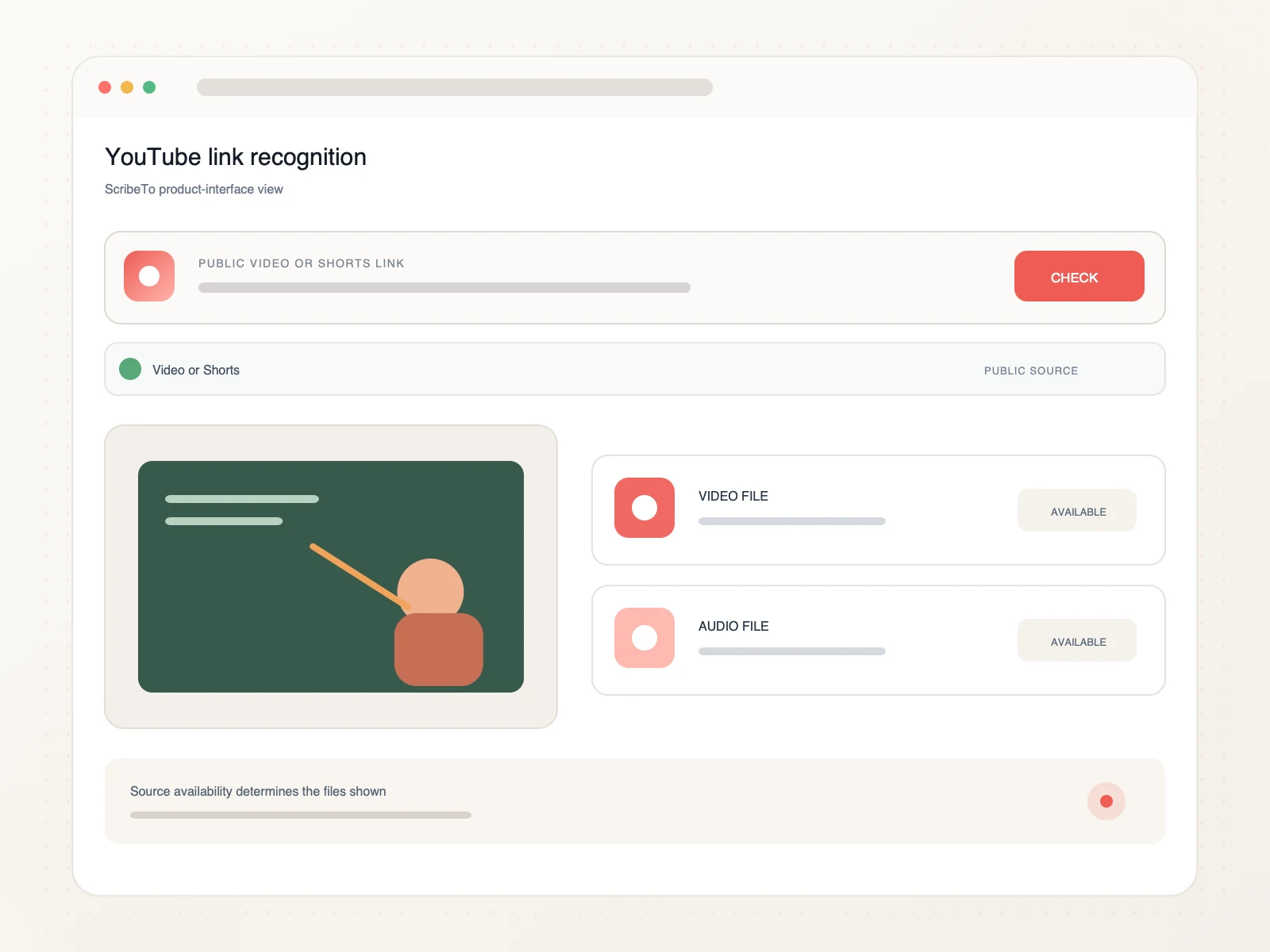
Compare the video and audio variants returned for that source, including container, resolution, bitrate, and size when available.
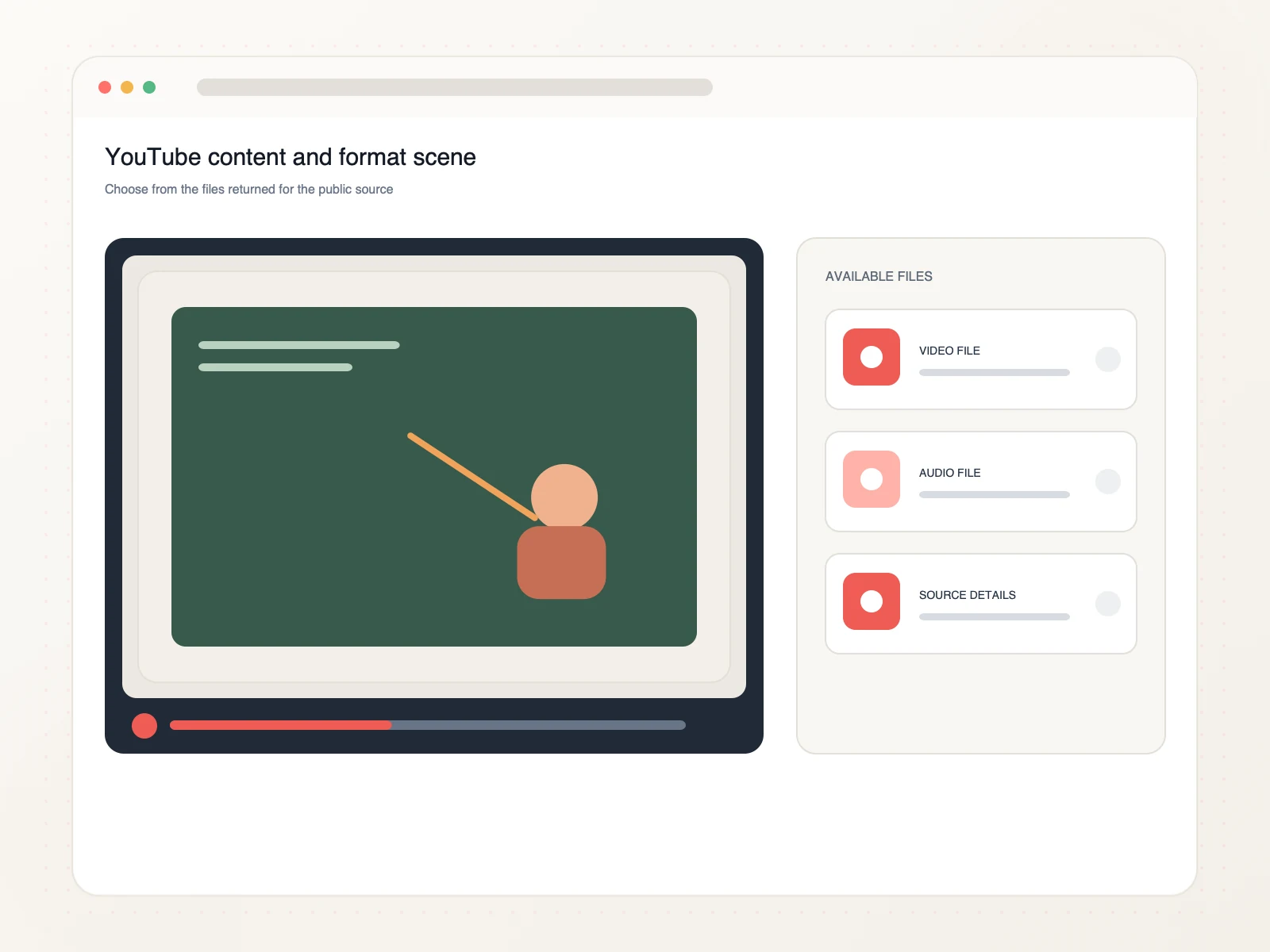
Bring the saved file into an editor, subtitle tool, research archive, or a new ScribeTo transcription task.
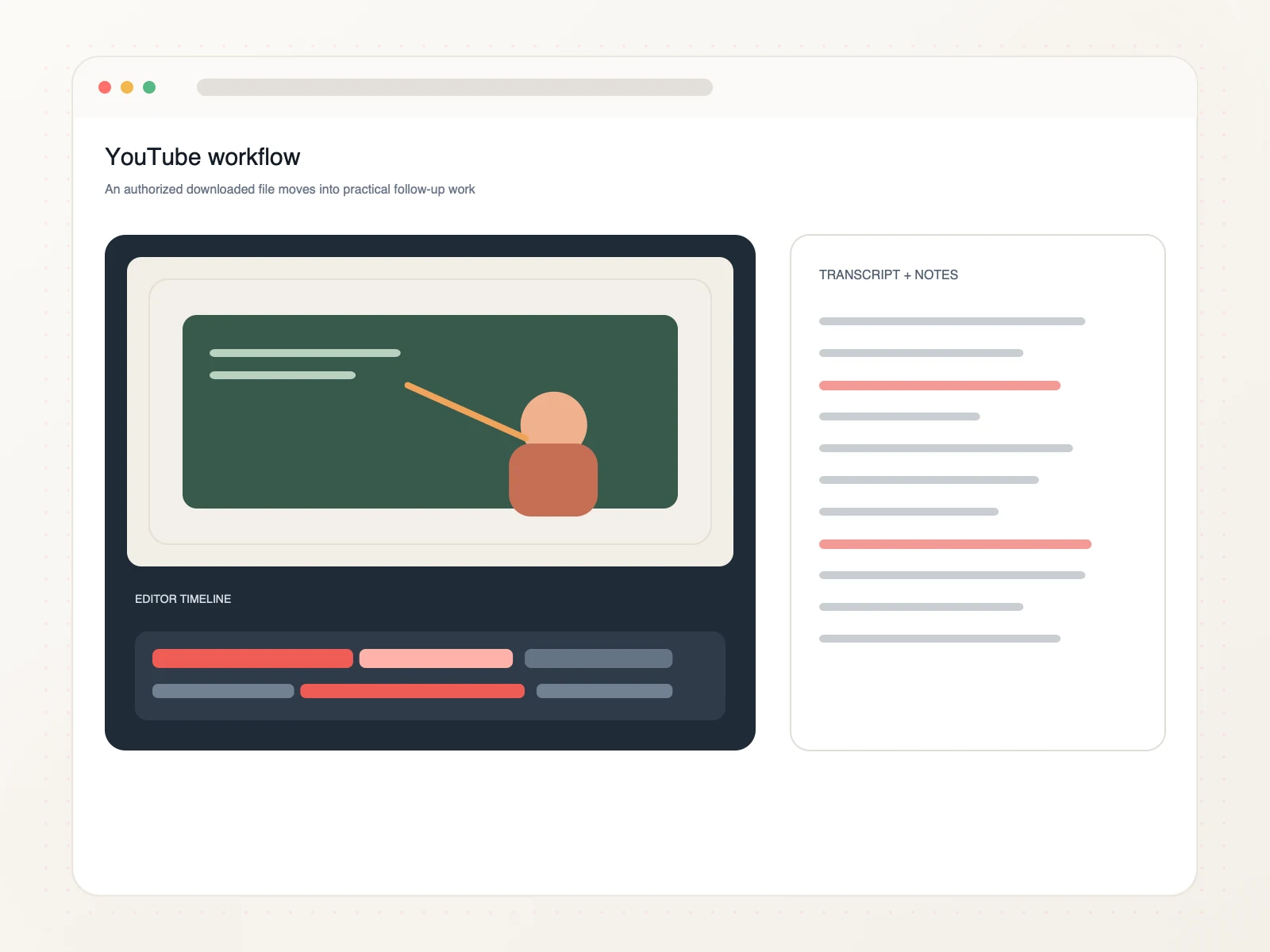
From tutorials to searchable speech, keep authorized YouTube media ready for practical follow-up work.
Keep authorized lessons and walkthroughs available for focused study or reference.
Move videos you own into editing, backup, or republishing workflows.
Collect relevant public interviews with their source context for closer review.
Send saved speech to a separate transcription step when searchable text is useful.
Copy the public YouTube video URL, paste it into ScribeTo, choose an available video or audio format, and start the browser download.
Yes. Link resolution and direct downloads require a signed-in account and available download units. Each format button shows its direct-download unit cost.
Yes. Supported public YouTube Shorts links can be processed in the same input as standard videos when the source remains available.
ScribeTo shows the video and audio variants available from the source. The exact MP4, container, resolution, bitrate, and file-size choices vary by video.
Use a direct link to one public video or Short. Playlist, channel, members-only, private, and account pages are not supported downloader inputs.
Yes. The downloader works in a modern mobile or desktop browser. Your browser and device settings determine where the completed file is saved.
Private, deleted, members-only, age-restricted, protected, region-limited, or unavailable videos may not expose a downloadable source. Confirm that you pasted a direct public video URL.
Only download videos you own or have permission or another lawful basis to use. You are responsible for following copyright law and the source platform's terms.
Paste a public YouTube video or Shorts link, compare the available source formats, and save the right file in your browser.
Paste a YouTube link