


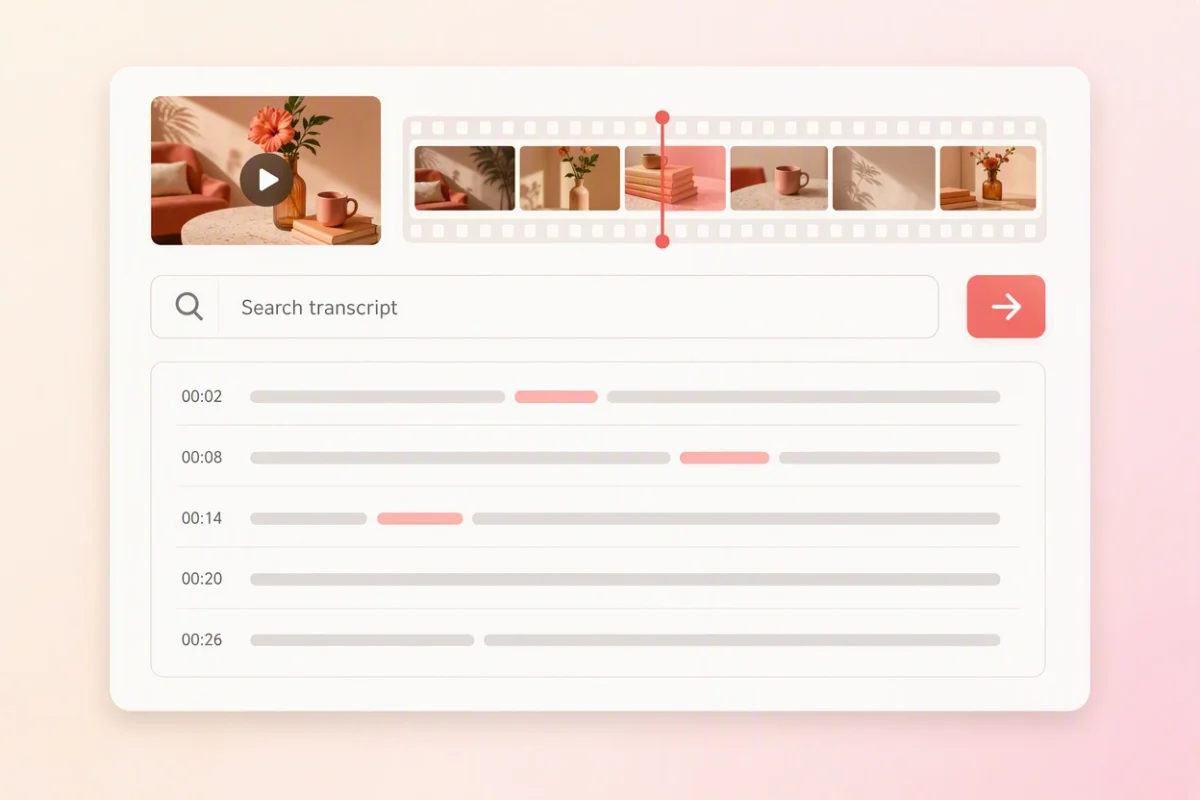
Search the video by words
Find a quote, topic or product term inside a long MP4 transcript and return to the surrounding passage.

Upload an MP4 screen recording, meeting, interview or video lesson. Turn the spoken content into an editable MP4 transcript with timestamps and speaker labels.
Go from the MP4 on your device to reviewed text or timed captions in three clear steps.
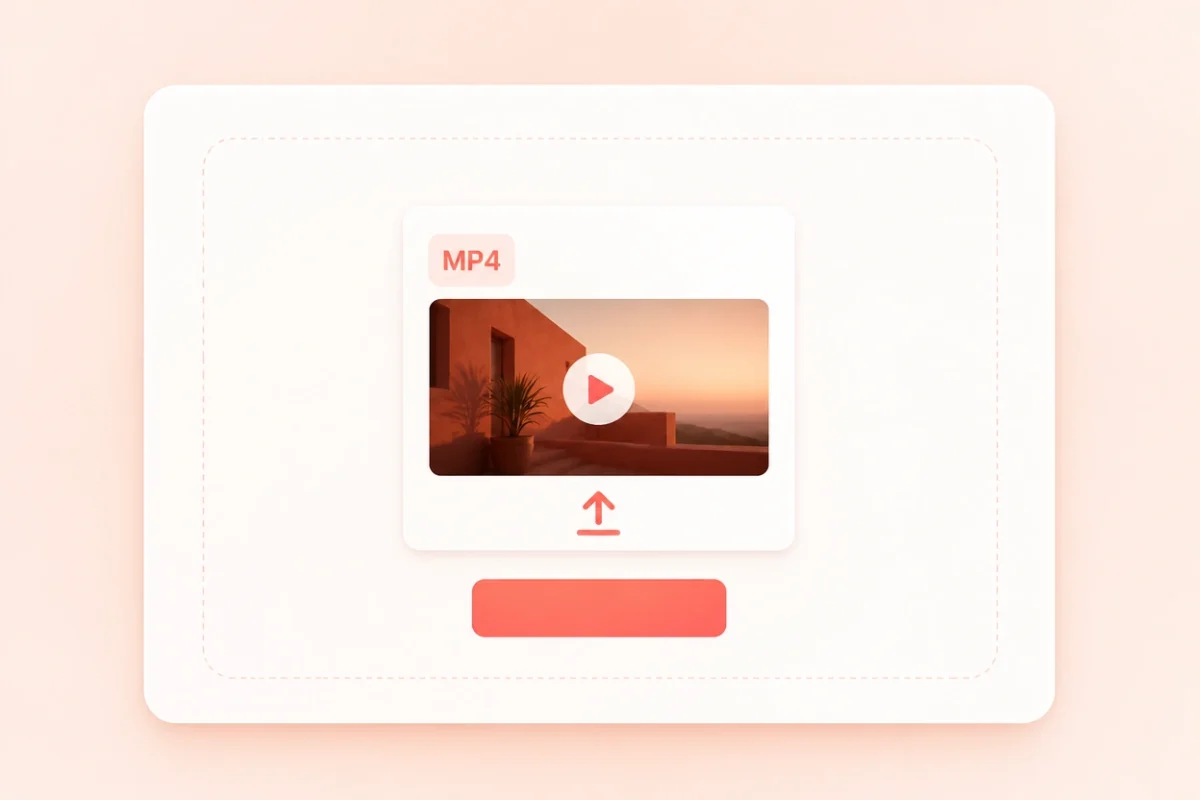
Choose an .mp4 screen recording, meeting, interview or video lesson from your device. Spoken language is detected automatically.
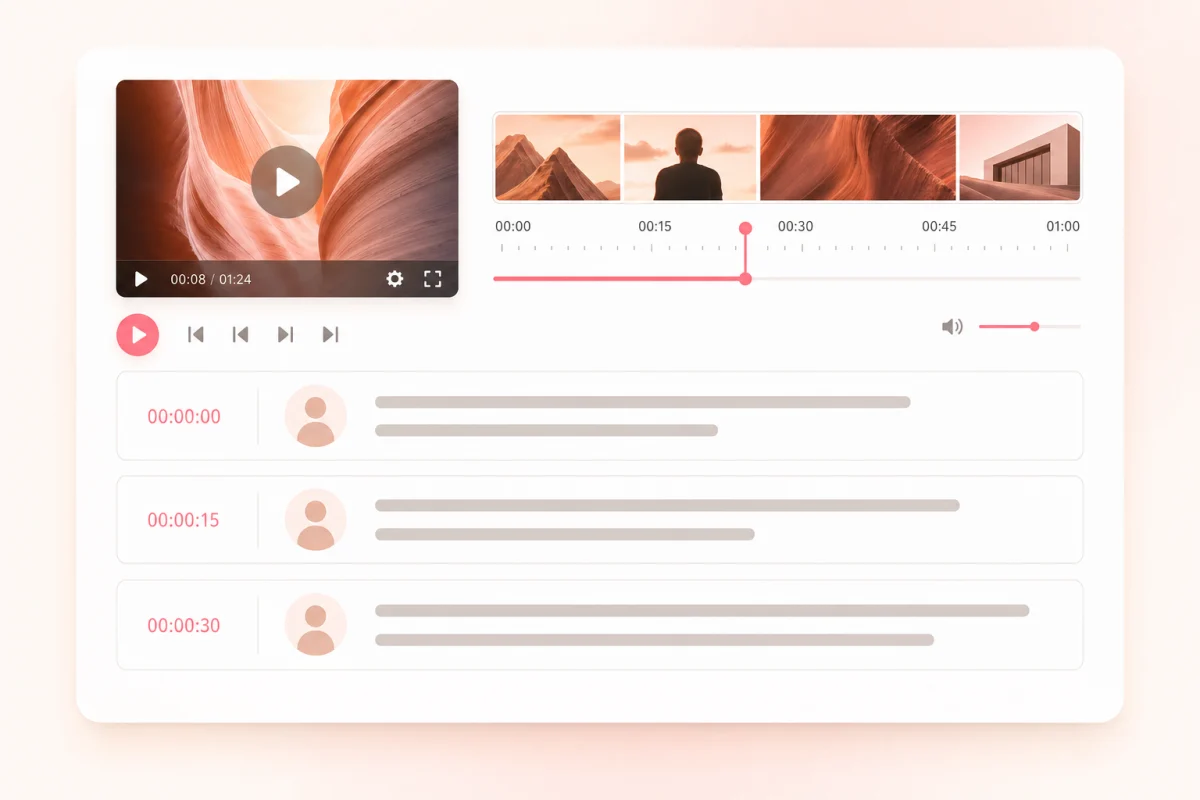
Correct names and key terms while timestamps keep each passage connected to the relevant moment in the video.
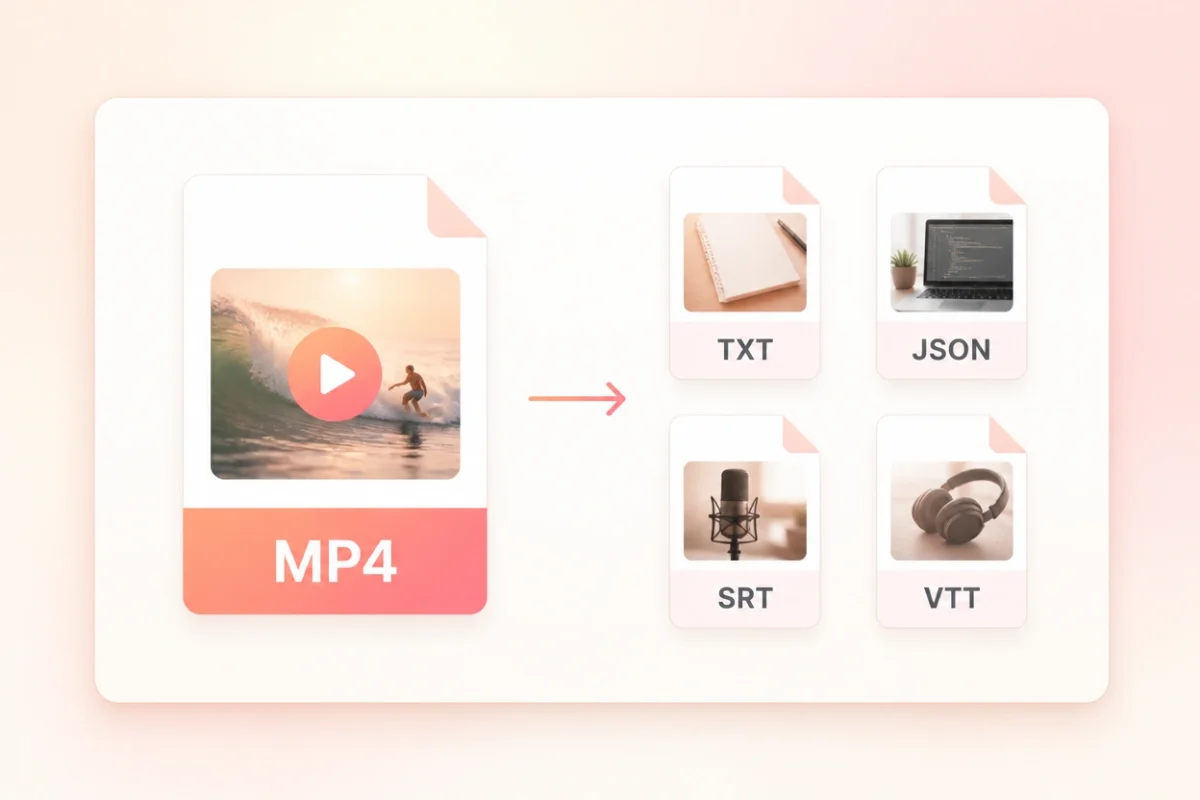
Download readable text for notes and publishing, or timed SRT and VTT captions for a player or editor.
Turn a long video into text you can search, verify against the timeline, edit and reuse without scrubbing through the full MP4.
Find a quote, topic or product term inside a long MP4 transcript and return to the surrounding passage.
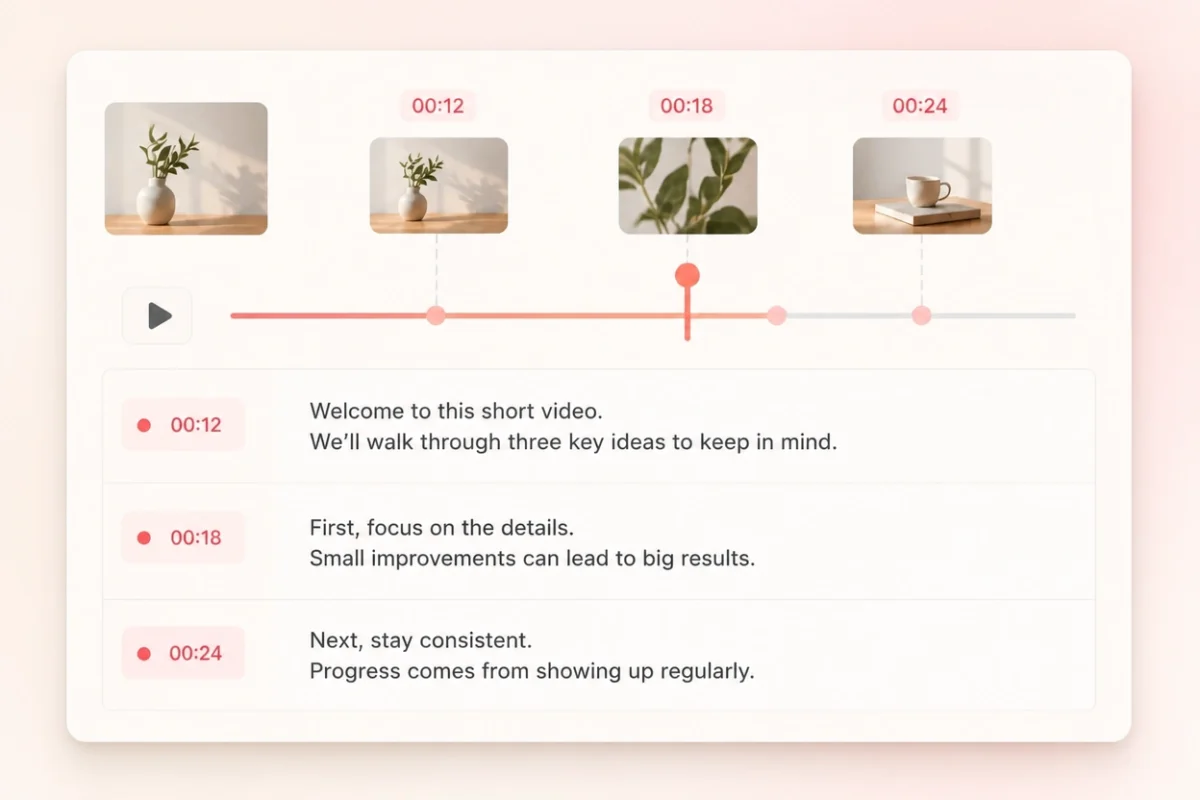
Use timestamps to check what was on screen when a line was spoken and to prepare accurately timed captions.
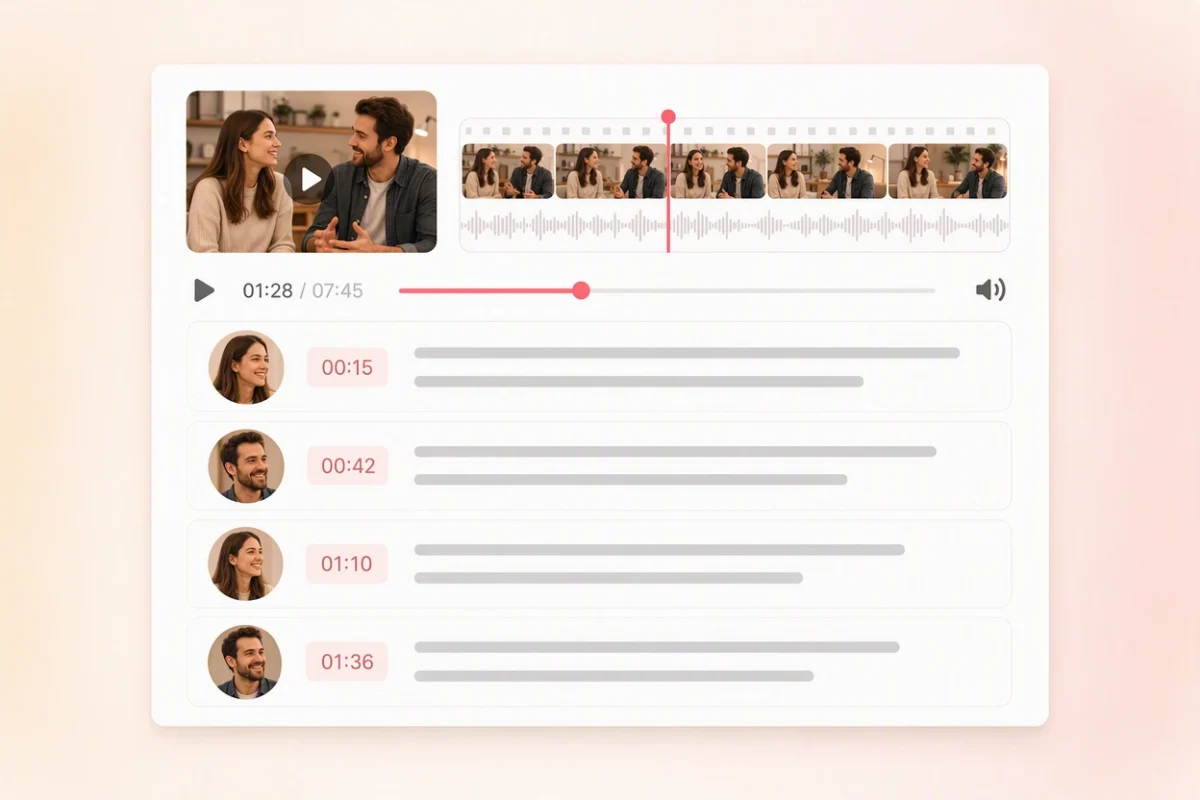
Review speaker labels in meetings and interviews so the transcript remains clear when several people contribute.
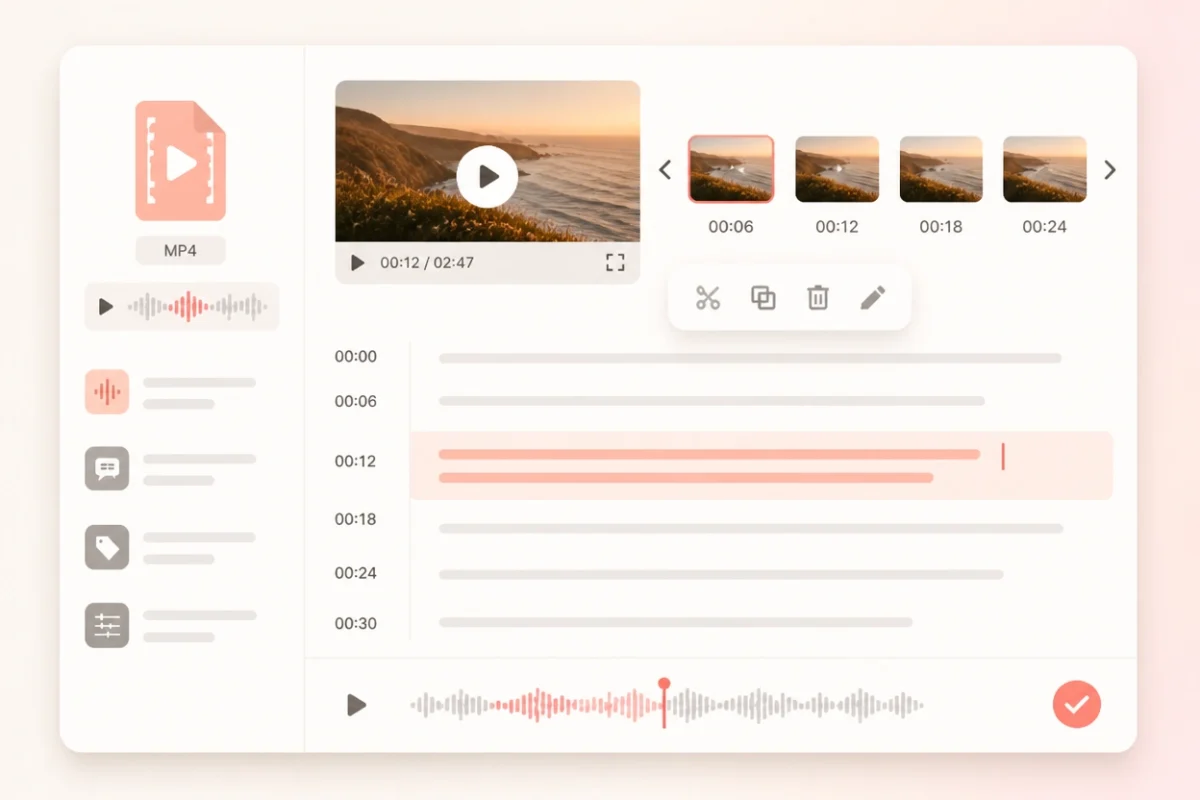
Correct names, numbers and specialist terms in the transcript before moving the result into notes, captions or a draft.
Choose the format that matches the next step: readable text, structured transcript data or subtitles that keep the MP4 timing.
Best for
Notes, quotes and searchable archives
Use TXT when you need clean MP4 speech as portable text for reading, editing or publishing.
Best for
Apps, automation and downstream processing
Use JSON when another system needs segment timing, text and available speaker information in a structured format.
Best for
Video editors and subtitle workflows
Use SRT to carry numbered subtitle cues and timing back into a compatible MP4 editing workflow.
Best for
Compatible websites and web players
Use VTT when the reviewed transcript will become timed captions for a compatible web video player.
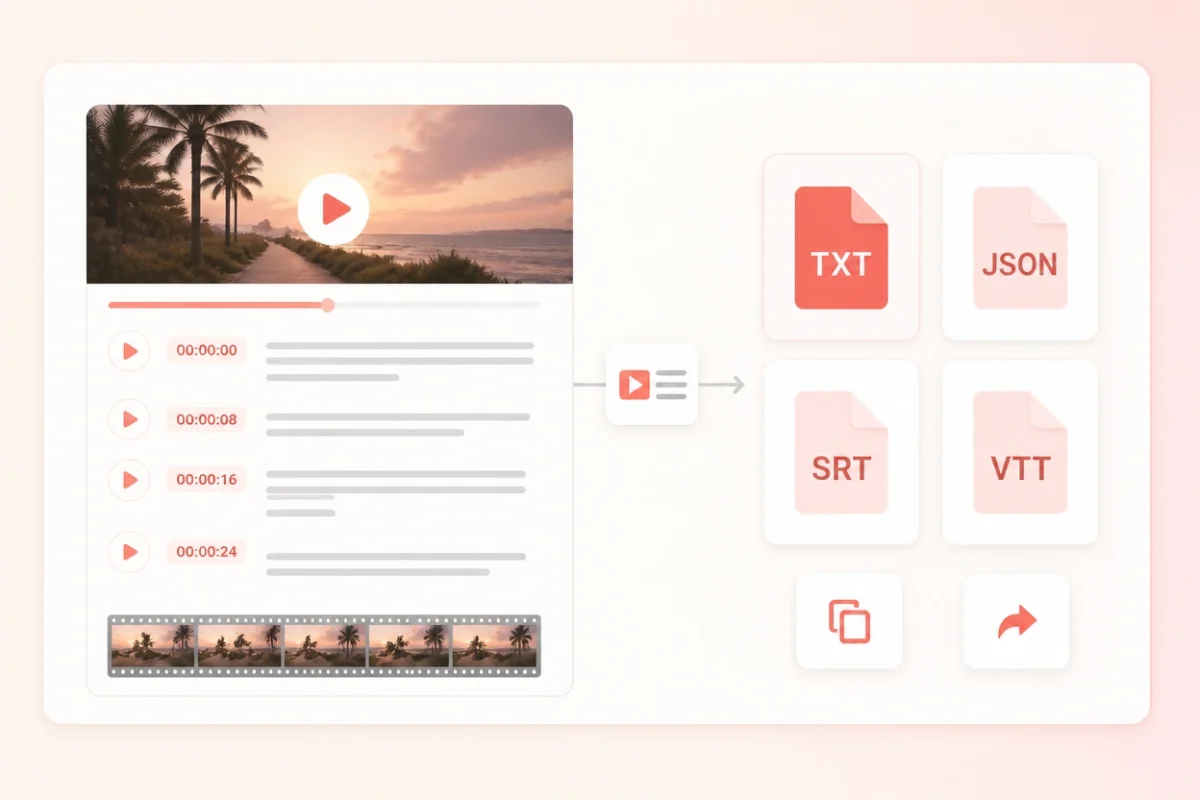
Use the same MP4 to text workflow for common video sources while keeping each result ready for its next task.
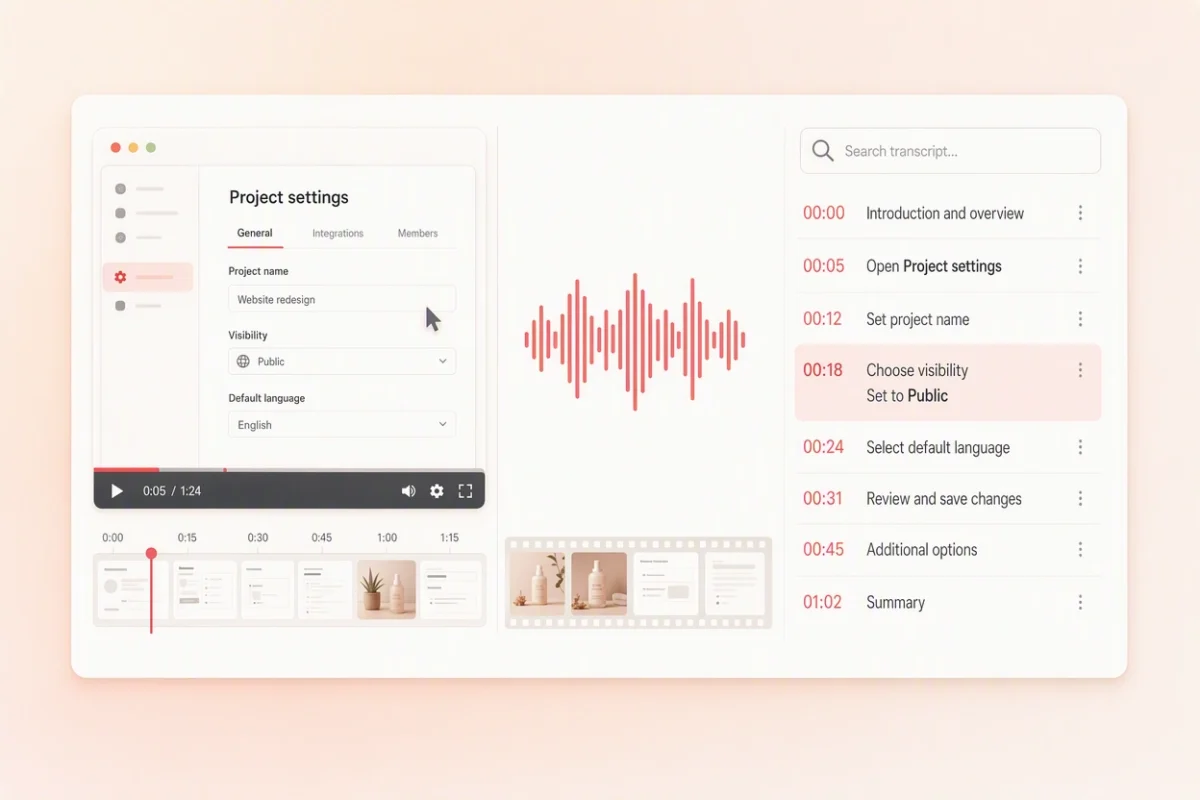
Your MP4 becomes a private transcription task in your workspace, where the video, transcript and exports stay together until you remove it.
Read the full privacy policyThe MP4 and its transcript are stored in AWS so you can reopen the task without uploading the video again.
Uploads and downloads use encrypted transport, with access controls and server-side credentials protecting stored media.
Delete the transcription task from your workspace, or contact support to request deletion of account data.
Start with the included monthly minutes, then compare subscriptions and one-time minute packs for longer video libraries.
Great for trying the whole workflow once.
$0
No credit card required
Get startedFor regular transcription work, week to week.
$19.99 / month
$219.90 / year if billed yearly
Subscribe nowFor high-volume archives, teams and agencies.
$59.99 / month
$679.90 / year if billed yearly
Subscribe nowAnswers about MP4 transcription, file size, timestamps, speaker labels, export formats and privacy.
This page uses an MP4-specific uploader. For MOV, WebM, MKV, AVI or another supported video format, use the broader Video to Text page.
You can upload one MP4 up to 50 MB per transcription task. If the file is larger, create a smaller copy before uploading it.
A free account includes 10 transcription minutes each month and does not require a card. Paid options are available for longer MP4 libraries.
Yes. Signing in keeps the uploaded MP4, editable transcript and export files together in a transcription task you can reopen later.
Yes. The transcript uses timed segments so you can connect each passage to the relevant moment in the MP4 and prepare subtitle cues.
Yes. Review the transcript, then export TXT for clean portable text. JSON is also available when you need structured transcript data.
Yes. After reviewing the timestamped MP4 transcript, export SRT for compatible video editors or VTT for compatible web players.
Yes. Timestamps help connect spoken instructions to the action shown on screen, which makes screen recordings useful for documentation and training notes.
Speaker-aware review is available when the source and transcription result support it. Check the labels when voices overlap or sound similar.
Yes. Spoken language can be detected automatically. Review names, specialist terminology and mixed-language passages before exporting.
Your video and transcript are stored behind access controls with encrypted transport. You can delete the transcription task from your workspace at any time.
No. ScribeTo creates a separate transcription task and does not edit or overwrite the original MP4 on your device.
Continue with the tool that matches the source you have or the output you need next.
Turn your MP4 into a transcript you can use
Upload the video, review speech beside timestamps, then export readable text or timed captions.