
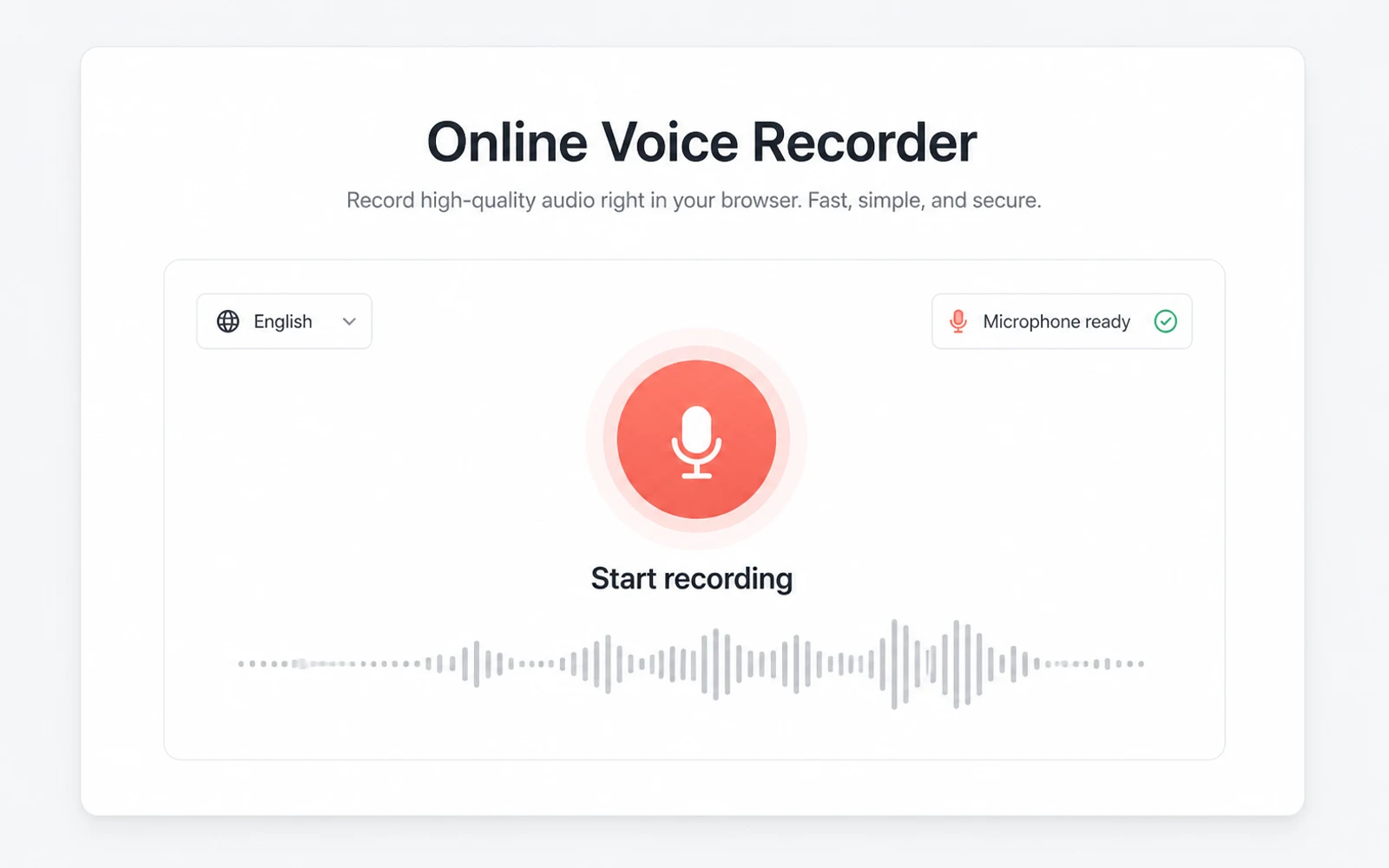
Allow the microphone and start recording
Select the spoken language, allow microphone access, and begin when the conversation starts.

Record audio in your browser and watch speech become text as you talk. Stop once, then continue with the saved recording and transcript in your workspace.
Start recording when you are ready
Allow microphone access. Your live draft appears here while the audio is recorded and saved.
Choose the spoken language, start the browser recorder, and keep the finished recording and transcript together.
Select the spoken language, allow microphone access, and begin when the conversation starts.
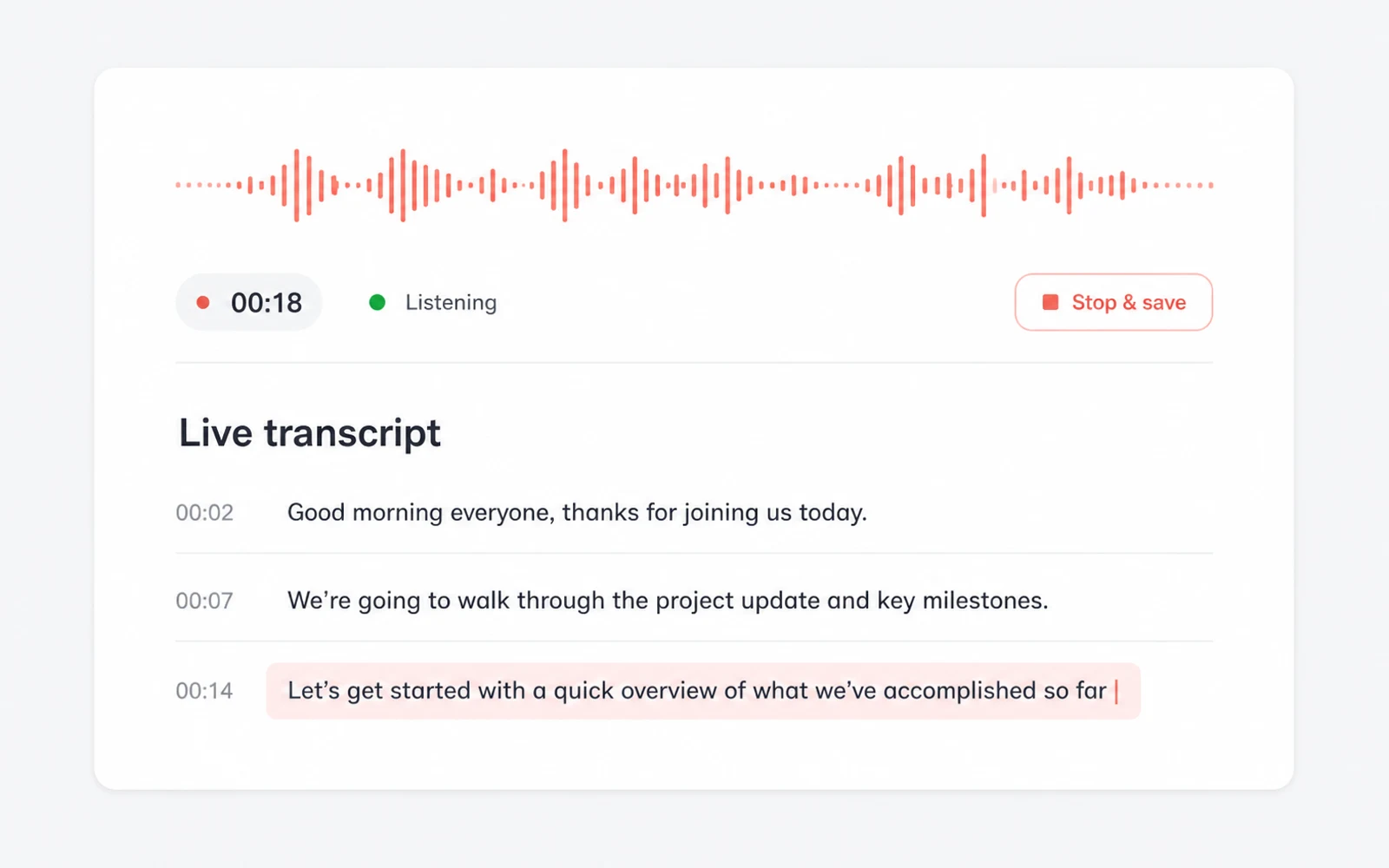
A readable draft grows while you speak, so you can follow the conversation without waiting for the end.
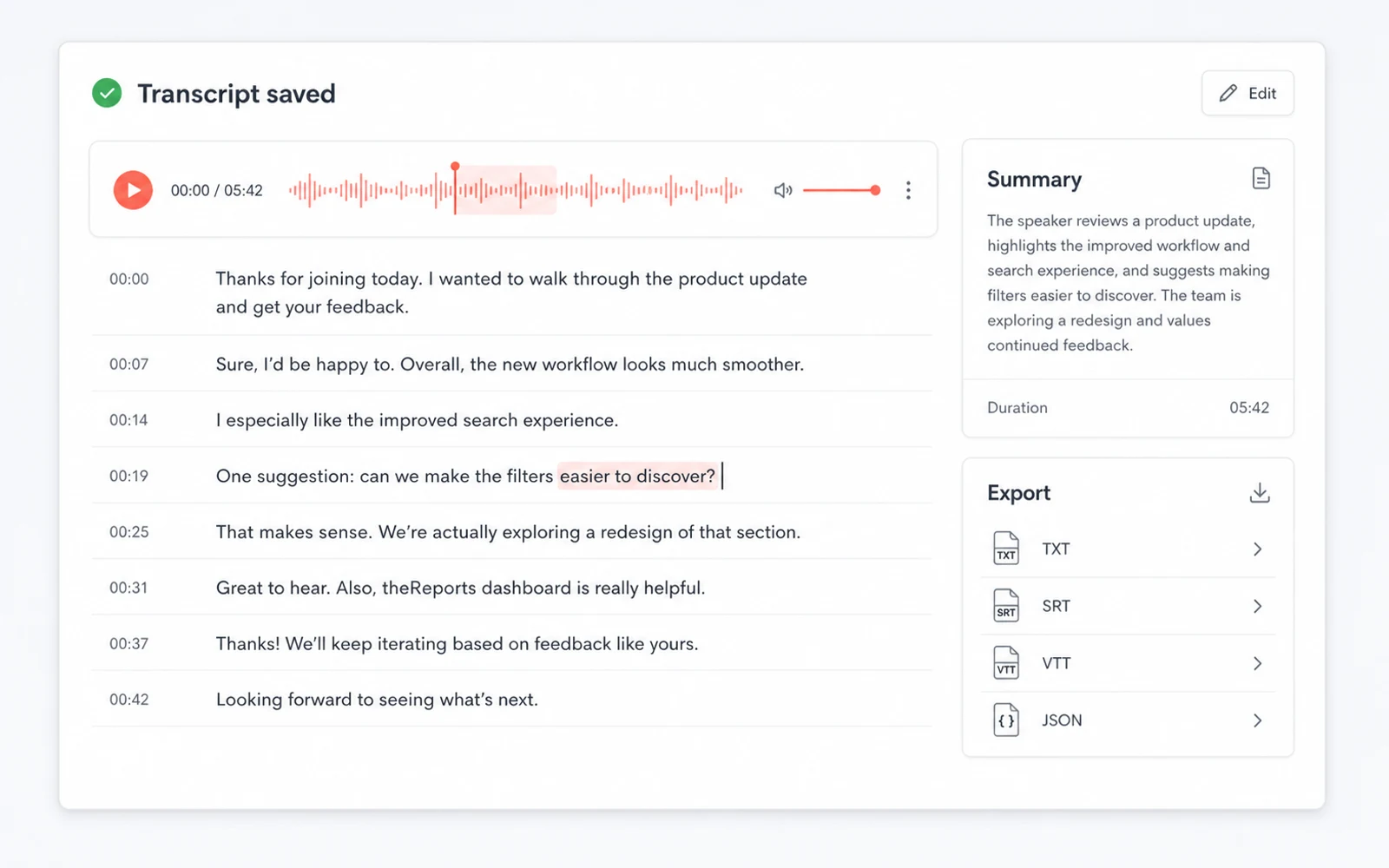
ScribeTo saves the recording and transcript to one task, then opens it for editing and export.
The browser microphone captures the audio while a live transcript provides an immediate working draft.
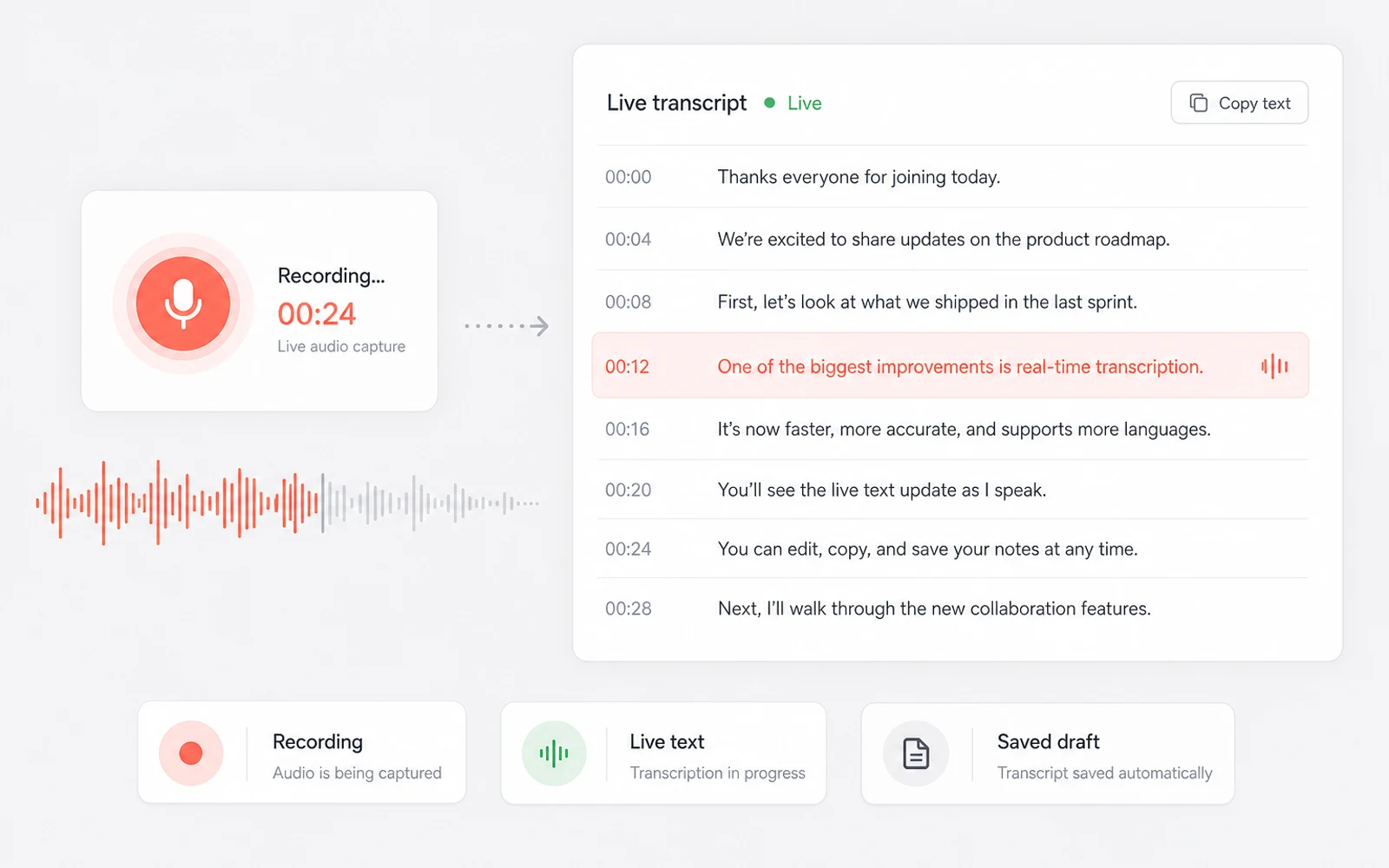
Record a nearby conversation, lecture, interview, or spoken idea without installing another recorder.
Words appear as the session continues and are kept as timed transcript segments.
Stopping the recorder saves both media and text before opening the transcript editor.
A recording preserves the source; a live transcript makes the conversation useful before the session is even over.
Use the live draft to follow key wording without splitting attention between listening and manual typing.
Replay the saved audio next to the transcript and revise names, terminology, or phrasing.
Create a summary after recording instead of reading the full conversation again.
Export the reviewed transcript in TXT, Markdown, SRT, VTT, or JSON format.
The recording does not disappear when the live session ends. It becomes a reusable transcript workspace.
Use timestamps and audio playback to check the exact moment behind each line.
Generate a concise summary from the saved transcript when you need decisions or key points.
Prepare the captured conversation for another language without rebuilding the document.
Download text, structured data, or caption files for documents, archives, and media workflows.
Use the online voice recorder whenever spoken information needs to become searchable, reviewable text.
Signed-in sessions are saved as account tasks, protected in transit, and available for you to delete from the workspace.
Read the privacy policyThe recording and generated transcript are stored together so you can close the page and return to the task.
Audio and transcript data use encrypted transport between your browser and the configured services.
Delete the saved transcription task from your workspace when you no longer need it.
A free account includes 10 minutes each month. Longer recordings use plan or minute-pack credit at the same per-minute rate.
Great for trying the whole workflow once.
$0
No credit card required
Get startedFor regular transcription work, week to week.
$19.99 / month
$219.90 / year if billed yearly
Subscribe nowFor high-volume archives, teams and agencies.
$59.99 / month
$679.90 / year if billed yearly
Subscribe nowPractical answers about browser support, live text, session length, saving, privacy, and exports.
It records audio from your browser microphone while speech recognition builds a text draft. ScribeTo then saves the recording and transcript together for review.
Yes. Recognized words appear during the recording. The live text is a working draft that you can review against the saved audio afterward.
A single live recording can run for up to 30 minutes. The recorder stops at the limit and completes the save workflow.
Current versions of Chrome, Edge, and Safari generally provide the best browser microphone and speech-recognition support.
Yes. After you stop, the recording is uploaded to the same task as the timed transcript and opens in the transcript workspace.
A free account includes 10 transcription minutes each month. Recording and transcription use the same minute balance based on actual duration.
Yes. You can edit, summarize, translate, and export the saved transcript as TXT, Markdown, SRT, VTT, or JSON.
Yes. The source tabs also accept supported audio files and public links, so you can continue with media that already exists.
Continue with a source-specific converter when your audio already exists as a file, podcast, video, or public link.
Record the next conversation while it is happening
Open the microphone, follow the live draft, and finish with audio and editable text in one workspace.