


01
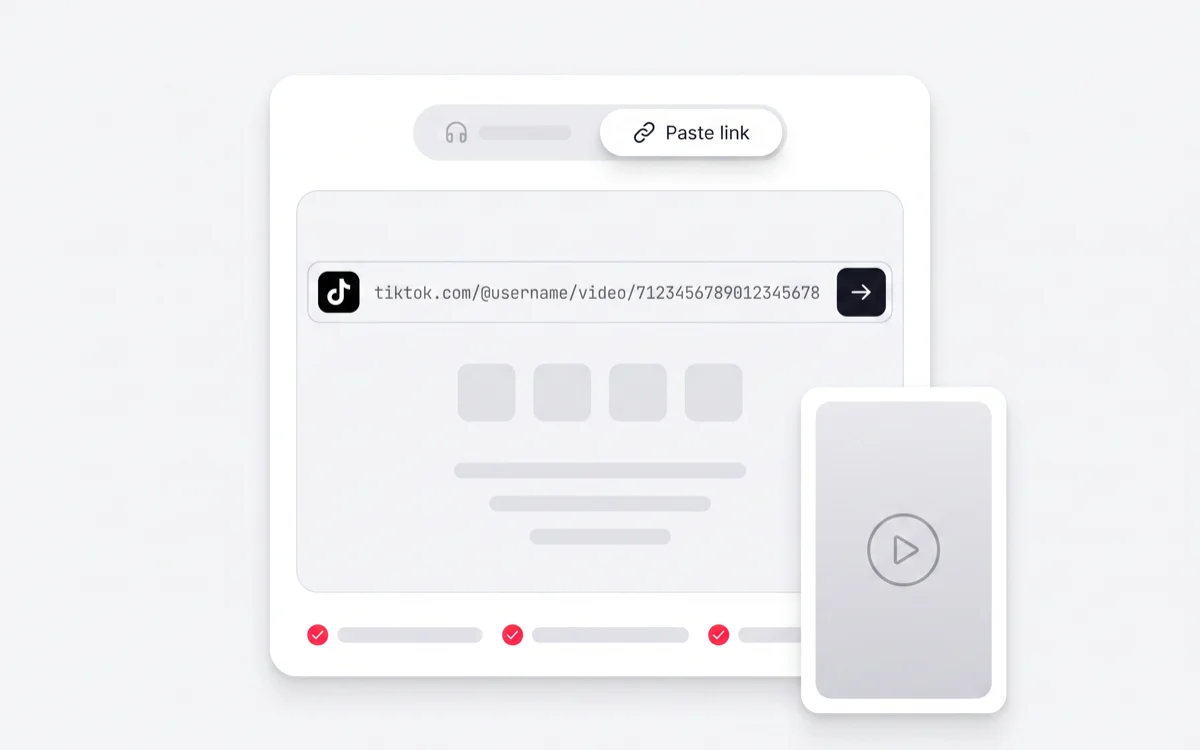
Paste the TikTok link
Tap Share in the TikTok app and copy the link, or copy the URL from your address bar. Short vm.tiktok.com links work too.

Works with any public TikTok link
Turn any public TikTok video into text you can read, edit and export. Timestamps and speaker labels included, in 99+ languages.
Choose a file from your device and turn it into an editable transcript.
Choose a fileMP3, WAV, M4A, MP4, MOV, WebM and more
A TikTok transcript is the spoken audio of a TikTok video written out as text. Paste the post link and speech recognition converts the TikTok to text, line by line, with a timestamp on each line and a label for each speaker. You get the full script on one page instead of reading burned-in captions off a video as it plays — so it can be copied, corrected, searched, translated or exported as a subtitle file.
From a copied link to an editable script. Nothing to install, and the video never leaves TikTok.
Tap Share in the TikTok app and copy the link, or copy the URL from your address bar. Short vm.tiktok.com links work too.
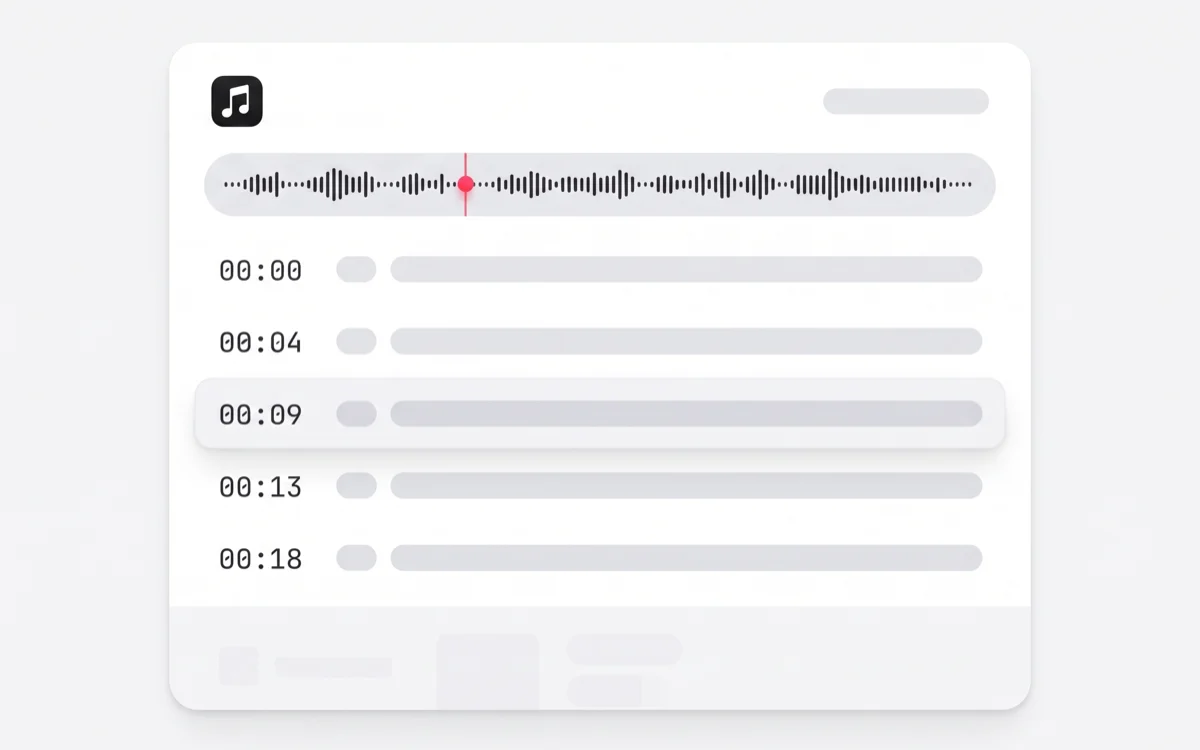
The audio is fetched and converted to text. The spoken language is detected automatically, so you do not have to tell it what you pasted.
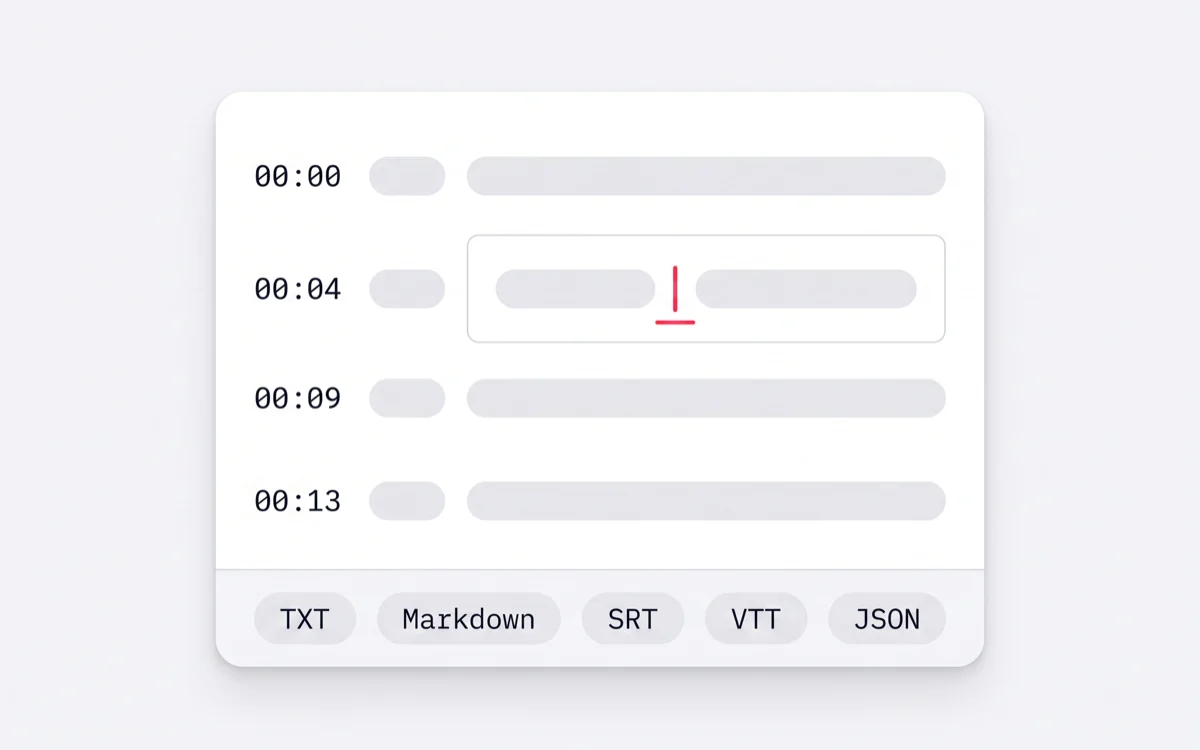
Fix a name, rename a speaker, then copy the script or export it as TXT, Markdown, SRT, VTT, JSON.
Every URL shape TikTok hands out is accepted. What decides the outcome is whether the post itself is reachable.
tiktok.comHost/@usernameCreator/videoPost type/7123456789012345678Video IDOnly the video ID has to survive the copy. Tracking parameters after it are ignored, and both short link forms resolve to the same post.
tiktok.com/@username/video/7123456789012345678The full URL from the desktop address bar.
vm.tiktok.com/ZMabcdefg/The short link the app's Share sheet copies.
tiktok.com/t/ZTabcdefg/The other short form TikTok generates when sharing.
m.tiktok.com/v/7123456789012345678.htmlThe mobile web URL, extra query parameters and all.
Private or friends-only posts
The audio is only reachable while signed in as you, and we do not ask for your TikTok account.
Deleted or expired posts
Once the post is gone, so is the media behind the link.
Region-locked posts
If TikTok does not serve the post to the region the fetcher runs in, it cannot be read.
Photo slideshows with no speech
There has to be something spoken. Music-only posts return an empty transcript.
If a link is refused, the TikTok downloader will tell you whether the media is reachable at all before you spend a minute on it.
Not a wall of text. A transcript laid out beside the audio, with every part of it editable before you take it anywhere.
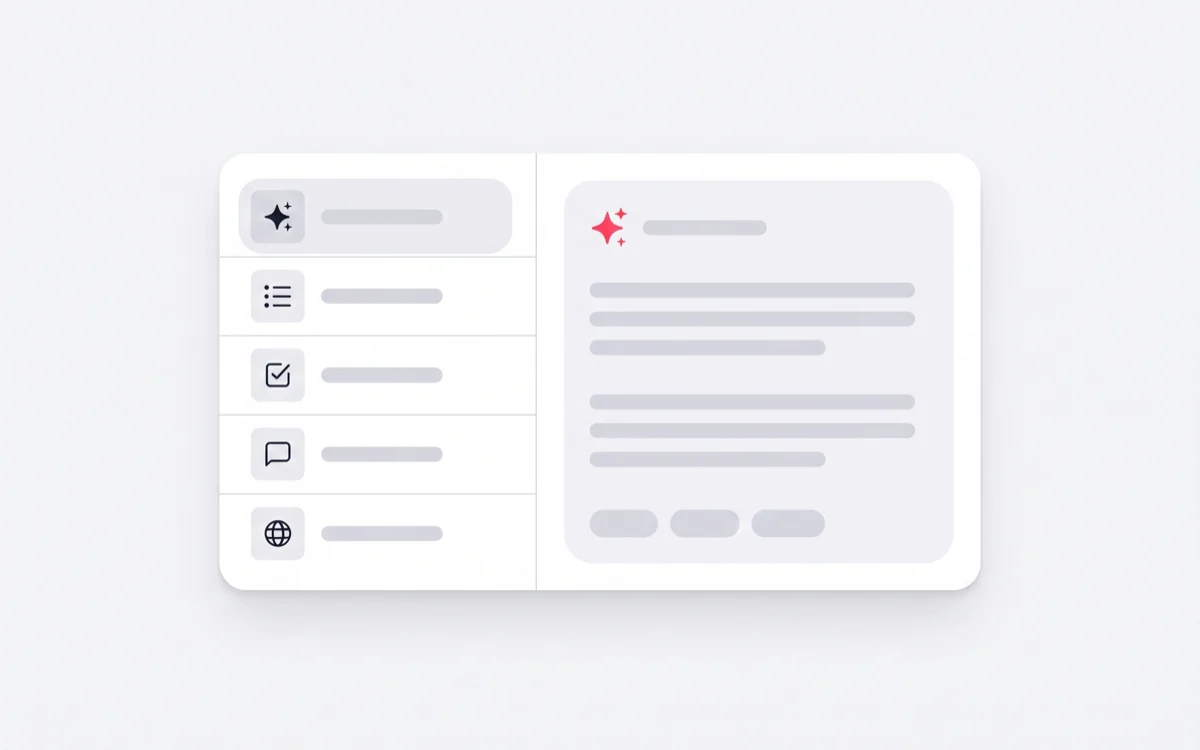
The transcript is the raw material. Every AI action reads the version you corrected, so a name fixed once stays fixed everywhere after it.
Separating the script from the edit makes the writing visible. That is useful in more places than it first sounds.
Read the first three seconds as words. Compare how fast ten videos get to the point when nothing is hiding behind the cut.
See the toolTranscribe the ads in your category and study the claim, the objection and the call to action as text.
See the toolExport a timed SRT or VTT so the video works with the sound off and for viewers who need captions.
See the toolA transcript is the fastest first draft of the newsletter, the blog post or the carousel that follows the video.
See the toolQuote a video accurately, with the timestamp that proves where the quote came from.
See the toolReels, Shorts and TikToks are usually the same script three times. Transcribe whichever version you can reach.
See the toolTikTok's own captions exist to be read on the screen while the video plays. A transcript exists to be used afterwards. This is where the two part company.
TikTok auto-captions
Read it off the screen as the video plays
ScribeTo
The whole thing on one page, ready to copy
TikTok auto-captions
Only inside TikTok, and only on your own post
ScribeTo
Click the line and type, on any public post
TikTok auto-captions
One caption track, nobody named
ScribeTo
Labelled per speaker — rename once, every line follows
TikTok auto-captions
Stay inside the app
ScribeTo
Export SRT or VTT for any editor
TikTok auto-captions
Viewer-side translation, when it is offered at all
ScribeTo
Translate the text and the subtitle track into 99+ languages
The spoken language is detected automatically. Translate the finished transcript, or its subtitle track, into any of the rest.
Enough free minutes to transcribe a batch of short videos every month, and two ways to go further when that runs out.
10 transcription minutes and 3 AI actions, renewed monthly. No card. Most TikToks are under a minute.
Minute packs that do not expire, for people who would rather not subscribe to anything.
Plus and Pro raise the monthly minutes and AI actions. The workspace itself is the same on every plan.
The questions people actually ask before pasting their first link.
Copy the post link — from the Share sheet in the app or the address bar on desktop — paste it into the field at the top of this page and start the transcription. The spoken audio comes back as timestamped text you can edit and export. There is nothing to install.
Yes, within a monthly allowance. A free account includes 10 transcription minutes and 3 AI actions every month, with no card required. Most TikToks run well under a minute, so that covers a steady habit rather than a one-off trial.
No. The link is enough — the audio is fetched for you and nothing is saved to your device. If you do want the file itself, that is a separate tool, and it is linked at the bottom of this page.
All of the ones TikTok hands out: the full desktop URL (tiktok.com/@username/video/…), the short share links (vm.tiktok.com/… and tiktok.com/t/…) and the mobile web URL. Extra tracking parameters on the end are ignored.
Yes. Once the transcript has timestamped segments you can review the timing, adjust it, and export SRT or VTT — both import directly into any video editor. TXT, Markdown, SRT, VTT, JSON are all available.
Yes. Every segment carries its start and end time, and clicking a line moves the audio to that moment. That is what makes a transcript usable for checking a hook or citing a quote rather than just reading.
99+ languages, and the spoken language is detected automatically — you do not have to tell it what you pasted. The finished transcript and its subtitle track can then be translated into any of the others.
Clear speech in a quiet recording comes back close to verbatim. Strong accents, two people talking over each other, loud background music and the compressed audio of a re-uploaded clip all cost accuracy. That is why the transcript opens in an editor beside the audio instead of as a finished download — the last few words are meant to be yours.
No. Private, friends-only, deleted and region-locked posts cannot be reached, because the media behind the link is not publicly served. We do not ask for your TikTok login to work around that.
The transcript is saved to your account so you can come back to it, and only your account can open it. You can delete a transcript at any time, and the media fetched to produce it is held on a short expiry rather than kept.
Yes — that is one of the most common reasons people transcribe a public post. Reading the hook, the objection and the call to action as text makes the structure obvious in a way that watching does not. It works on any public post; it does not reach anything private.
The same workspace, reached by a different door.
Paste a link and read the script in under a minute. 10 minutes a month are free, and nothing about the workspace is held back.


