


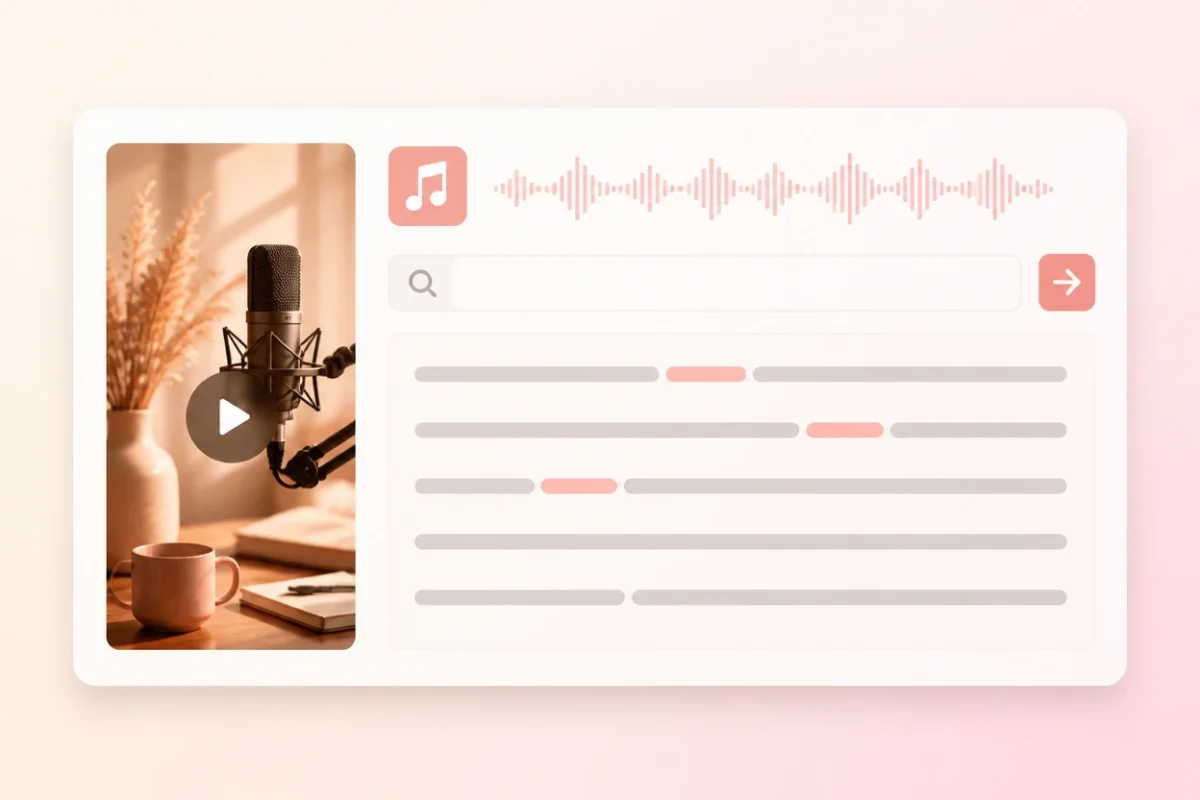
Searchable spoken text
Find a phrase, name or topic without replaying the entire MP3 recording.

Upload an MP3 recording and turn its speech into an editable, searchable transcript with timestamps, speaker labels and practical export options.
Go from an MP3 file to corrected, exportable text in three clear steps.
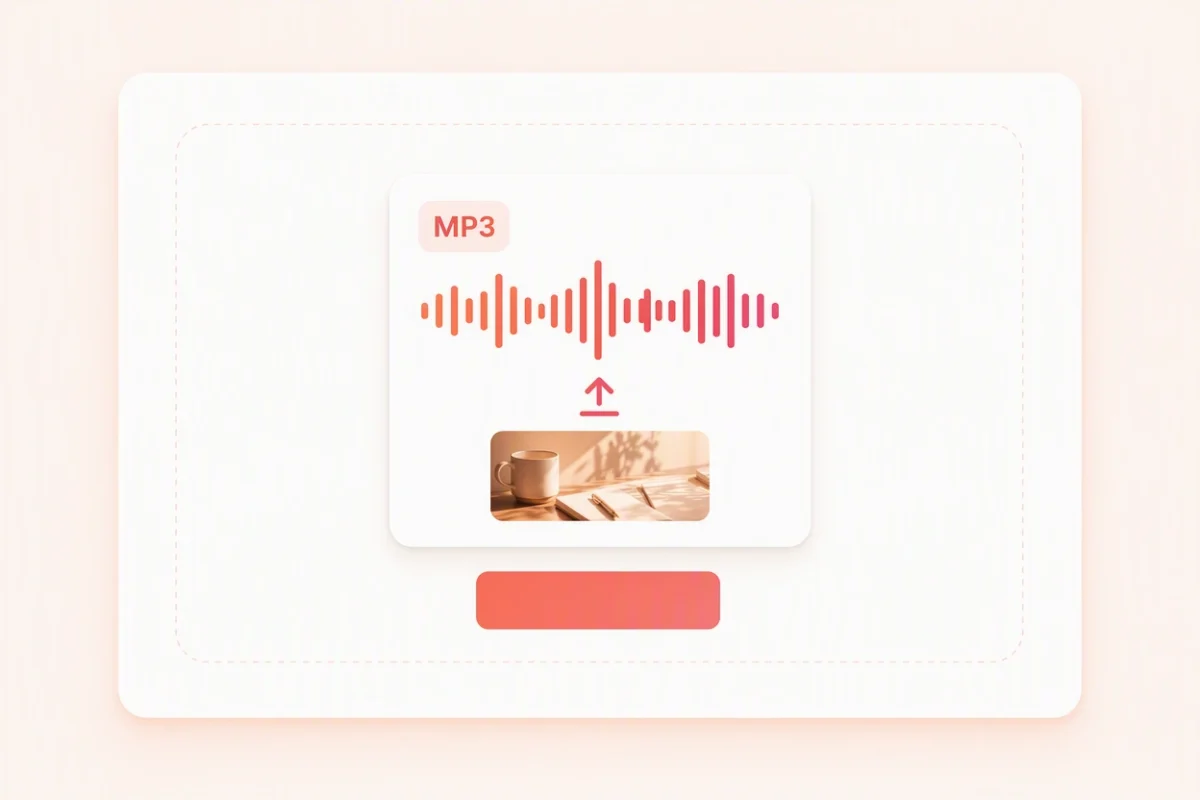
Choose or drop the .mp3 recording you want to convert. The tool rejects other file types to keep the input clear.
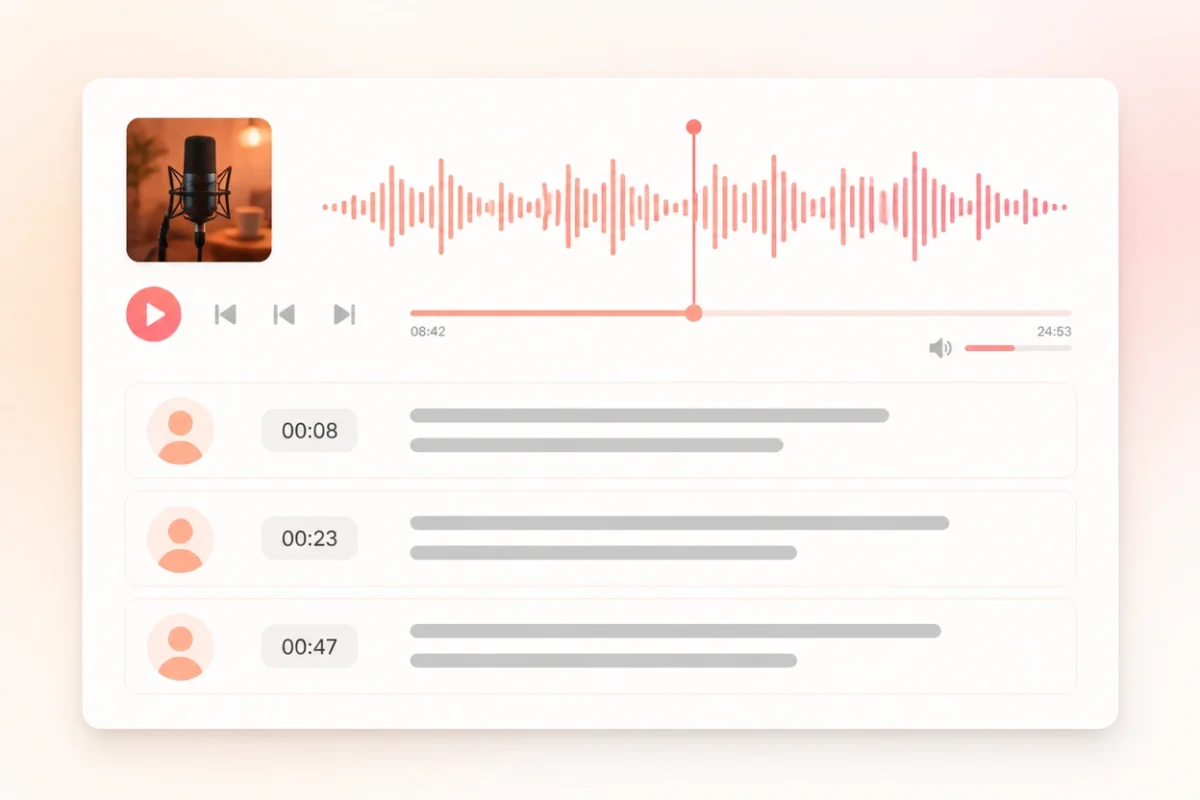
ScribeTo creates a transcription task and opens the result in a workspace connected to the recording timeline.
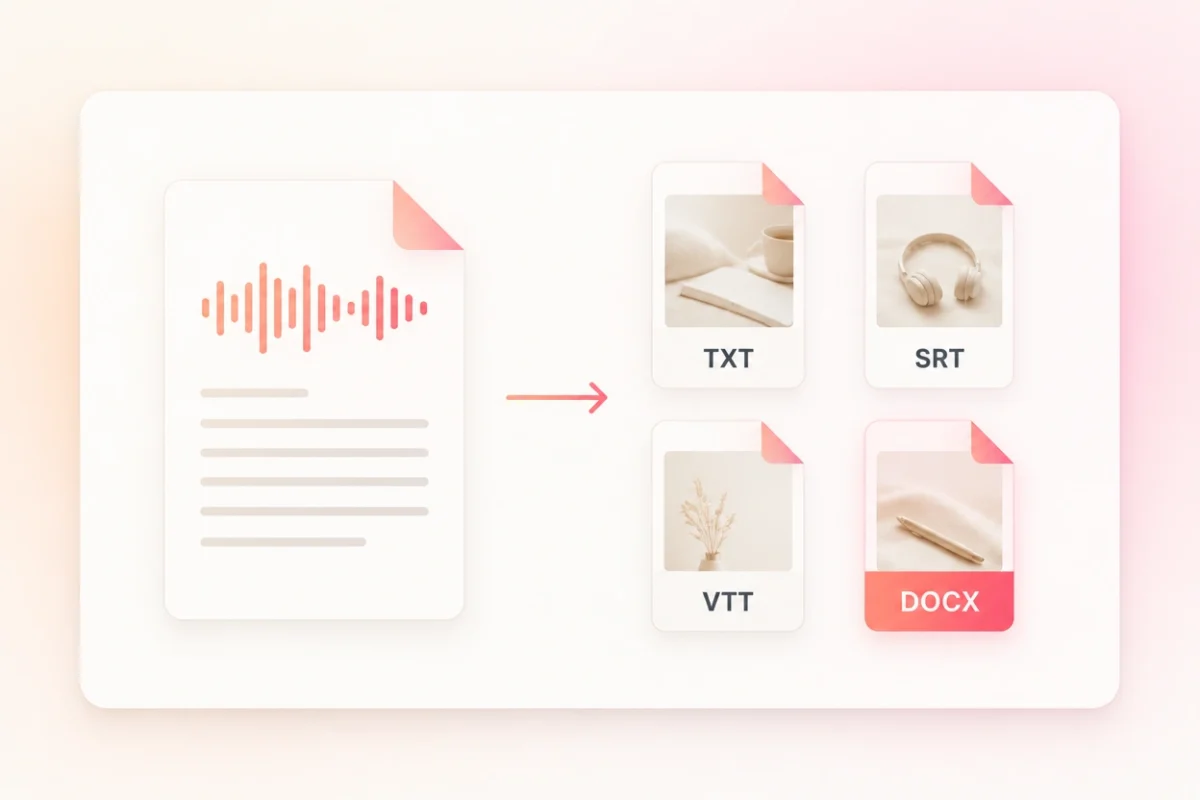
Review names and unclear phrases, then choose a reading-text or subtitle format for the next step.
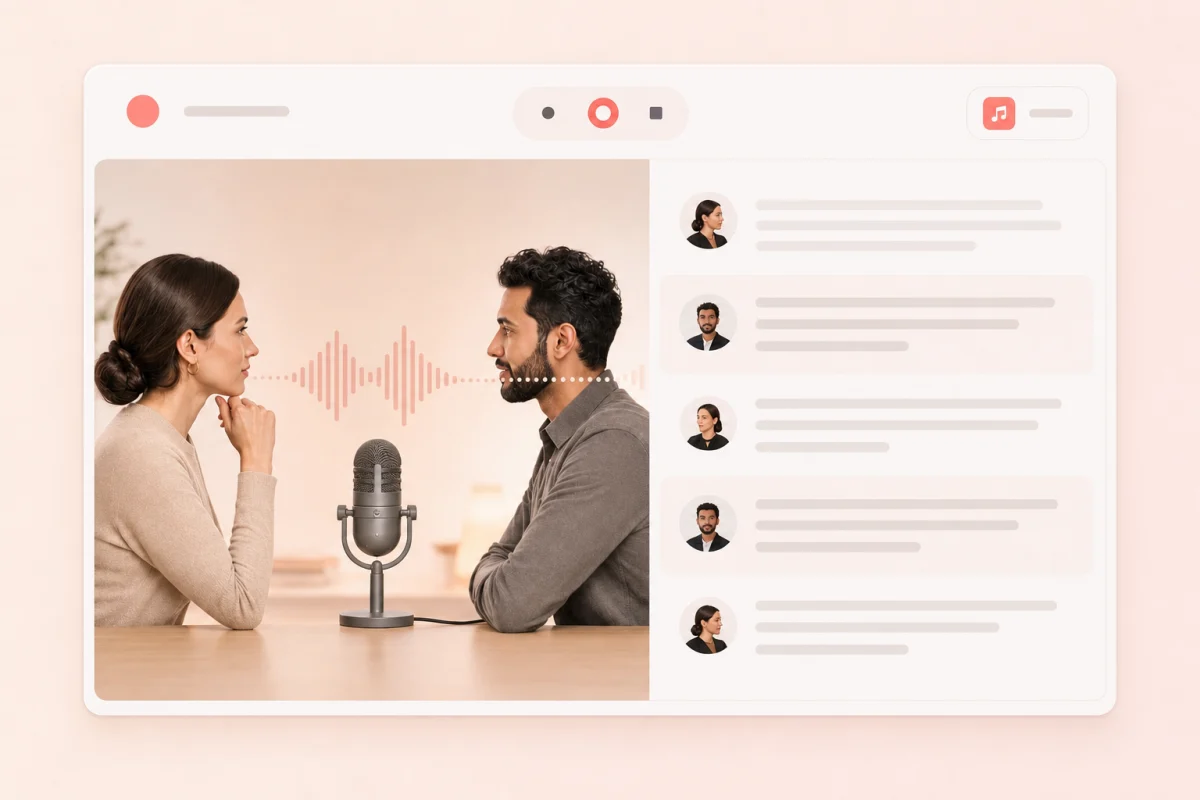
The result is more than a block of text: it stays searchable, timed, organized by speaker and ready for correction.
Find a phrase, name or topic without replaying the entire MP3 recording.
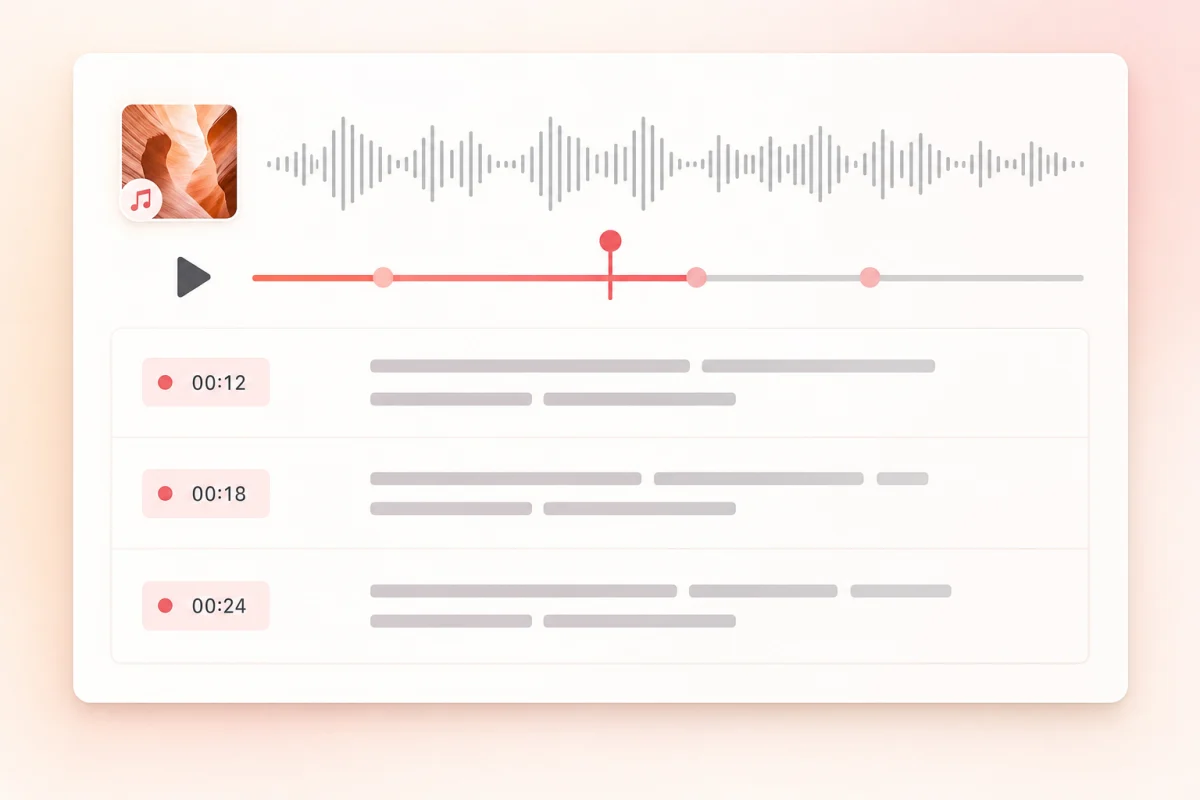
Move from a transcript segment back to the matching moment in the audio.
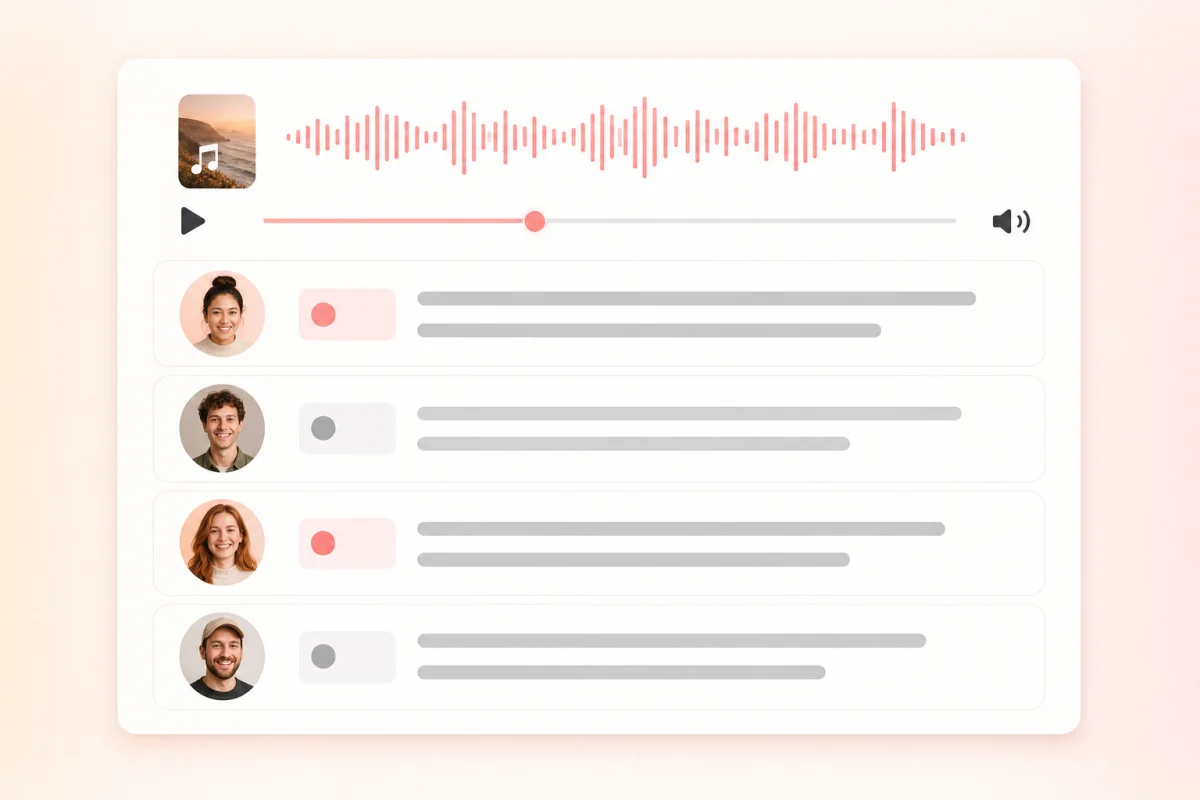
Keep distinguishable voices organized and rename labels during review.
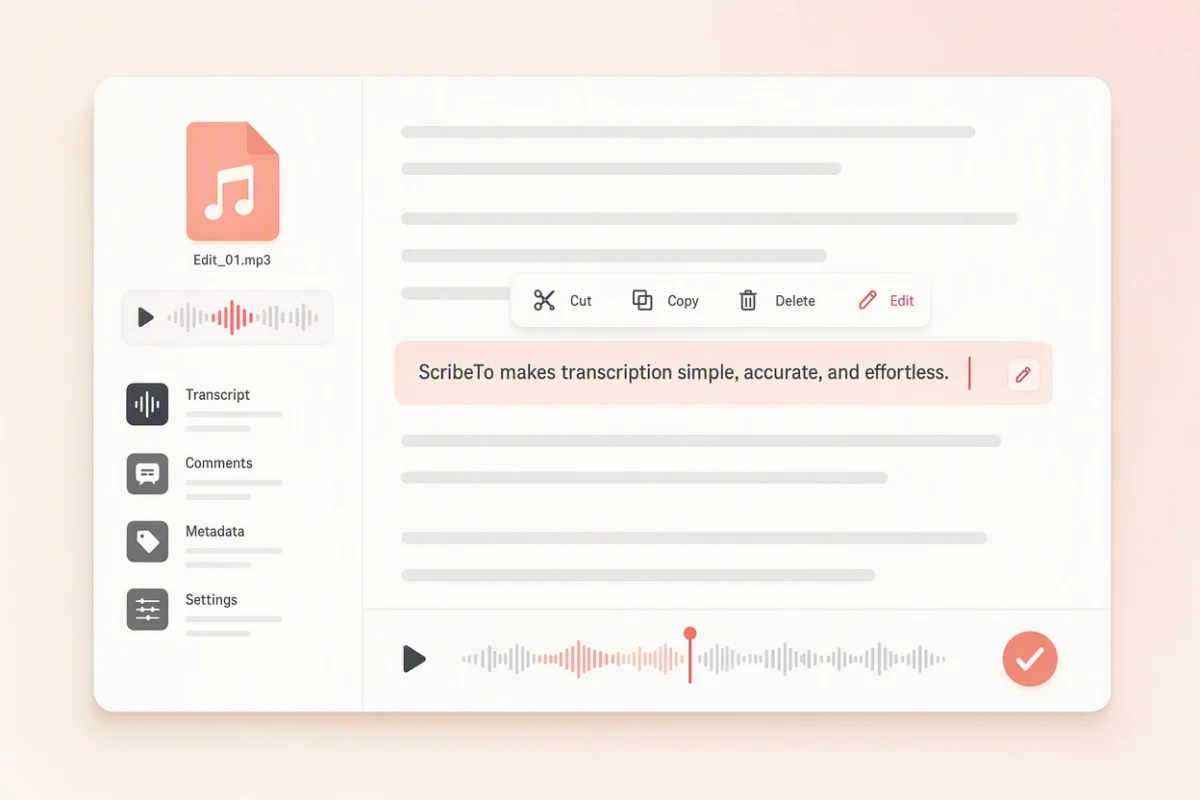
Correct names, numbers and specialist terms before copying or exporting the transcript.
The same reviewed transcript can serve reading, writing and timed-caption workflows.
Best for
Reading and copy-paste
Use TXT for a simple transcript that opens in almost any writing tool.
Best for
Notes and writing drafts
Use Markdown when headings and lightweight formatting belong in the next draft.
Best for
Subtitle editors and players
Use SRT when you need numbered subtitle cues for a compatible editor or player.
Best for
Web caption workflows
Use VTT for timestamped cues intended for compatible web-video workflows.
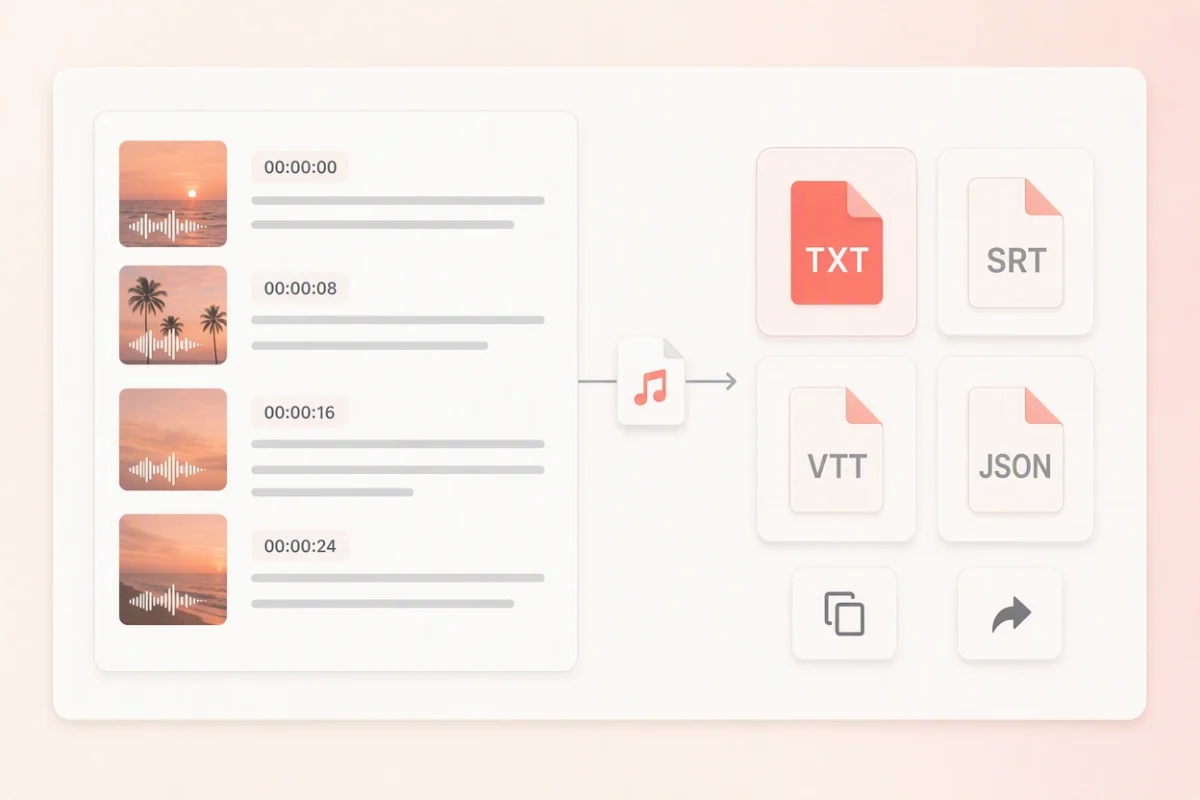
Choose the workflow that matches the recording you already have and the text you need next.
Voice memos, interviews and meeting audio are the recordings people hesitate over. Here is where the file goes, how it travels and how to remove it.
Read the full privacy policyYour MP3 and the transcript generated from it are stored in AWS, so you can reopen the task in your workspace instead of uploading the recording a second time.
Uploads and downloads use encrypted transport, and the storage bucket sits behind access controls and server-side credentials. Transcription runs through configured speech providers, which receive only the data needed for the task.
Delete the transcription task yourself in your workspace at any time, or email support@scribeto.ai to request deletion of account data. The .mp3 on your own device is never edited or overwritten.
Use the included allowance for short files, a subscription for regular recordings or a minute pack for an occasional archive.
Great for trying the whole workflow once.
$0
No credit card required
Get startedFor regular transcription work, week to week.
$19.99 / month
$219.90 / year if billed yearly
Subscribe nowFor high-volume archives, teams and agencies.
$59.99 / month
$679.90 / year if billed yearly
Subscribe nowAnswers about file validation, size limits, timestamps, transcript editing, recording quality, exports, cost and privacy.
Upload the .mp3 file above, start the transcription task, then review and correct the timestamped result in the transcript workspace before exporting it.
This page intentionally accepts MP3 files only. Use the Audio to Text page for WAV, M4A, AAC, FLAC, OGG and other supported audio formats.
Yes. After reviewing the transcription, choose TXT for a plain-text version that can be opened in common editors.
Yes. SRT and VTT exports preserve timed cues for compatible subtitle and web-caption workflows.
It can, but the result depends on the speech captured in the file. Heavy compression, clipping, noise and overlapping voices can increase the amount of correction required.
Yes. The transcript opens in an editable workspace where you can correct names, wording and speaker information before export.
Yes. Transcript segments contain timing information that links the text to moments in the recording and supports timed exports.
Use the clearest available export, keep speech above background noise, avoid clipping, and check that the full recording plays before uploading.
No. The uploaded file is used to create a transcription task; the original MP3 on your device is not edited or overwritten.
A free account includes 10 transcription minutes every month with no card required, which covers a short voice memo or lecture excerpt. Longer MP3 archives run on a subscription or a minute pack, and you are charged for the audio duration you actually transcribe.
Yes. Sign in before you upload so the MP3 transcription task, its editable transcript and its exports are saved to your workspace and can be reopened later.
One .mp3 file per transcription, up to 50 MB. A longer recording can be re-exported at a lower bitrate or split into parts before uploading.
Your MP3 and its transcript are stored in AWS behind access controls and server-side credentials, and they travel over encrypted connections. You can delete the task in your workspace at any time. See "What happens to the MP3 you upload" above and the privacy policy for the full picture.
Continue with the input, platform or output that matches your next transcription task.
Turn the MP3 on your device into editable text
Upload one .mp3 file, review the generated transcript and export it in the format that fits your next task.