
01
Paste the media link
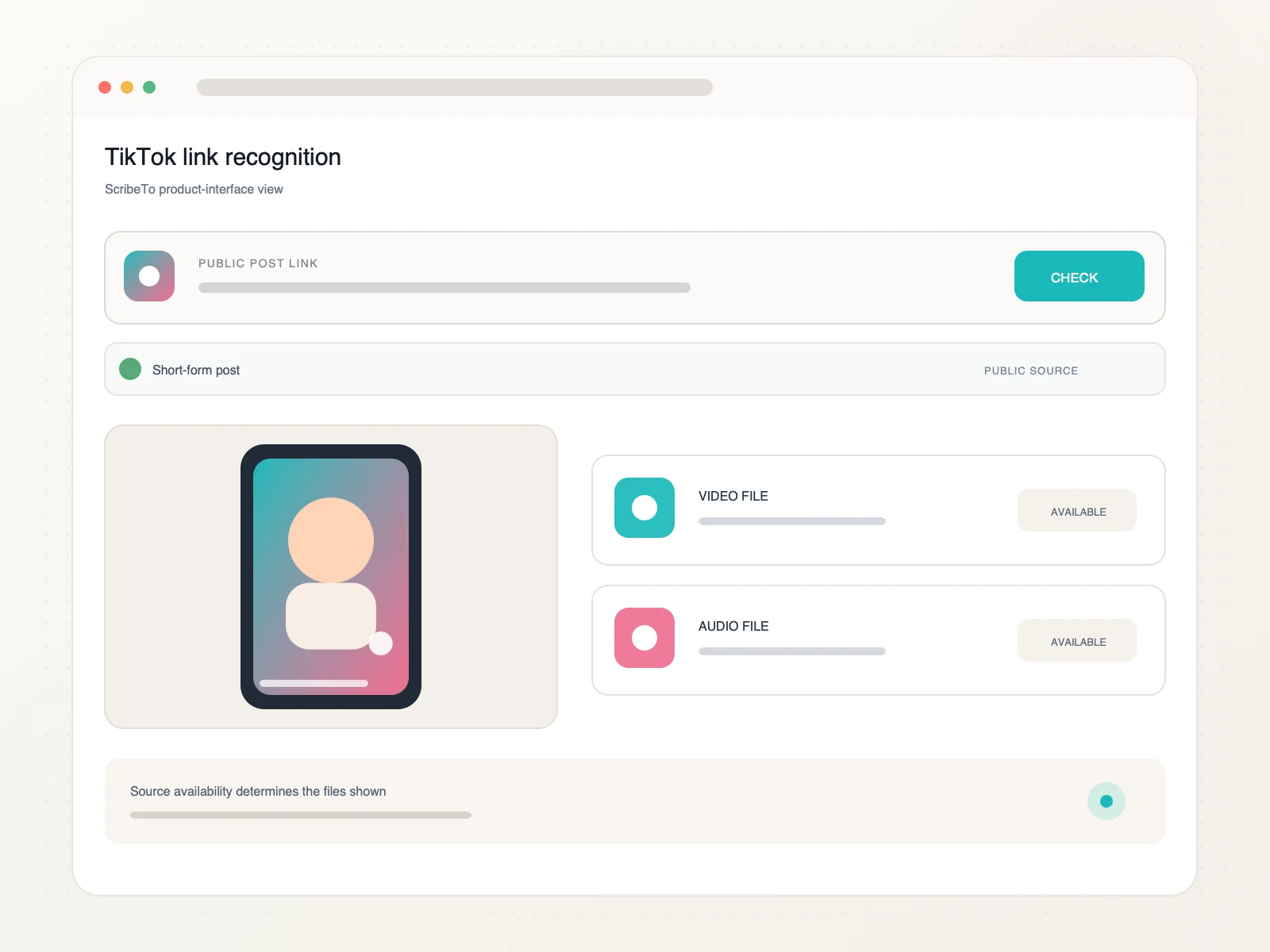
Tap Share on a public TikTok post, copy the full URL or a supported vm.tiktok.com or vt.tiktok.com short link, and paste it above.

Download a public TikTok video from its post link. Review the source-provided video and audio options, then save the format that fits your workflow.
Copy a public TikTok post link, compare available video or audio options, and save the file through your browser.
Tap Share on a public TikTok post, copy the full URL or a supported vm.tiktok.com or vt.tiktok.com short link, and paste it above.
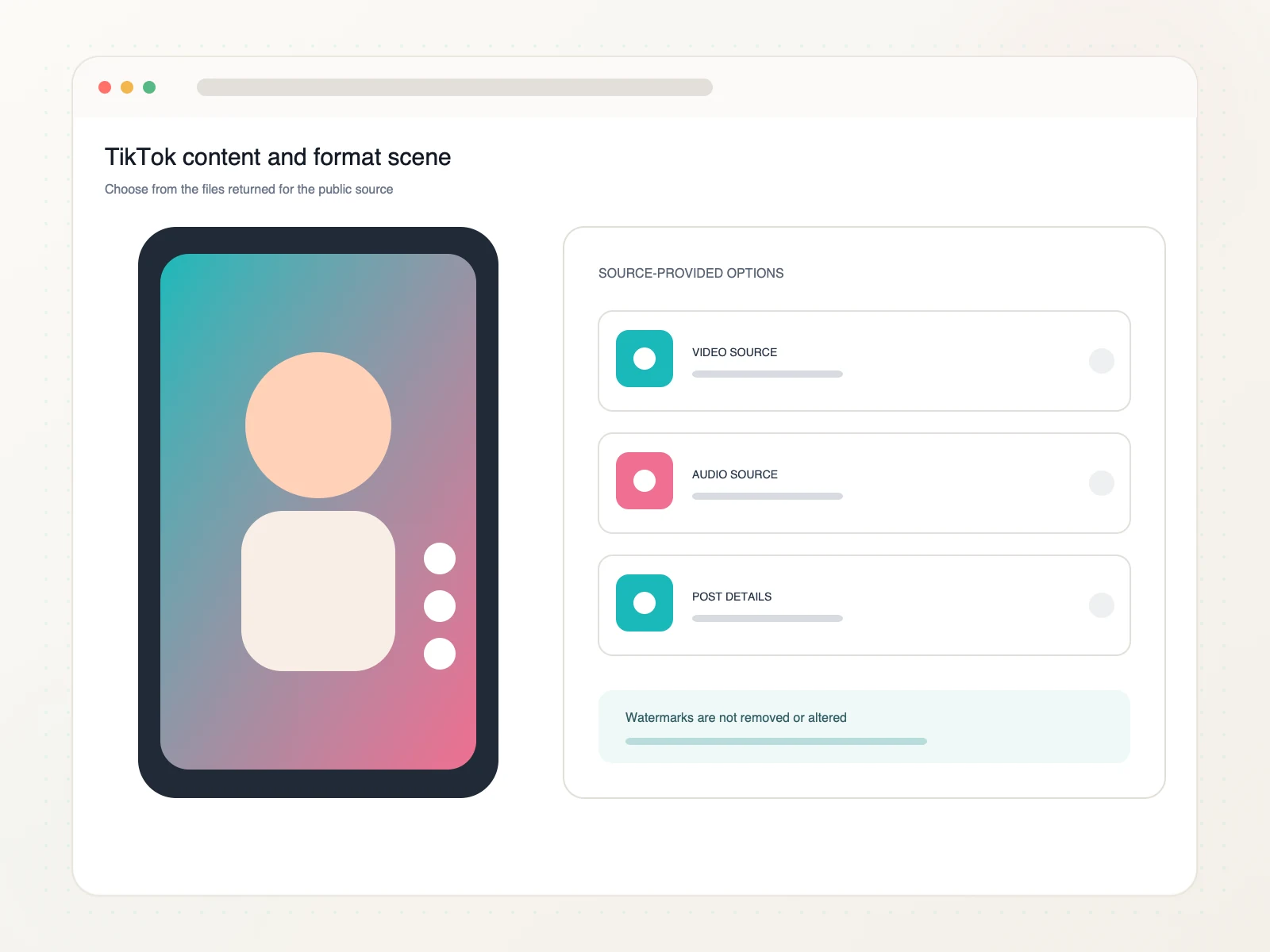
Compare the available video and audio variants, including container, resolution, bitrate, and estimated size when provided.
Choose a source-provided option and save it to your phone, tablet, or computer for your next media task.
Move from one public TikTok post link to the source-provided file that fits your authorized project.
Use the URL for one public TikTok post or supported short link so the downloader can identify the specific clip.
Review the video and audio variants exposed by the source instead of relying on a fixed quality promise.
Move an authorized clip into caption review, a short-form editor, a trend board, or a searchable transcript.
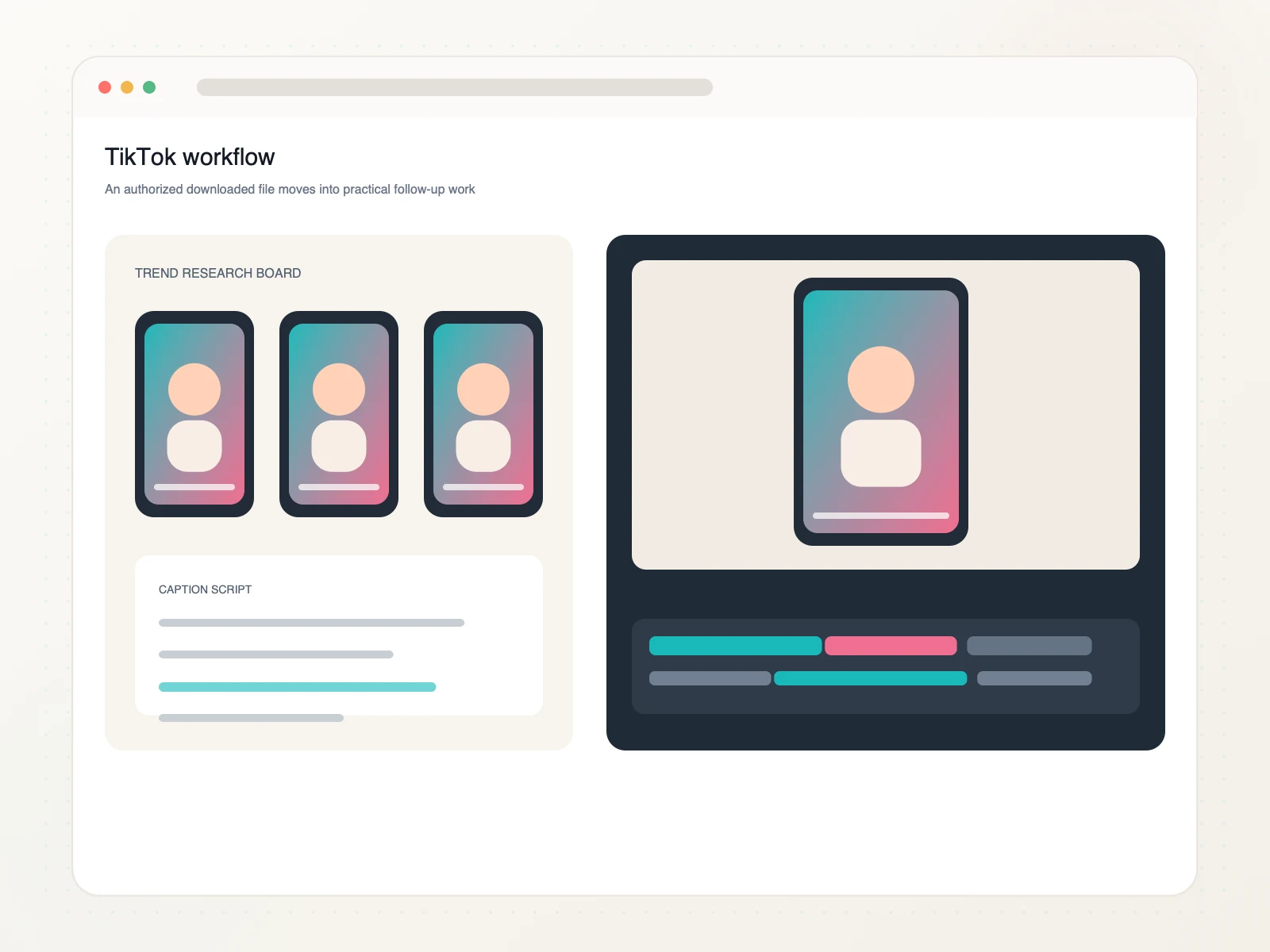
Use saved public clips as organized inputs for creative, editorial, and research tasks.
Save authorized examples with their source context for a creative brief.
Organize public clips around a format, topic, or campaign pattern.
Inspect spoken lines and prepare caption text in a separate workflow.
Bring an authorized source file into the editor used for your own project.
Copy the public TikTok post link, paste it into ScribeTo, choose one of the available source formats, and start the browser download.
Yes. Link resolution and direct downloads require a signed-in account and available download units. Each format button shows its direct-download unit cost.
Supported TikTok short links work when they redirect to an available public video post. Profile, search, collection, and private pages are not valid inputs.
ScribeTo does not remove or alter watermarks. It shows the video variants made available by the source, so watermark behavior depends on the selected source file.
The results depend on the public post. ScribeTo displays the available container, resolution, bitrate, audio, and estimated file-size details before download.
Yes. Use a modern browser on your phone, tablet, or computer. The device and browser settings determine where the downloaded file appears.
Private, deleted, login-only, restricted, region-limited, profile, or collection pages may not expose downloadable media. Try the direct URL of one public post.
Only download media you own or have permission or another lawful basis to use. You are responsible for copyright compliance and the platform's terms.
Paste a public TikTok post link, compare the available source formats, and save the video or audio through your browser.
Paste a TikTok link