
01
Paste the media link
Copy a direct public Facebook video, Watch, or Reel link from the share menu or address bar and paste one URL above.

Download public Facebook videos and Reels from one link. Compare the video or audio formats available from the source, then save the file you need.
Copy a public Facebook video or Reel link, compare available formats, and save the video or audio file through your browser.
Copy a direct public Facebook video, Watch, or Reel link from the share menu or address bar and paste one URL above.
Review the source-provided video and audio variants, including container, resolution, bitrate, and estimated size when available.
Select the format you need and save it to your current device for offline viewing, editing, research, captions, or transcription.
Identify one supported public post, compare its available files, and prepare the saved media for later work.
Use one supported public Facebook video, Watch, share-video, or Reel link to identify the media you need.
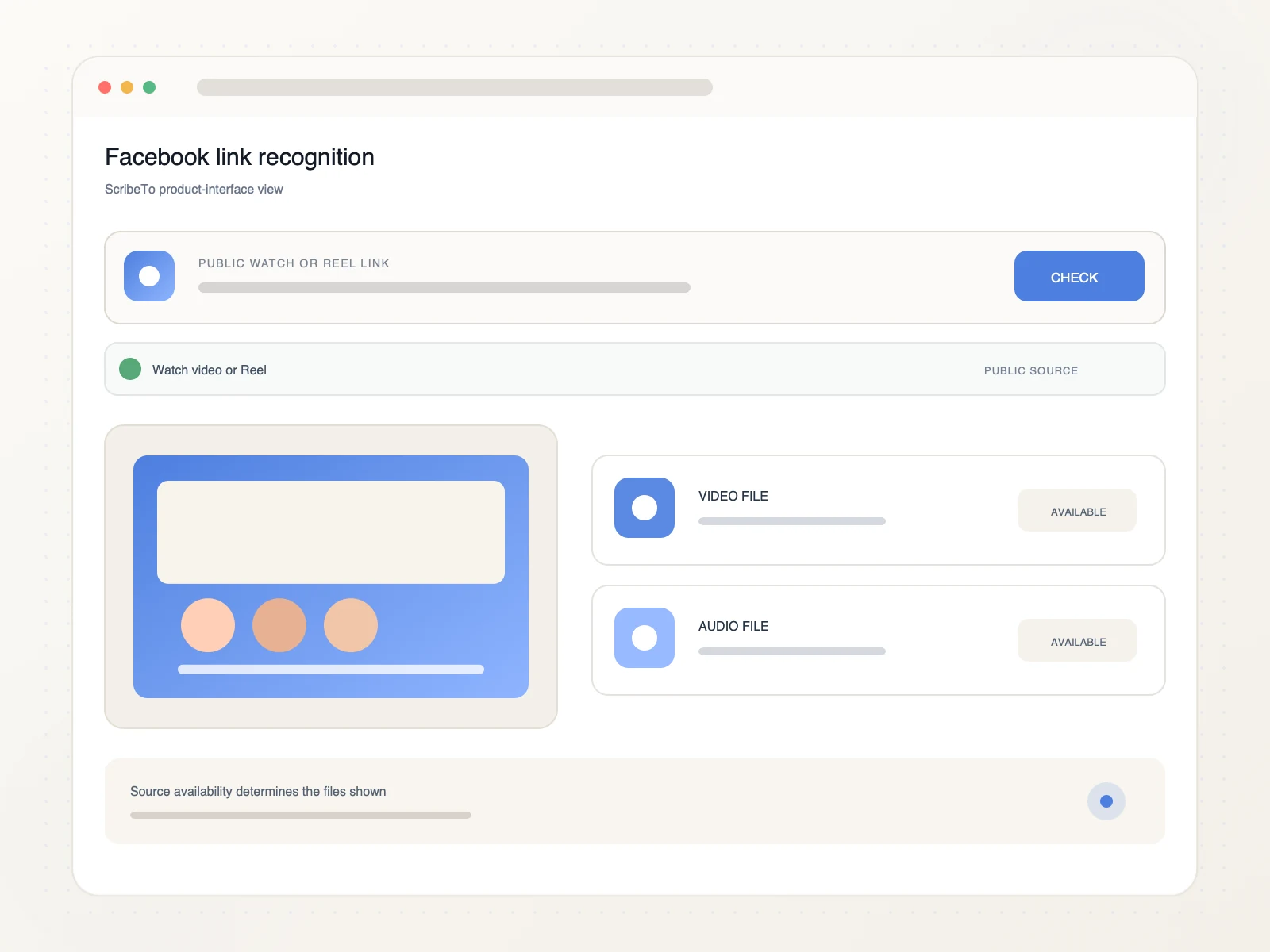
Compare the available video and audio files returned for the public post before starting a download.
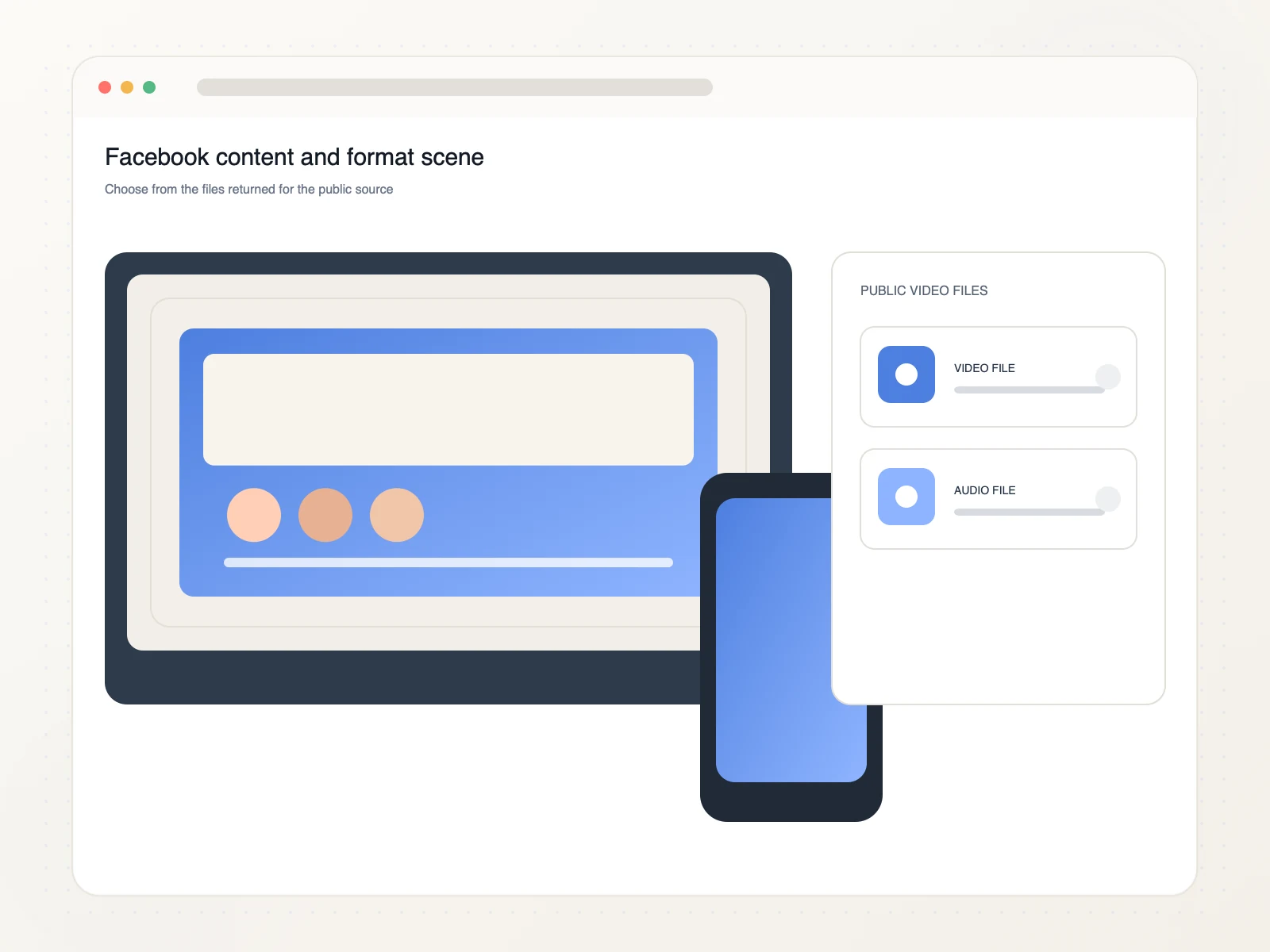
Prepare an authorized Facebook video for editing, community review, research, captions, or an archive.
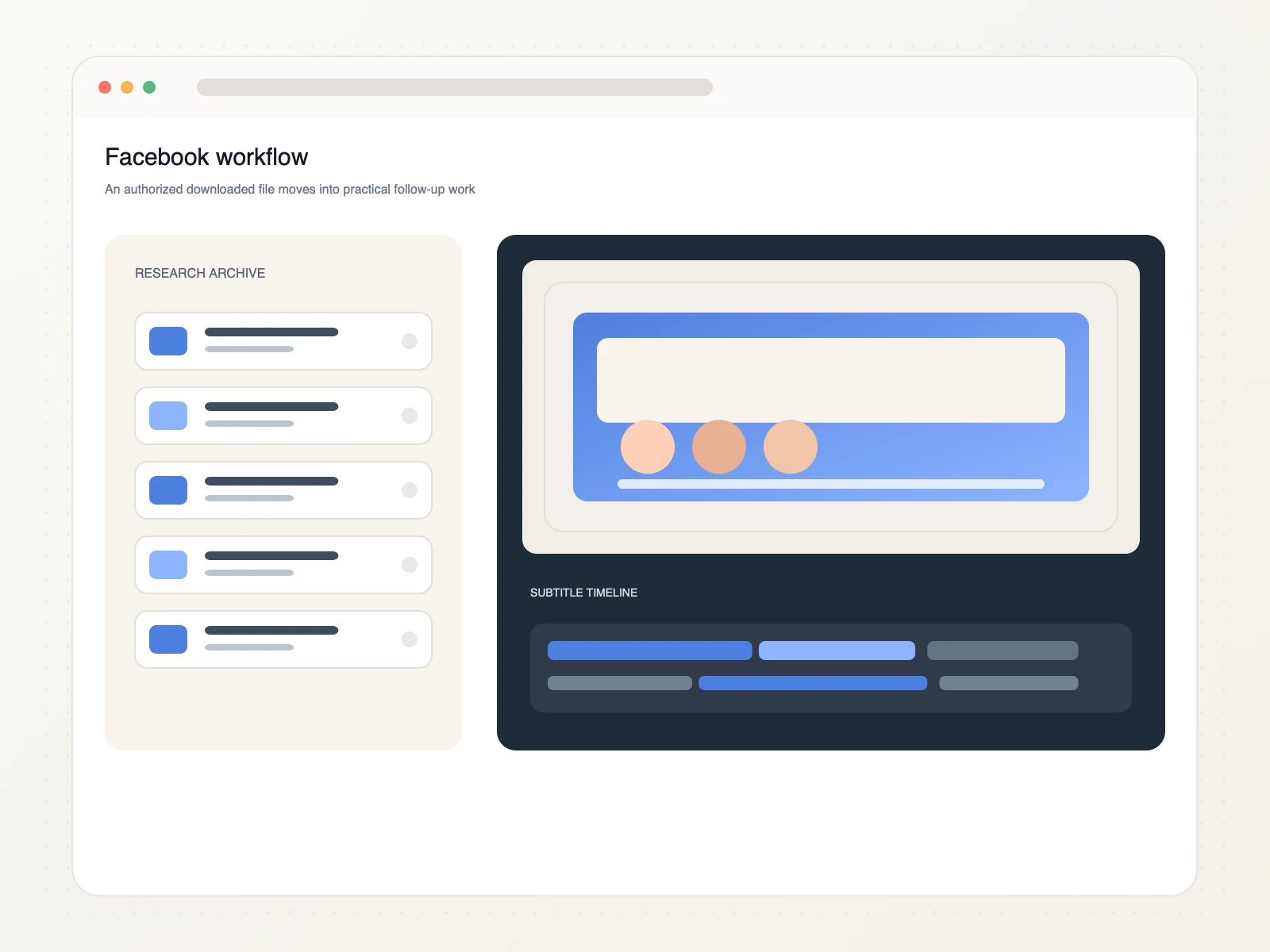
Organize authorized public Facebook video around the people and tasks that need it.
Reuse or archive video published by a page you manage.
Preserve authorized event footage for planning, reporting, or review.
Organize public video examples for moderation, research, or discussion.
Prepare saved speech for captions or a searchable media archive.
Copy the direct public Facebook video or Reel link, paste it into ScribeTo, choose an available format, and start the browser download.
Yes. Link resolution and direct downloads require a signed-in account and available download units. Each format button shows its direct-download unit cost.
Supported public Facebook Reels, Watch videos, and direct video links can be processed. Use the specific post or video URL rather than a profile, group, or home-feed link.
ScribeTo displays the source-provided video and audio variants. The available container, resolution, bitrate, and size depend on the public Facebook video.
Yes. Use a modern browser on iPhone, Android, tablet, Windows, macOS, or another desktop device. Browser settings determine where the file is saved.
Process one direct public video link at a time. This keeps the format details and download choice clear for each source.
Friends-only, group-only, login-only, protected, deleted, private, unavailable, profile, or home-feed pages may not expose downloadable media. Try one direct public video URL.
Only download media you own or have permission or another lawful basis to use. You are responsible for copyright compliance and Facebook's terms.
Paste a public Facebook video or Reel link, compare the available source formats, and save the right file in your browser.
Paste a Facebook link