


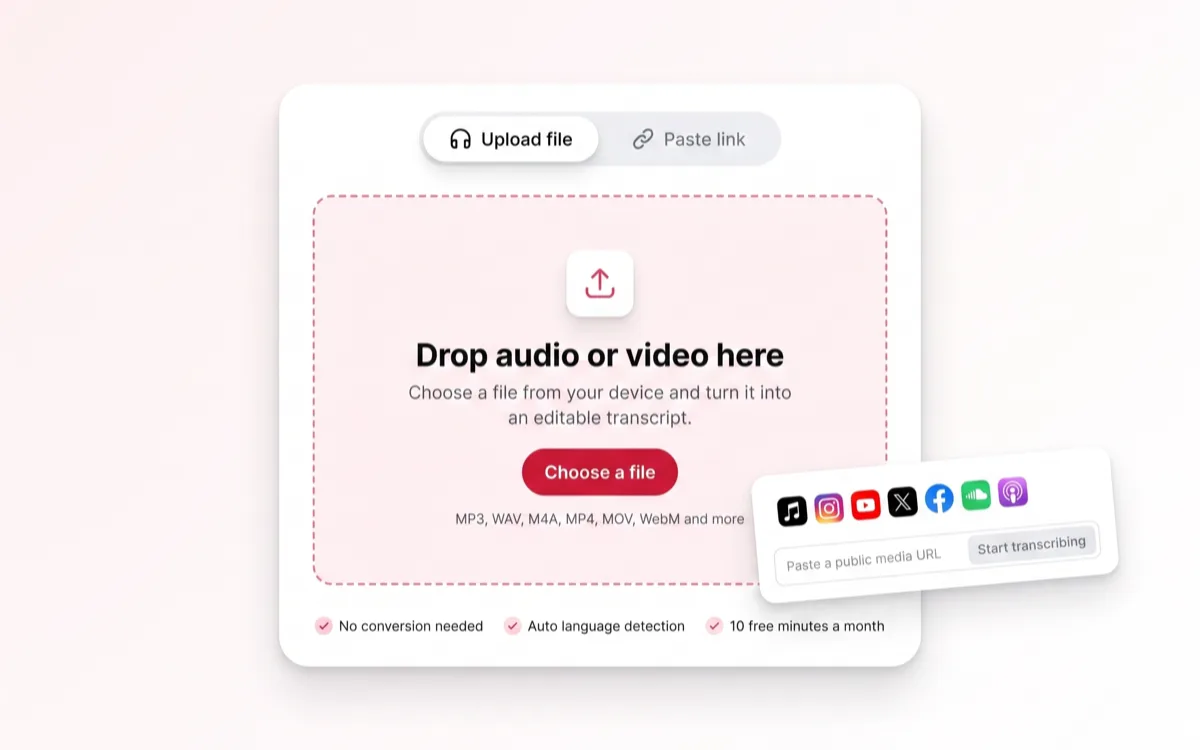
Bring the media in
Drop a file, paste a public link, or open the mic. No format conversion, nothing to install, no desktop app.

From a file, a link, or live.
Convert video to text online — upload a file, paste a YouTube or TikTok link, or record live. Audio to text works the same way: an editable transcript with speaker labels, then export TXT, SRT or VTT in 99+ languages.
Choose a file from your device and turn it into an editable transcript.
Choose a fileMP3, WAV, M4A, MP4, MOV, WebM and more
Most tools stop at the raw transcript. The work that actually takes time — correcting names, timing the captions, pulling the quotes — happens right here, next to the audio.
Drop a file, paste a public link, or open the mic. No format conversion, nothing to install, no desktop app.
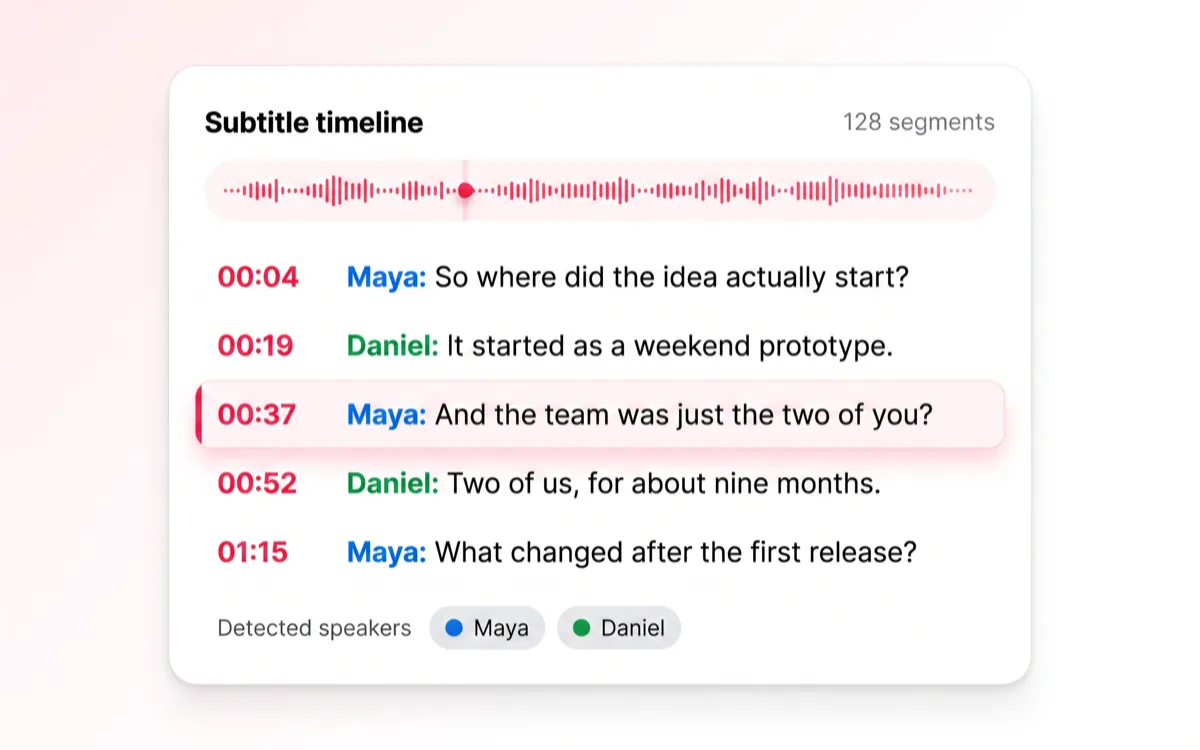
Speech recognition returns timestamped segments with the speakers already separated, so a two-hour panel arrives readable.
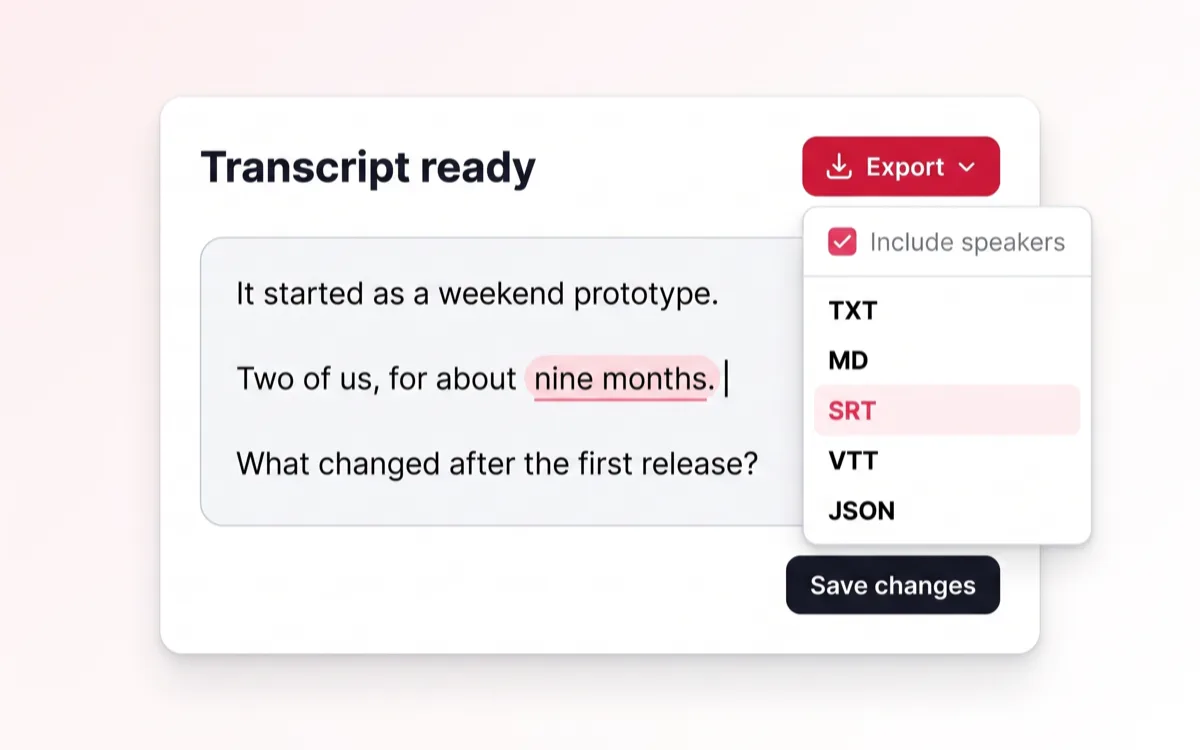
Fix a word, rename a speaker, retime a caption, ask for a summary — then export. The last mile happens beside the audio.
Whatever the recording already is, it can start here without being converted, downloaded or re-uploaded first.
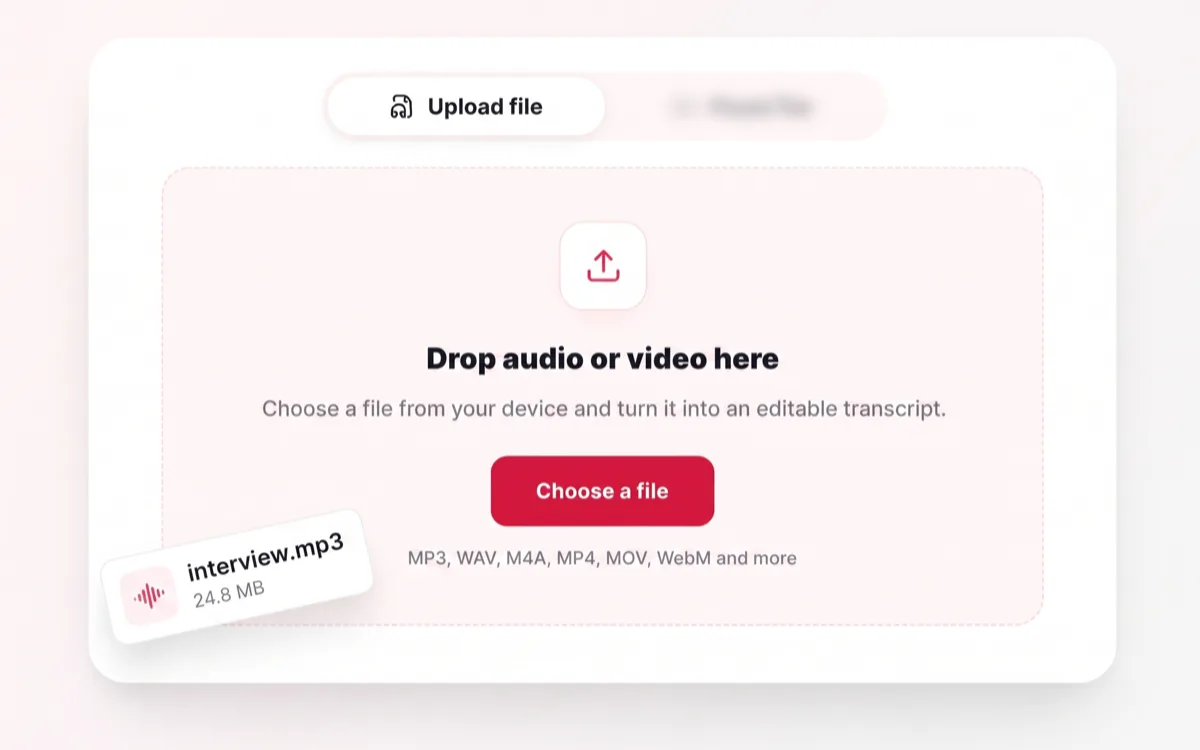
MP3, WAV, M4A, MP4, MOV and WebM go straight in. The audio never has to be pulled out of the video first.
MP3 · WAV · M4A · MP4 · MOV · WebM
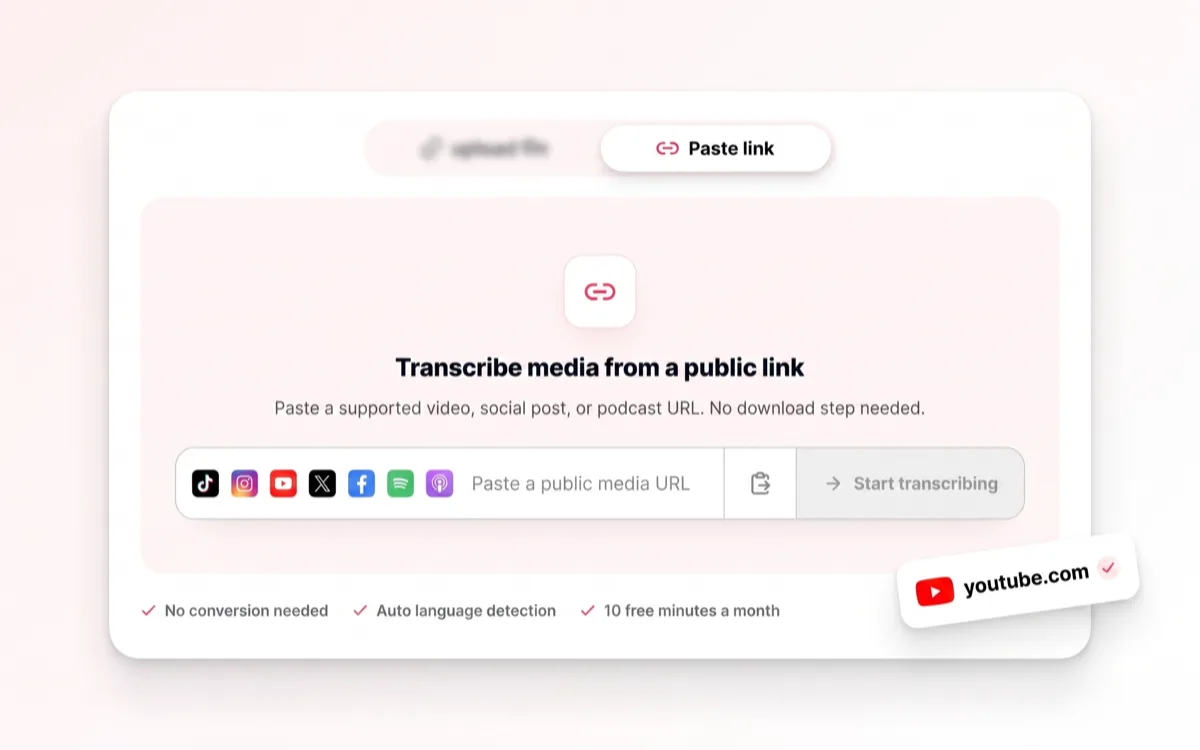
A public URL is enough — no download, no re-upload, no screen recording as a workaround.
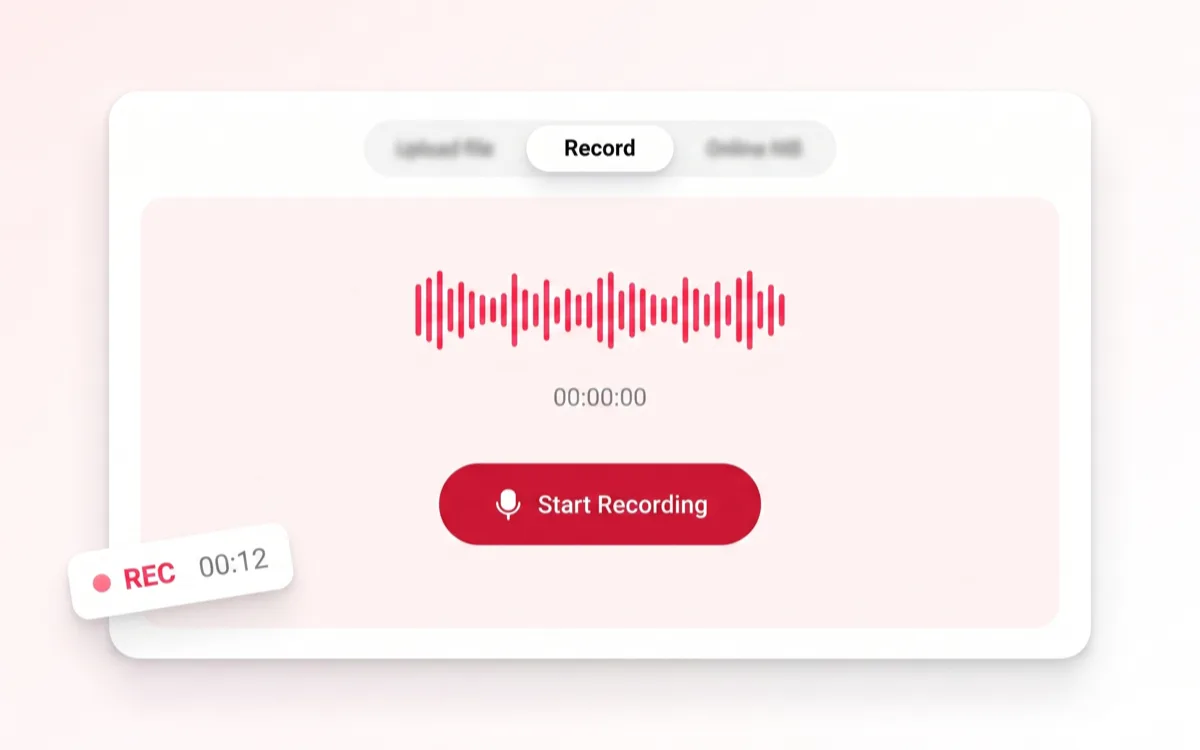
Open the mic for a meeting, an interview or a lecture and watch the text land while the room is still talking.
Up to 50 MB per recording
Open the recorder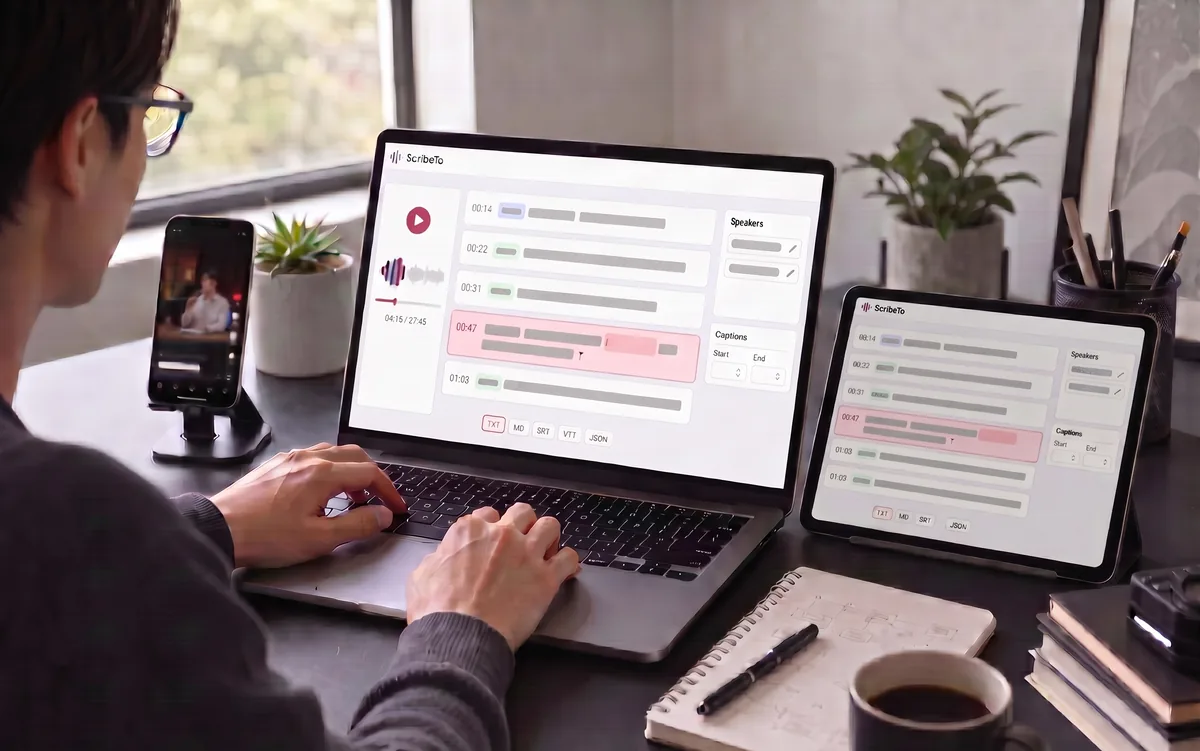
A raw block of text is the easy half. Everything that makes it usable — the corrections, the speaker names, the caption timing — is in the same window as the audio.
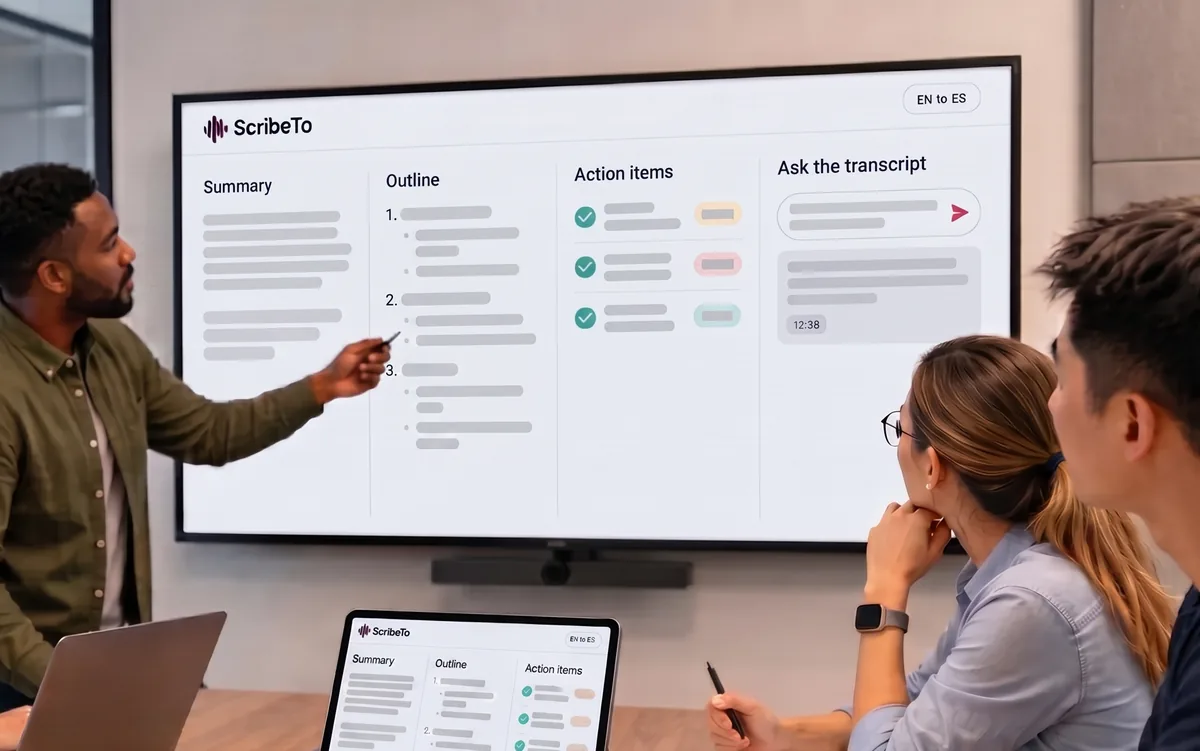
Every AI action reads the version you corrected. Fix a name once and every summary, outline and answer after it is right too.
Nobody wants a transcript for its own sake. They want show notes by Friday, a quote they can cite, captions before the clip goes out.
Transcript, summary and chapter-worthy quotes from one upload.
Paste the link, search the text, cite the timestamp.
Retime and reword in place, then export SRT or VTT.
Record in the browser, get action items on the way out.
A three-hour recording becomes text you can Ctrl-F.
Every interview transcribed, speaker-labelled and exportable.
Below are the main languages we support for transcription and subtitles. The set you can transcribe from is the set you can translate into.
Every online video to text converter has the recognition step — that part is table stakes. The difference is everything that comes after it.
We are new, so instead of a trust badge we have not earned, here is exactly what the system does with your recordings.
Every transcript is scoped to the account that created it. A request for someone else’s task is rejected before it reaches the database.
Media lives in object storage, not in the page and not on a third-party host. Playback runs through short-lived signed links.
The speech provider receives the audio for the job and nothing else — no account, no history, no other files.
Remove a transcript and its media at any point. Media also carries an expiry, and share links die with it rather than outliving the file.
Every plan includes the full workspace. What changes is how much you can run through it — the free tier already covers one end-to-end pass.
Great for trying the whole workflow once.
$0
No credit card required
Get startedFor regular transcription work, week to week.
$19.99 / month
$219.90 / year if billed yearly
Subscribe nowFor high-volume archives, teams and agencies.
$59.99 / month
$679.90 / year if billed yearly
Subscribe nowAccuracy, supported links, export formats and what the free tier actually covers.
Clean speech in a quiet room comes back close to publishable. Heavy accents, crosstalk and background noise cost accuracy — which is why every transcript stays editable beside the audio instead of being handed to you as final.
All three. Upload MP3, WAV, M4A, MP4, MOV or WebM; paste a public link; or record live in the browser.
Public URLs from TikTok, Instagram, YouTube, X, Facebook, Spotify, Apple Podcasts, plus RSS podcast feeds. Anything else is rejected before it reaches the transcriber.
TXT, Markdown, SRT, VTT, JSON. Subtitles come out as SRT or VTT with the timing you approved; there is no DOCX or PDF export today.
Ten transcription minutes a month, plus a small allowance of link transcriptions and AI actions so every part of the product can be tried before paying. Uploading and live recording work on the free tier without any allowance.
Yes. The timestamped segments are the single source — correct them once, then export SRT or VTT for captions and translate the same text into any of 99+ languages.
From your corrected transcript. Fix a name or a term once and every summary, outline and answer after that uses the corrected version.
Your files and transcripts belong to your account. Media is stored in Cloudflare R2 and only the data needed to complete a task is passed to the speech providers that process it — the details are in the Privacy Policy.
One page per job, so the tool you land on is already set up for what you came to do.
A file, a link or the microphone. 10 minutes a month are free, and nothing about the workspace is held back.


