


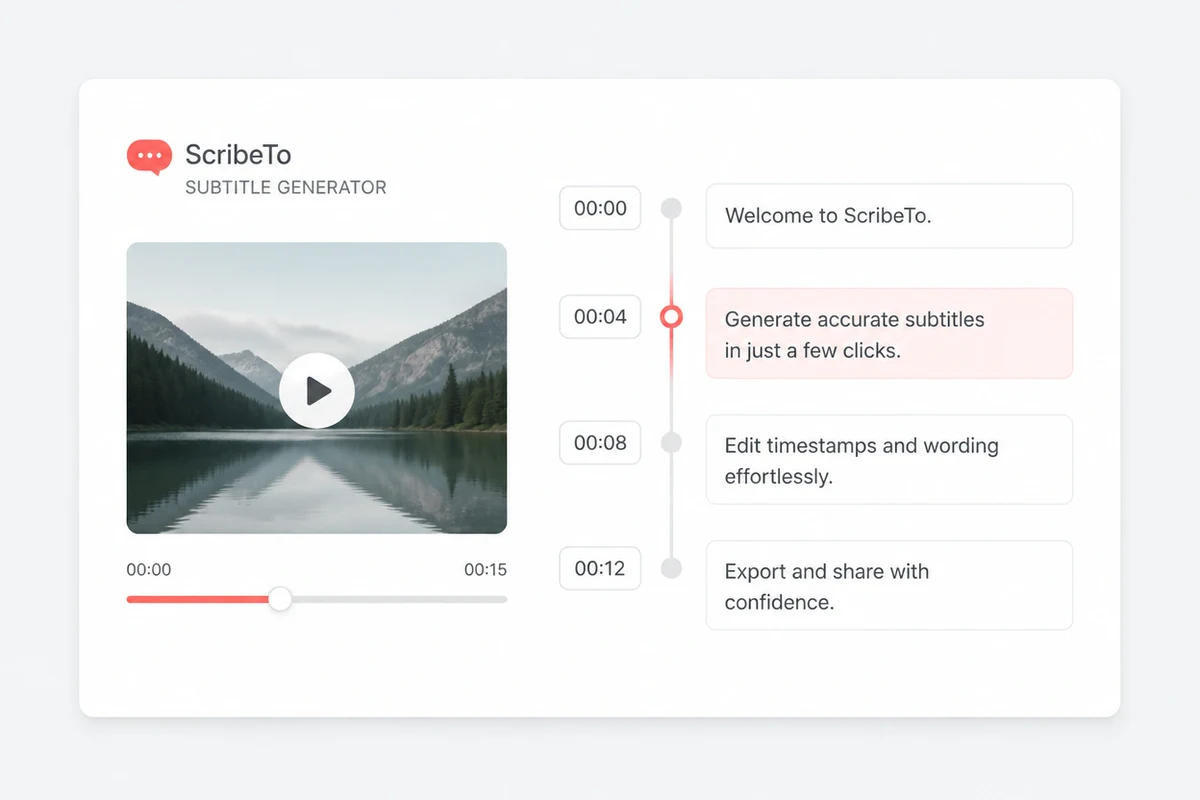
Timestamp-connected text
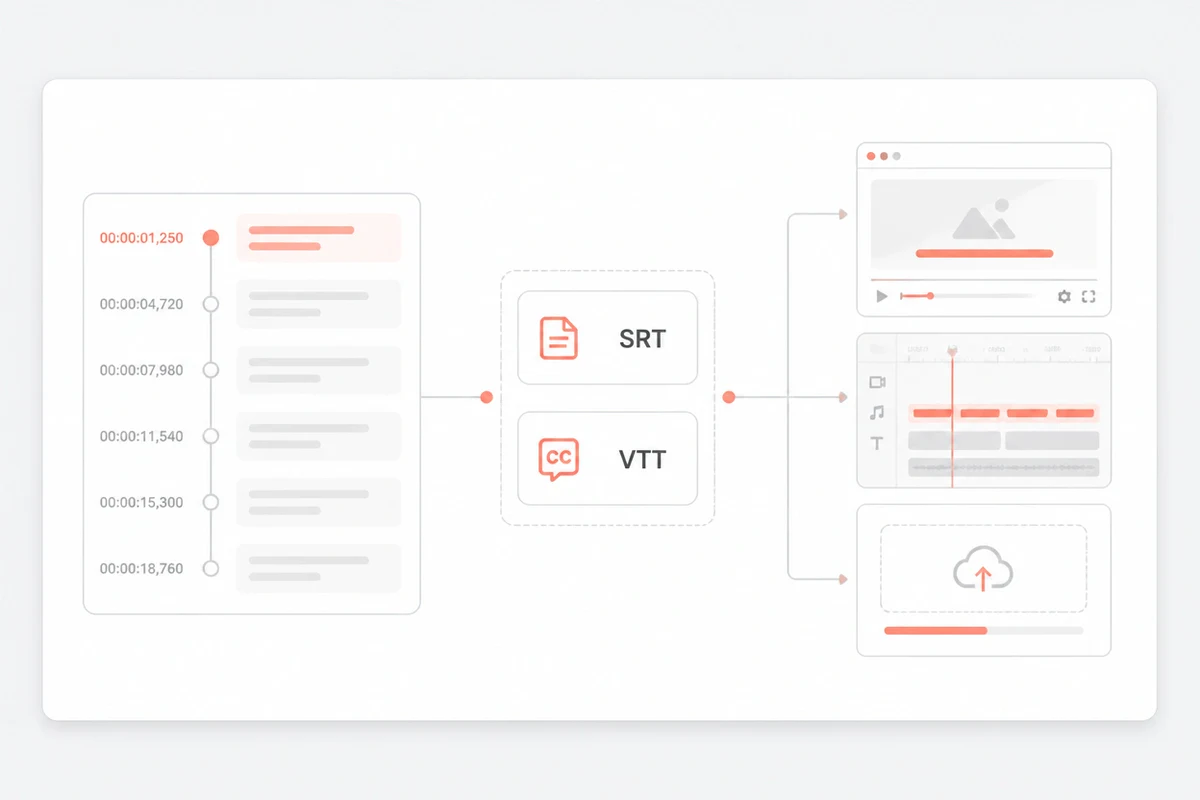
Use generated timestamped segments to connect spoken text with playback. Segment length follows the detected speech and should be reviewed before publishing.

Upload video or audio to create a timestamped subtitle draft. Review every cue beside the media, then export SRT or VTT for final editing or publishing.
Create, review, and export a useful subtitle file in three clear stages.
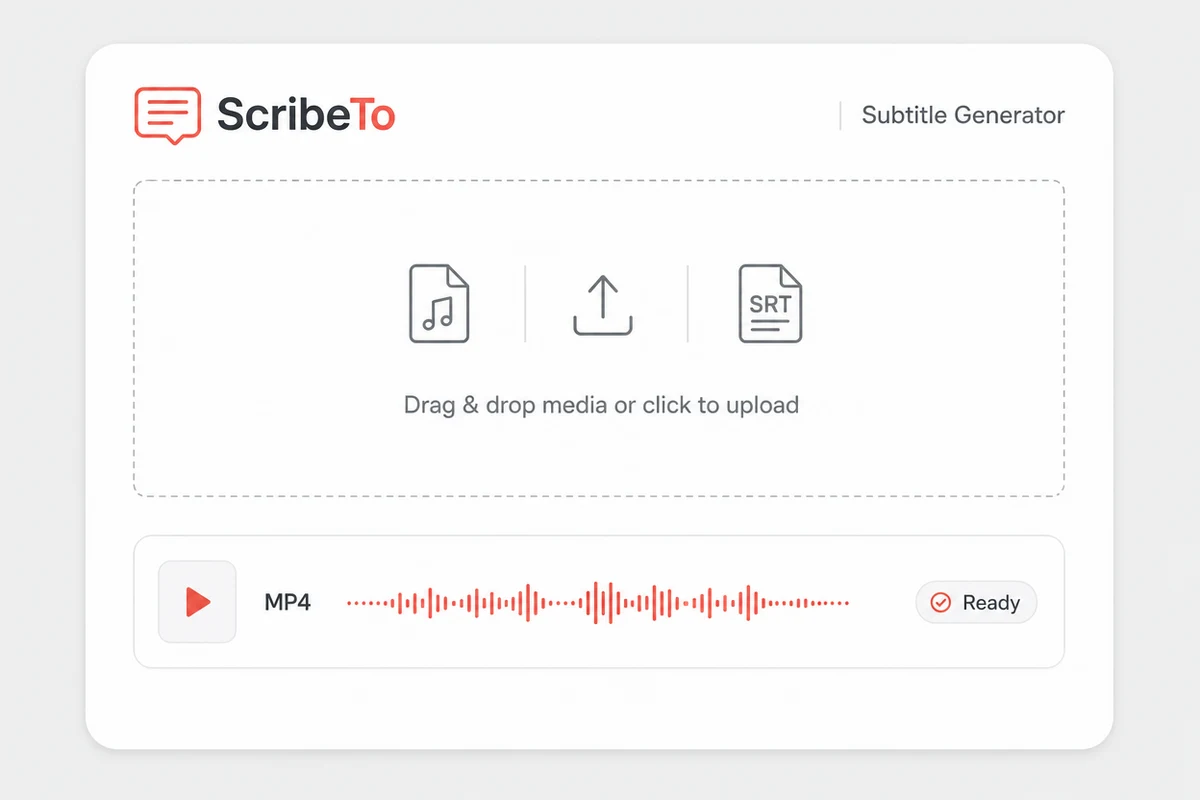
Choose a common video or audio file. The original upload remains unchanged while the transcription task is created.
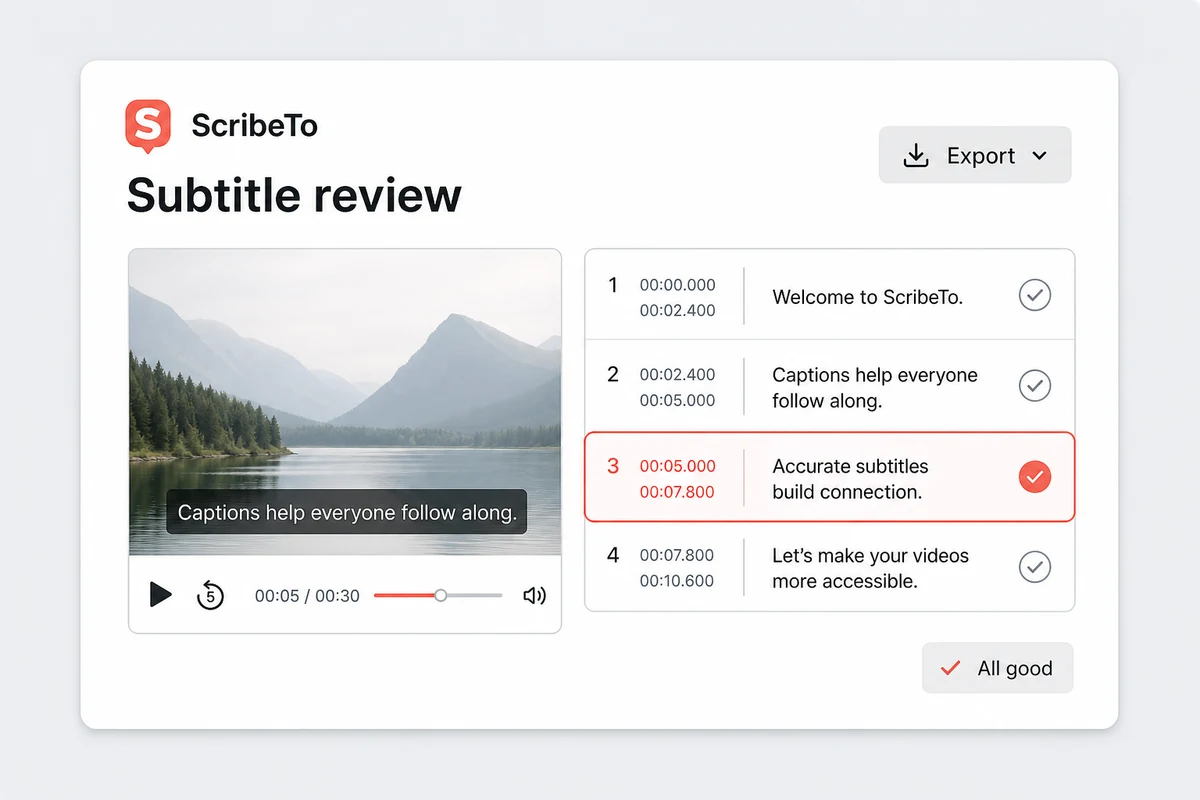
Compare each timestamped cue with playback and note any wording, punctuation, line-break, or cue-boundary changes still needed.
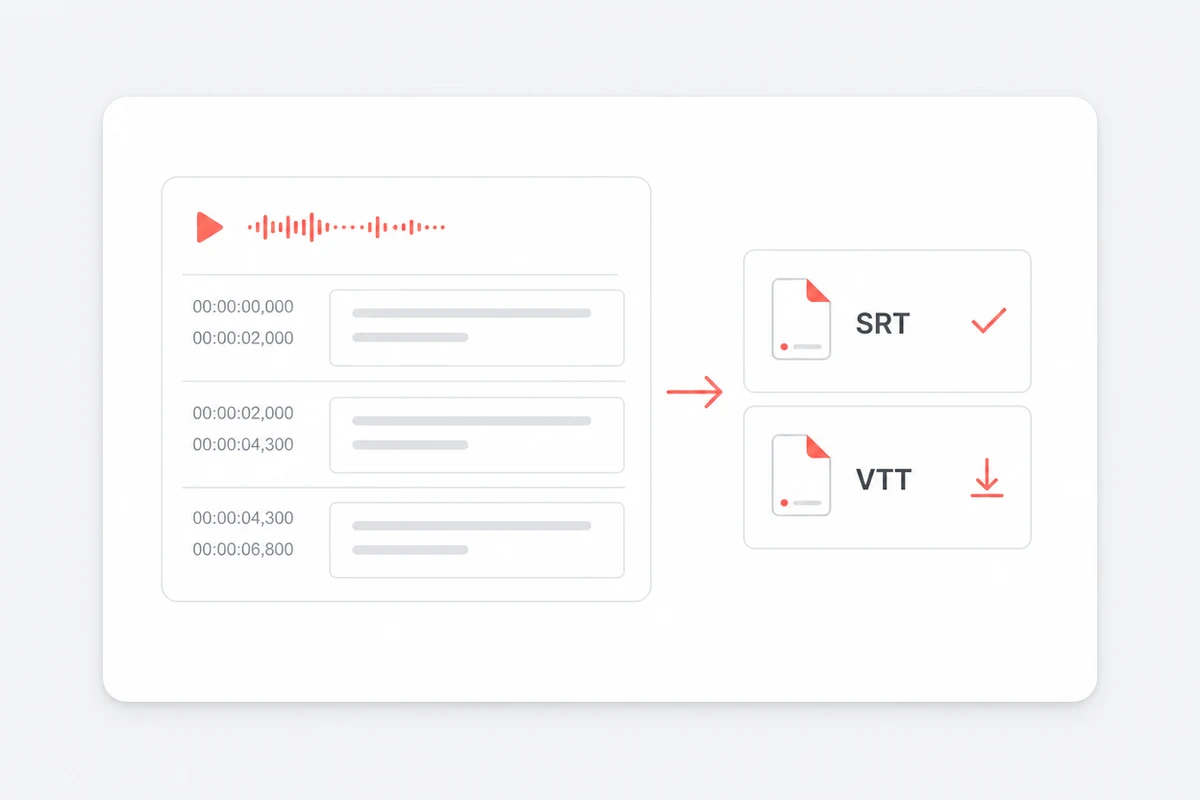
Download SRT or VTT, then make any final wording, line-break, or cue-boundary edits in a compatible subtitle editor before publishing.
A subtitle file is timed text: each cue holds one or two lines of speech plus the moment they appear and disappear. ScribeTo generates that draft from the audio in your media, shows every cue against playback, and exports it as SRT or VTT.
Use generated timestamped segments to connect spoken text with playback. Segment length follows the detected speech and should be reviewed before publishing.
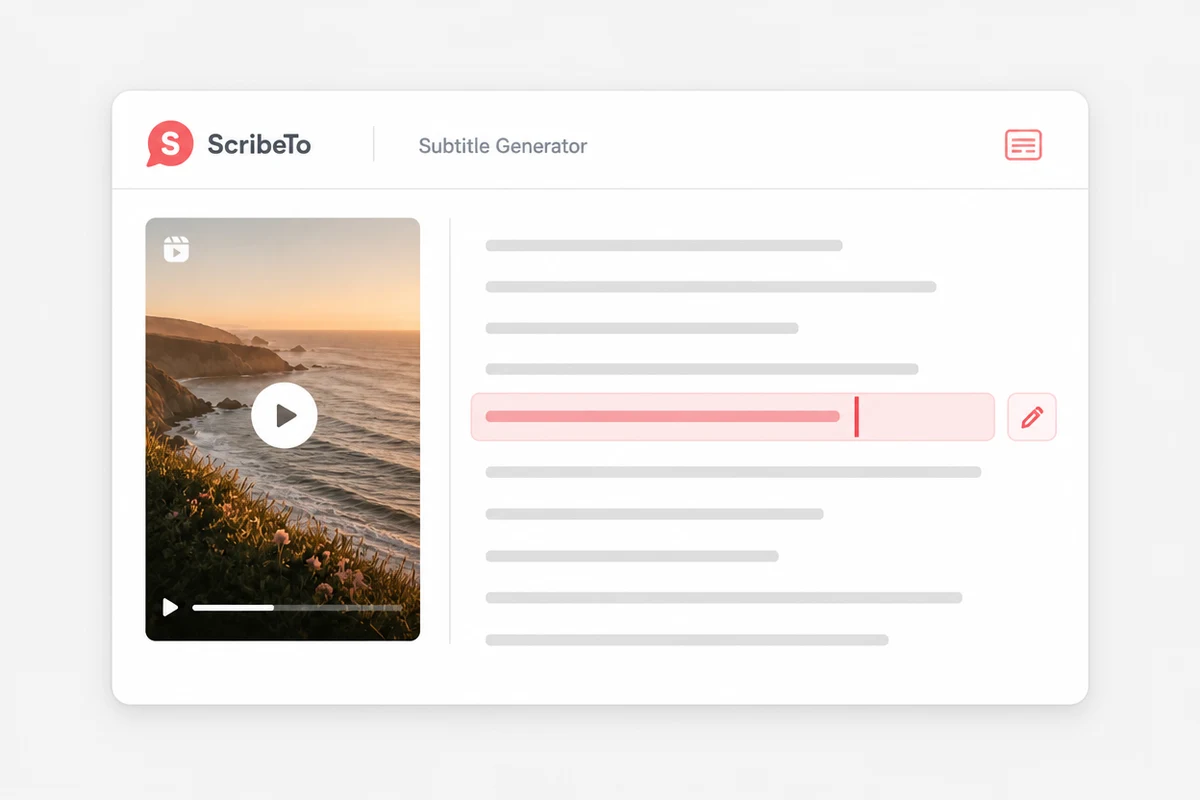
Compare names, punctuation, and uncertain phrases with the source before downloading the subtitle file.
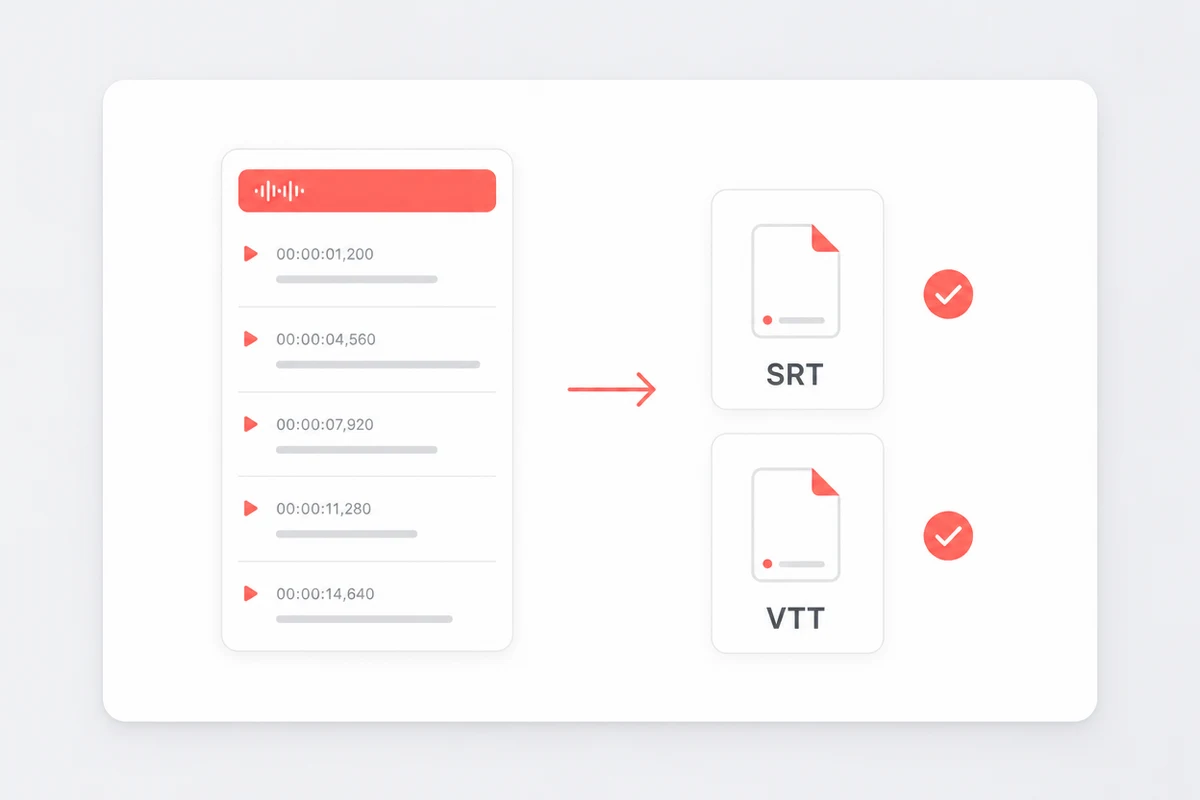
Choose SRT for broad compatibility or VTT for browser-based video players and WebVTT workflows.
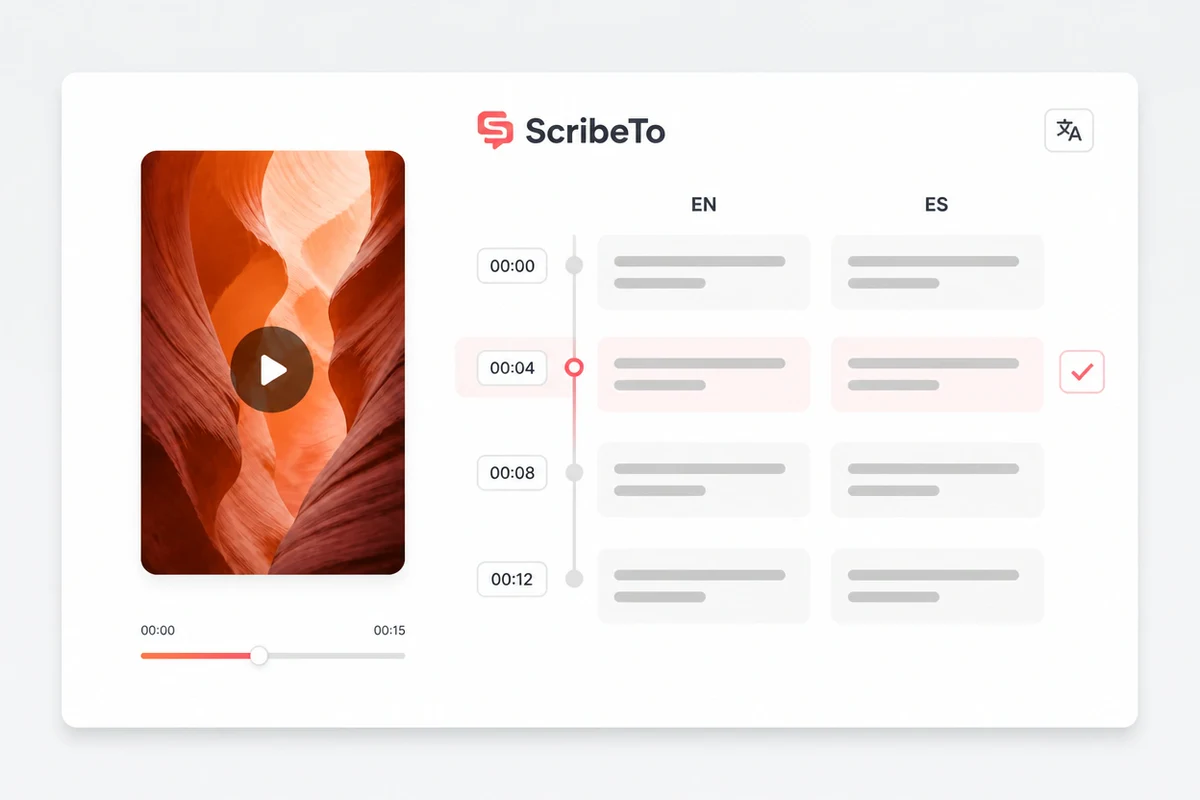
Create a target-language track from the generated timed subtitle draft, then review the translation against playback.
Translation starts from the generated timed track. Keep transcription, translation, and target-language review as separate stages, and compare both tracks with playback.
Use playback to identify names, product terms, and the meaning of uncertain passages before evaluating the translation.
Create the target-language version while preserving the connection to each timed cue.
Check meaning and reading speed against playback, then make final phrasing and line-break edits after export.
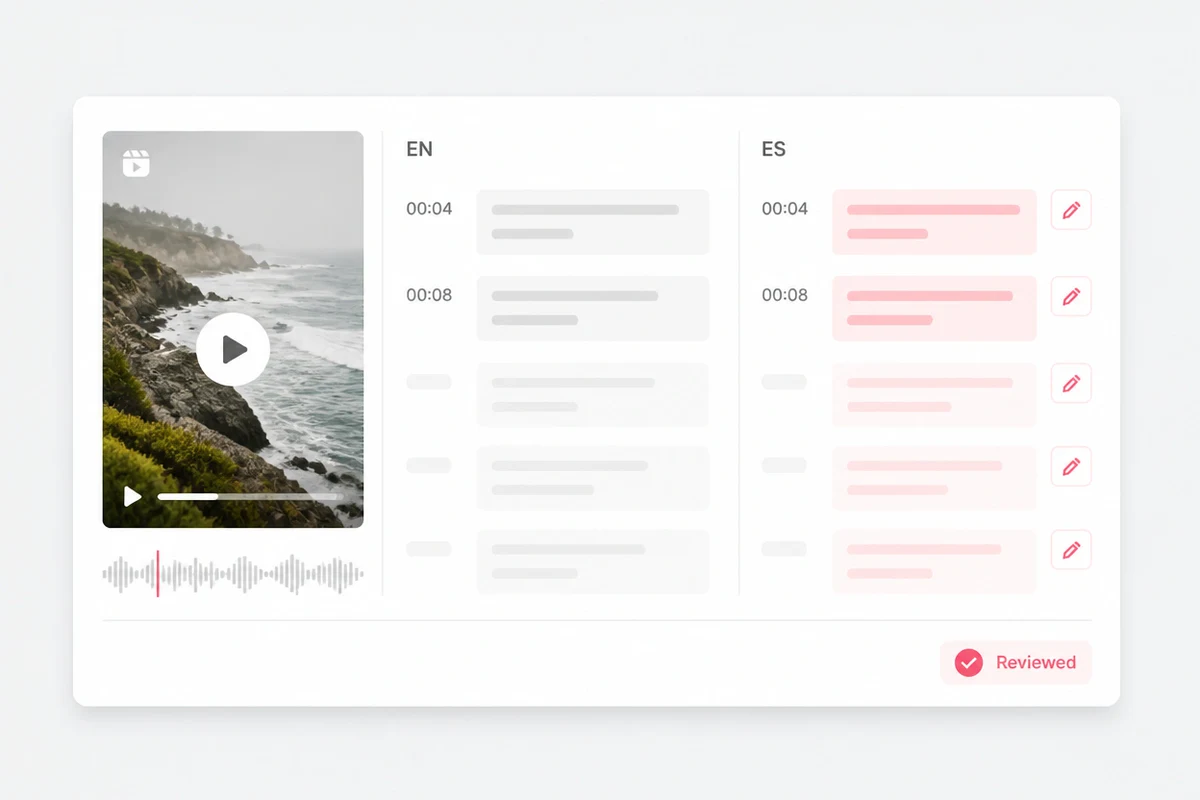
Both formats store timed text. The right choice depends on where the subtitles will be imported or played.
SRT for broad compatibility
SubRip is a straightforward timed-text format accepted by many video platforms, caption tools, and editors.
VTT for the web
WebVTT is designed for timed text in browser media players and can support web-oriented cue information.
The same cue-by-cue review serves the people who publish the video and the people who need the words to follow it.
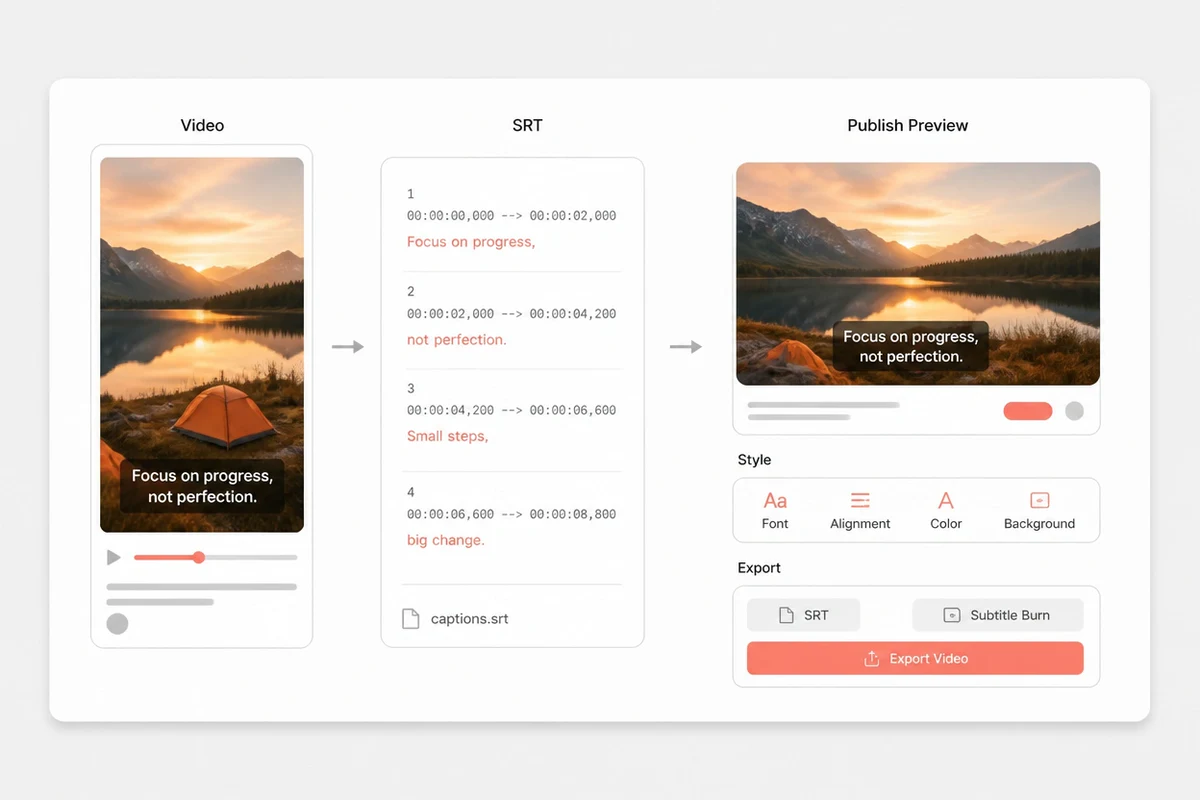
Generating cues needs the file itself, so here is where it goes, how it travels, and how you take it back out again.
Read the full privacy policyYour media file and the subtitle text generated from it are stored on AWS, so you can reopen the task in your workspace and export SRT or VTT again later.
Uploads and subtitle downloads use encrypted transport, with access controls and server-side credentials on the storage bucket. Only the data needed to produce the cues is passed to the configured speech providers.
Delete the subtitle task yourself in your workspace at any time, or email support@scribeto.ai to request deletion of account data. Your original file is never edited or overwritten.
Compare shared ScribeTo plans for transcription, review, export, translation, and the rest of your media workflow.
Great for trying the whole workflow once.
$0
No credit card required
Get startedFor regular transcription work, week to week.
$19.99 / month
$219.90 / year if billed yearly
Subscribe nowFor high-volume archives, teams and agencies.
$59.99 / month
$679.90 / year if billed yearly
Subscribe nowAnswers about automatic subtitles, editing, timing, captions, translation, SRT, VTT, cost, and supported output.
Upload the video, create a transcription task, and review the resulting timestamped cues beside playback. Export SRT or VTT, then make any final wording or cue-boundary edits in a compatible subtitle editor.
Use SRT for broad support across video platforms and editors. Use VTT for web players and workflows that expect WebVTT.
The current workspace lets you review timestamped cues against playback and export SRT or VTT. Make final wording, line-break, and cue-boundary edits in a compatible subtitle editor after export.
Subtitles often represent dialogue for viewers who can hear the program, while closed captions also communicate relevant non-speech audio such as music or sound effects. Usage varies by platform and region.
Translation can be part of the transcript workflow according to product entitlement. It starts from the generated original subtitle track; review the target language against playback and make final text edits after export.
No. This workflow creates and exports subtitle files such as SRT or VTT. It does not render styled text permanently into a new video file.
Video types such as MP4, MOV, WebM, MKV, and AVI, and audio-only types such as MP3, WAV, M4A, AAC, and FLAC. An audio file produces the same timed cues as a video, so a podcast or interview recording can be exported as SRT before any video edit exists.
Treat them as a first draft. Review names, technical terms, punctuation, timing, and accessibility details against the source, then make final text and cue-boundary edits in a compatible editor after export.
A free account includes 10 transcription minutes each month, with no card required. Longer videos or a steady subtitling habit use a minute pack or a plan, priced the same as every other ScribeTo transcription tool.
Yes. The subtitle task, its cues, and its SRT and VTT exports live in your workspace so you can reopen and re-export them, which means the upload has to belong to an account. Signing up needs an email address and no card.
Up to 50 MB, one file per subtitle task. If a long video is over the limit, export its audio track on its own, re-encode at a lower bitrate, or split the recording and generate cues for each part.
Your media and the subtitle text generated from it stay in your own workspace and are not published anywhere. Uploads and downloads use encrypted transport, your original file is never edited, and you can delete the task at any time. See what happens to your file above, or read the privacy policy.
Start with the source you have, then move from transcript to subtitles, translation, or reusable text in the same workspace.
Create a timestamped subtitle draft
Upload the media, compare every timed cue with playback, and export SRT or VTT for final editing or publishing.