


01
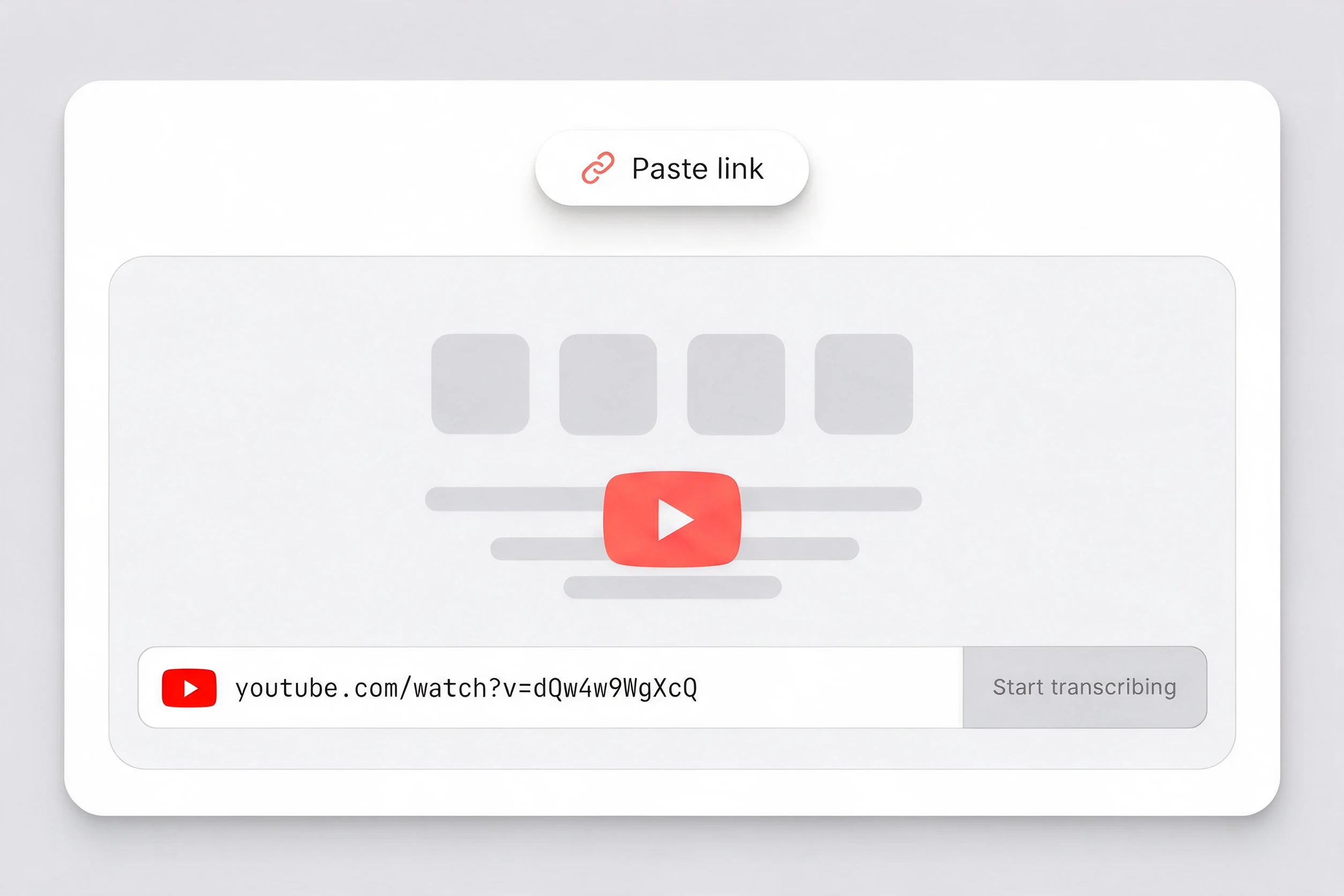
Paste the YouTube link
Copy a standard youtube.com watch URL, a YouTube Shorts URL or a youtu.be short link, then paste it into the link field above.

Works with public YouTube videos & Shorts
Turn a public YouTube video into searchable, editable text with timestamps and speaker labels. Link tasks started here currently use English (US) recognition.
Choose a file from your device and turn it into an editable transcript.
Choose a fileMP3, WAV, M4A, MP4, MOV, WebM and more
A YouTube transcript is the spoken audio of a YouTube video written out as searchable text. Unlike playback captions, it lets you read the full conversation, find a phrase, follow timestamps, correct names and reuse quotations in one place. ScribeTo turns accessible audio from a public video or YouTube Short into an editable document without downloading the media first.
Go from a public link to an editable YouTube video transcript without moving a video file onto your device or installing extra software.
01
Copy a standard youtube.com watch URL, a YouTube Shorts URL or a youtu.be short link, then paste it into the link field above.
02
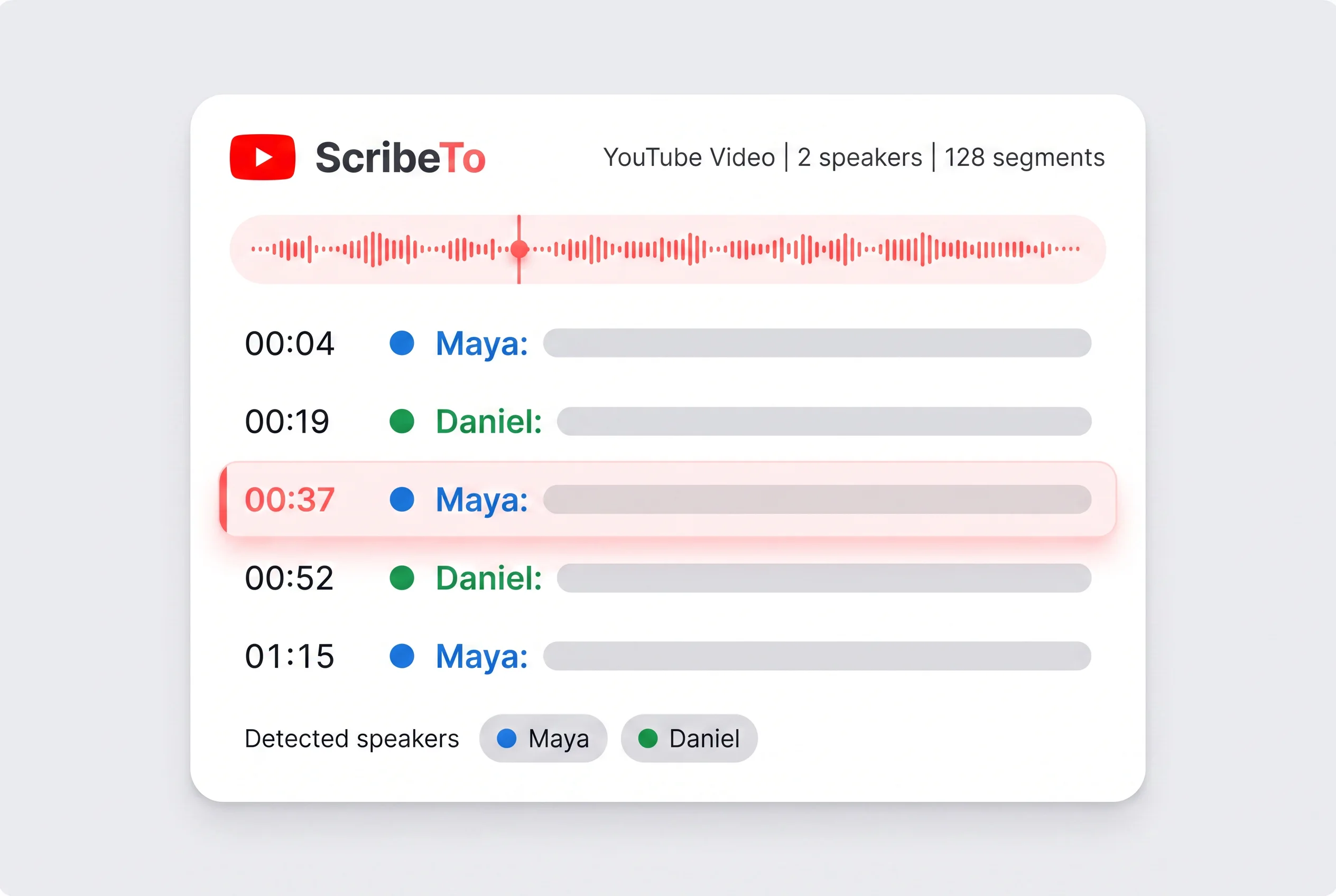
ScribeTo accesses the available audio and runs speech recognition while showing task progress. Link tasks started here currently use the default English (US) recognition setting.
03
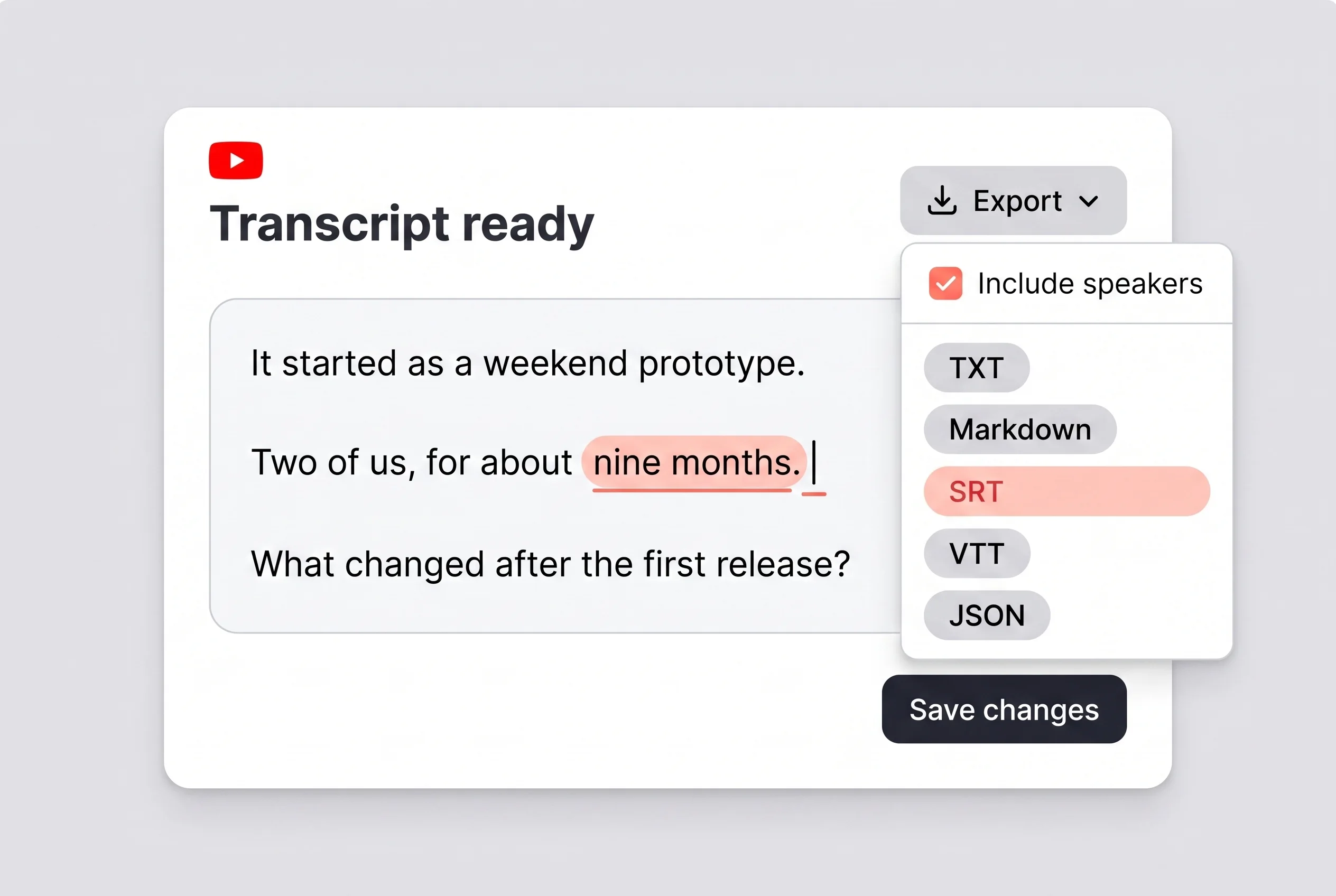
Correct wording, rename speaker labels and search the full transcript. Then copy the text or export it as TXT, Markdown, SRT, VTT, JSON.
ScribeTo accepts these three common link forms when they point to public, accessible media. Tracking parameters do not change the underlying video.
youtube.com/watch?v=UxxajLWwzqYUse the regular watch-page address copied from a desktop or mobile browser.
youtube.com/shorts/UxxajLWwzqYPublic YouTube Shorts use the same transcription workspace as standard videos.
youtu.be/UxxajLWwzqYYouTube's official youtu.be short link resolves to the same video ID.
Private and members-only videos require access that ScribeTo does not request or bypass.
Deleted or unavailable videos cannot provide audio for speech recognition.
Region-restricted and age-restricted media may block audio access even when some viewers can open the page.
An unfinished live stream or one without accessible media cannot be processed like a public upload.
The result is a working transcript, not unstructured text. Read beside the audio, navigate by timestamp and make corrections before exporting.
Host
The useful question is not how much information we collected, but what decision it changes.
Host
Start by naming the claim, then return to the original evidence before quoting it.
Guest
That timestamp matters because listeners can check the surrounding context for themselves.
Host
Once the wording is correct, the transcript can become notes, captions or a draft without another round of listening.
Read the complete spoken content, search phrases and edit terminology, names or punctuation directly.
Each segment keeps its source position. Select a line to check a quotation, lesson or interview answer.
YouTube captions support playback. ScribeTo turns accessible audio into a document for reading, correction, search and reuse.
Captions appear in timed pieces, and transcript availability depends on the video.
The complete transcript is one document you can scan, select and copy.
Viewers generally cannot rewrite another creator's caption track.
Edit words and punctuation while listening, then reuse the corrected version.
A caption track may not name who said each line.
Speaker labels separate the conversation and can be renamed throughout.
Playback captions follow the current moment rather than act as a research document.
Search a phrase, select its line and use the timestamp to verify context.
The viewing interface does not offer ScribeTo's editable export set.
After review, export TXT, Markdown, SRT, VTT or JSON.
Without creator captions or a usable automatic track, a native transcript may be unavailable.
ScribeTo can run speech recognition on accessible audio. Private or otherwise inaccessible media may fail.
A transcript keeps a long video useful after the first watch, without repeated timeline scrubbing.
Turn a lecture or tutorial into searchable study material. Revisit difficult explanations by timestamp and build notes from the full argument.
Explore this workflowFind an interview quotation, correct it while listening and retain the timestamp needed to verify context.
Explore this workflowUse the reviewed transcript for show notes, article outlines, clips or captions while keeping the original timing nearby.
Explore this workflowRead webinars and public interviews as text to compare recurring questions, positioning and language without replacing the original source.
Explore this workflowScribeTo's wider transcription and translation workflows offer a broad language catalog, with availability depending on task configuration. Link tasks started here currently use the default English (US) recognition setting.
Try real YouTube transcription with the free allowance, then choose a one-time minute pack or recurring plan if needed.
A free account receives 10 transcription minutes and 3 AI actions each month, with no card required.
Buy non-expiring transcription minutes without a subscription for occasional or project-based work.
Subscriptions raise monthly transcription and AI allowances while keeping the same editor and export workflow.
Answers about supported links, missing captions, exports, timing and access limits.
Copy a public youtube.com watch, YouTube Shorts or youtu.be link. Paste it above and start the task. ScribeTo turns accessible audio into timestamped text for review, copying and export.
A free account includes 10 transcription minutes and 3 AI actions monthly, with no card required. For more time, add a minute pack or subscription; free access is not unlimited.
Yes. Paste a supported public link; ScribeTo retrieves accessible media for speech recognition. No local video download is needed, although access restrictions can stop the task.
Yes. Public, accessible YouTube Shorts use the regular video workflow. Paste the youtube.com/shorts address and review the transcript before export.
ScribeTo can run speech recognition on accessible audio instead of requiring an existing caption track. Private, deleted, restricted or unavailable media cannot provide usable audio.
The transcript has timestamped segments for returning to relevant moments. Distinguishable voices receive speaker labels that you can rename during review.
Export the reviewed transcript as TXT, Markdown, SRT, VTT, JSON. Choose text for writing, SRT or VTT for timed subtitles, or JSON for structured segments.
ScribeTo needs accessible media. Private, deleted, region-restricted, age-restricted, members-only and inaccessible live media can fail. ScribeTo does not request your YouTube login or bypass restrictions.
Paste a public video or YouTube Shorts link for searchable text with timestamps and speaker labels. Review it against the source, then export.


