


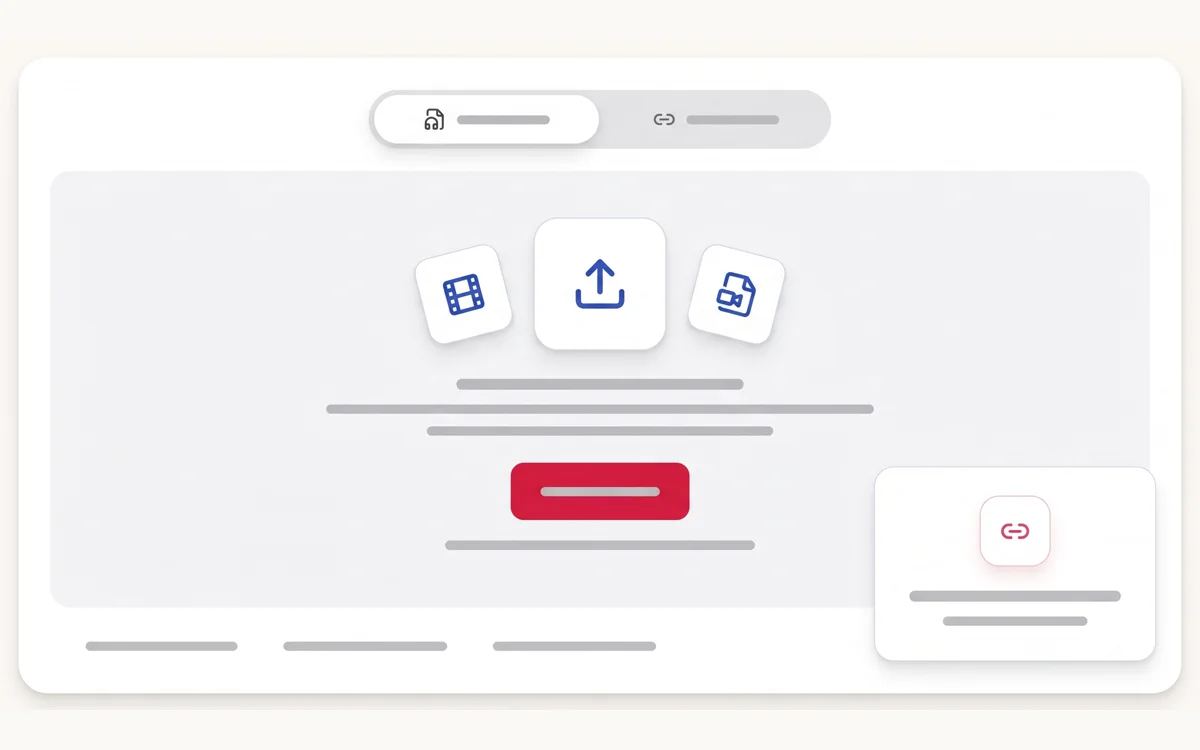
Upload the video file
Add an MP4, MOV, WebM, MKV, AVI or another supported video file from your device.

Upload an MP4, MOV, WebM or another common video file. Review timestamped speech, check speaker labels, and export the transcript as text, subtitles or structured data.
Upload the recording, review the generated transcript beside its source, then choose the output your next task needs.
Add an MP4, MOV, WebM, MKV, AVI or another supported video file from your device.
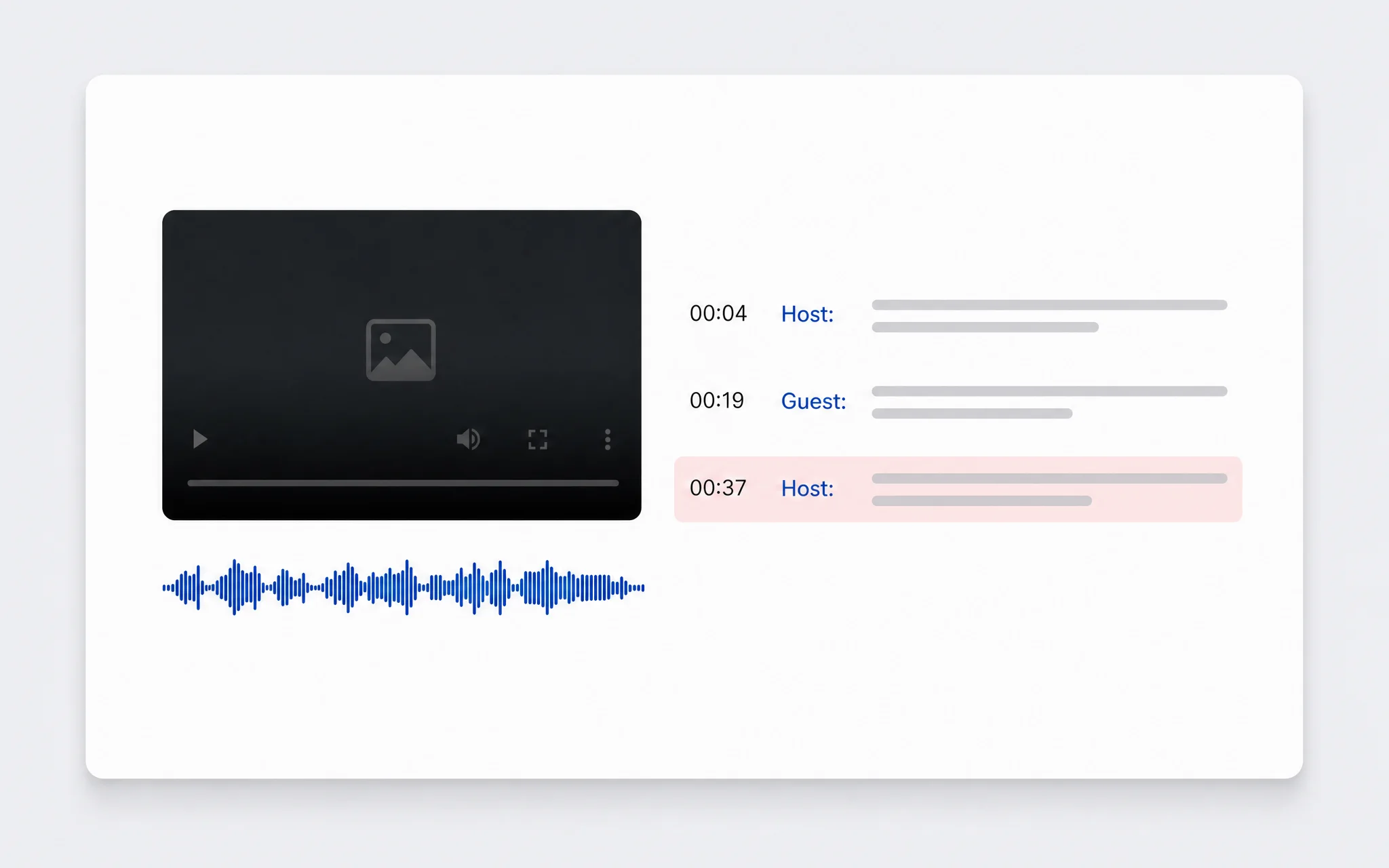
Use timestamps to check names, numbers, technical terms and unclear speech against playback.
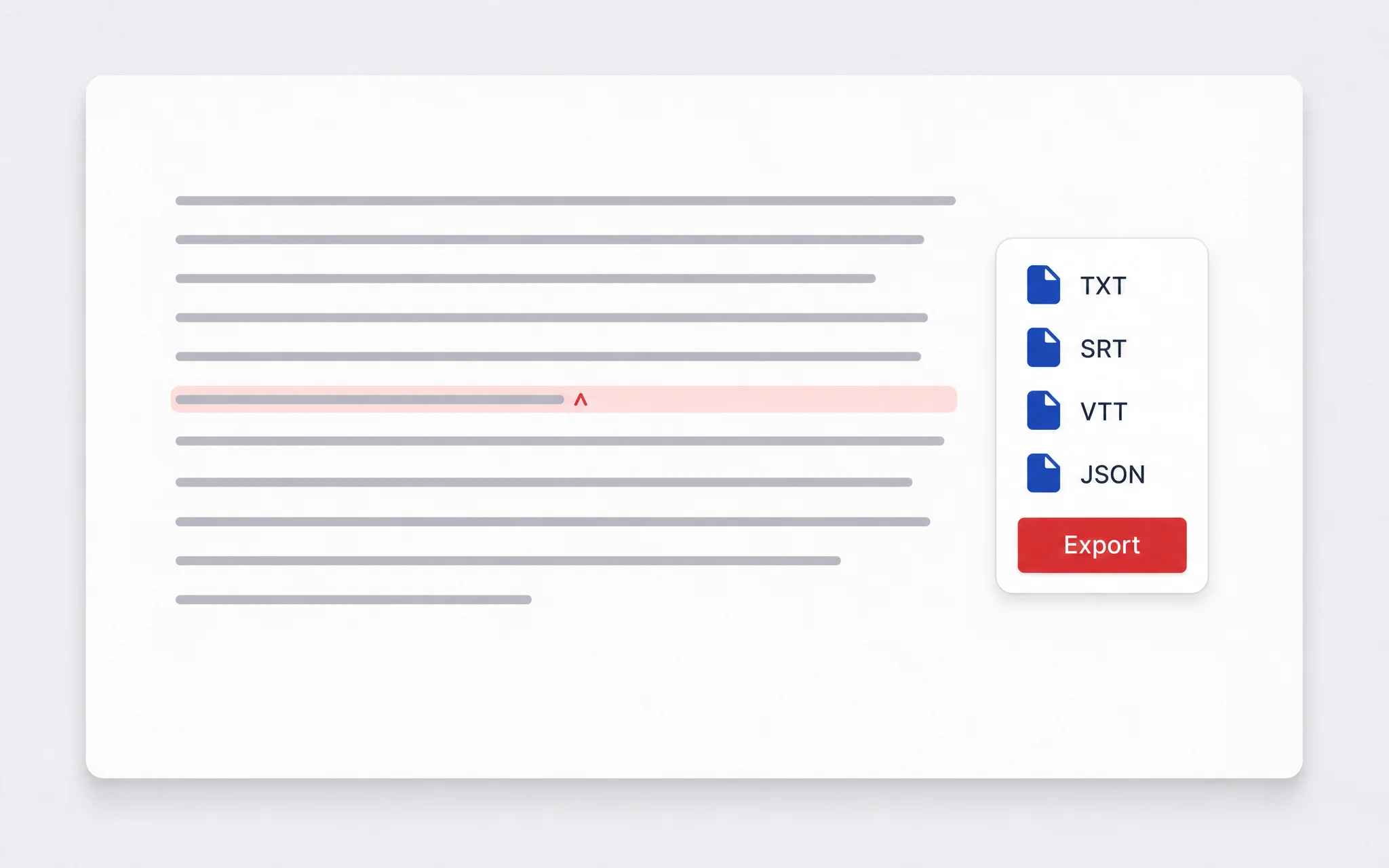
Download editable text, subtitle files or structured transcript data without repeating the transcription.
A useful transcript stays connected to the recording. ScribeTo gives you the context needed to verify important wording and move the result into another workflow.
Review names, numbers and specialist terms beside the original video instead of fixing a detached text file later.
Automatic detection works across the supported speech-language set, including multilingual video libraries.
Audio quality, background music, accents and overlapping speech can affect results, so important wording remains easy to verify.
Move reviewed text into writing, subtitle and structured-data workflows without transcribing the video again.
Work from the moment a phrase was spoken, not from an isolated wall of text. The transcript workspace keeps video context visible while you review.
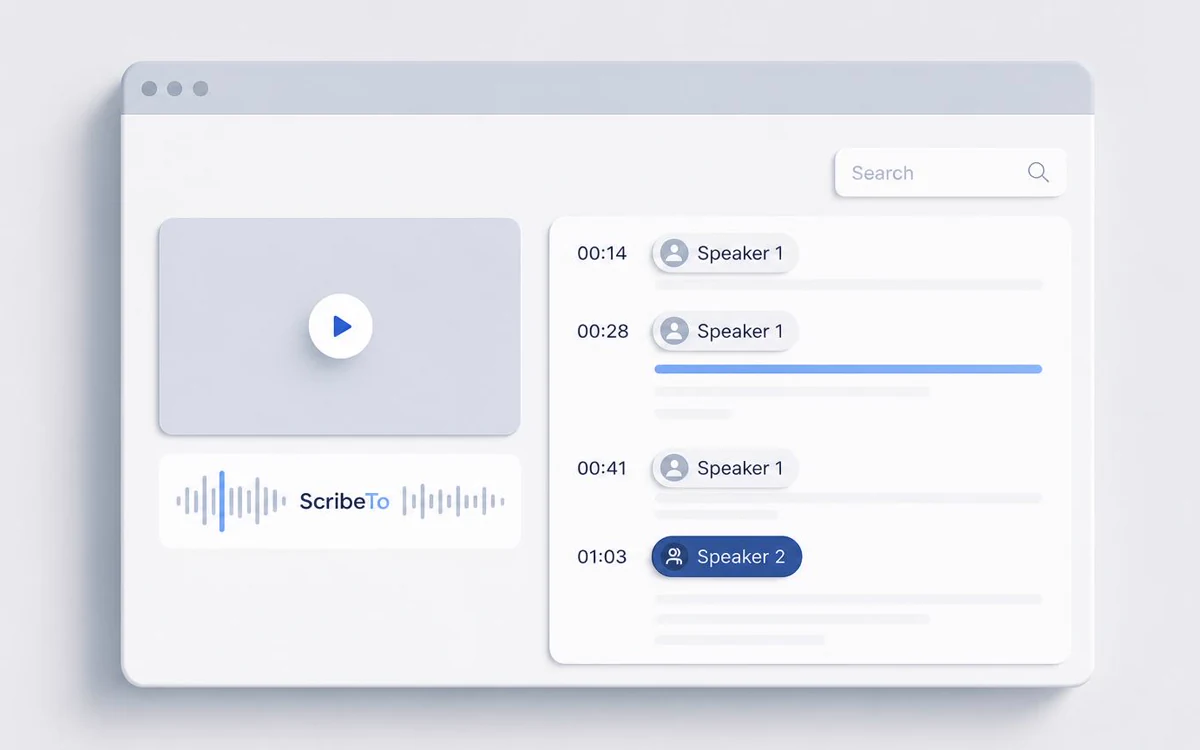
Timestamped segments keep quotes and corrections tied to the relevant part of the recording.
Speaker-aware review is available when the source and transcription result support it. Similar or overlapping voices still need checking.
Search the transcript for a name, phrase or topic, then return to the source when context matters.
Use the same file-first transcription workflow for phone videos, camera exports, screen recordings, meetings and browser captures.
Upload common exports from phones, cameras, meeting software and screen-recording tools.
Open MP4 toolTurn MOV recordings into searchable text before selecting quotes, chapters or edit points.
Transcribe WebM files produced by browsers, online meetings and web-based recording tools.
Other supported video containers can enter the same review and export workflow.
Review once, then choose a writing format, a timed caption file or structured segment data for another application.
Use editable text for notes, articles, documentation, quote sheets and searchable archives.
Keep speech synchronized with playback for video editors, players and accessibility workflows.
Carry timestamps and transcript segments into another tool or an automated workflow.
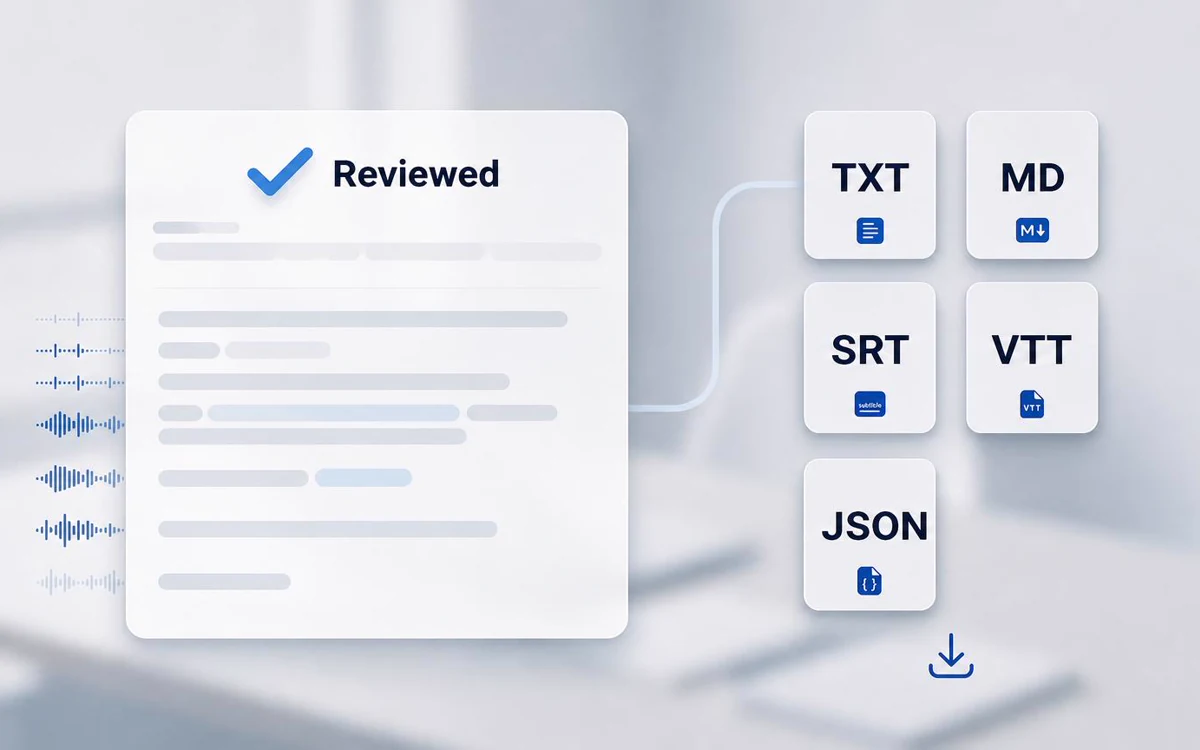
The same timestamped transcript serves different work once each section is easy to find, verify and reuse.
Before you upload
Recorded meetings, interviews and unpublished footage deserve a clear explanation of storage, transport and deletion before a file enters the browser.
Read the privacy policyThe video and transcript are stored in Cloudflare R2 so the task can be reopened from your workspace.
Uploads and downloads use encrypted transport, while the storage bucket uses access controls and server-side credentials.
Delete the transcription task from your workspace, or email support@scribeto.ai to request deletion of account data.
Compare monthly, annual and one-time transcription minute options before processing a larger video library.
Great for trying the whole workflow once.
$0
No credit card required
Get startedFor regular transcription work, week to week.
$19.99 / month
$219.90 / year if billed yearly
Subscribe nowFor high-volume archives, teams and agencies.
$59.99 / month
$679.90 / year if billed yearly
Subscribe nowAnswers about supported files, upload size, public links, free minutes, timestamps, speaker labels, exports, languages, accuracy and privacy.
The uploader accepts common video formats including MP4, MOV, WebM, MKV, AVI, WMV, MPEG and 3GP. Actual processing can also depend on the browser and media pipeline.
Each task accepts one video upload up to 50 MB. For a larger file, export the audio track, re-encode it at a lower bitrate, split the recording or use a supported public link.
Supported public sources can be processed from the Paste link tab. Private, restricted, removed or otherwise inaccessible links cannot be processed. The dedicated video transcript generator is the URL-first workflow.
A free account includes 10 transcription minutes each month without a payment card. If the video is longer than the minutes remaining, compare the plans shown above.
Yes. The transcript is saved as a task in your workspace so you can return to its timestamps, edit the text and export it later. The 10 free monthly minutes become available after sign-in.
Yes. The transcript workspace uses timestamped segments so each passage can be checked against the relevant moment in the source video.
Speaker-aware review is available when the source and transcription result support it. Verify assignments when voices overlap or sound similar.
After review, available transcript exports include TXT, Markdown, JSON, SRT and VTT. Available actions still follow the product entitlement shown in the workspace.
Yes. Review the timed transcript, then export SRT or VTT for a compatible video editor, player or caption workflow.
The upload workflow uses automatic language detection across the supported speech-language set. Review names, specialist terms and mixed-language passages before publishing.
Clear voices, less background music, limited crosstalk and a strong speech signal help. Names, numbers, quotations and domain-specific language still need human review.
The video and transcript are stored in Cloudflare R2 under your account, uploads and downloads use encrypted transport, and the original file is not edited or overwritten. Delete the task in your workspace or email support@scribeto.ai to request deletion of account data.
Choose the workflow that matches your source, from uploaded video and audio files to public links, captions, live speech and platform-specific transcripts.
Turn the next video into searchable, editable text
Upload the file, review the timestamped transcript, then export the format your next task needs.