


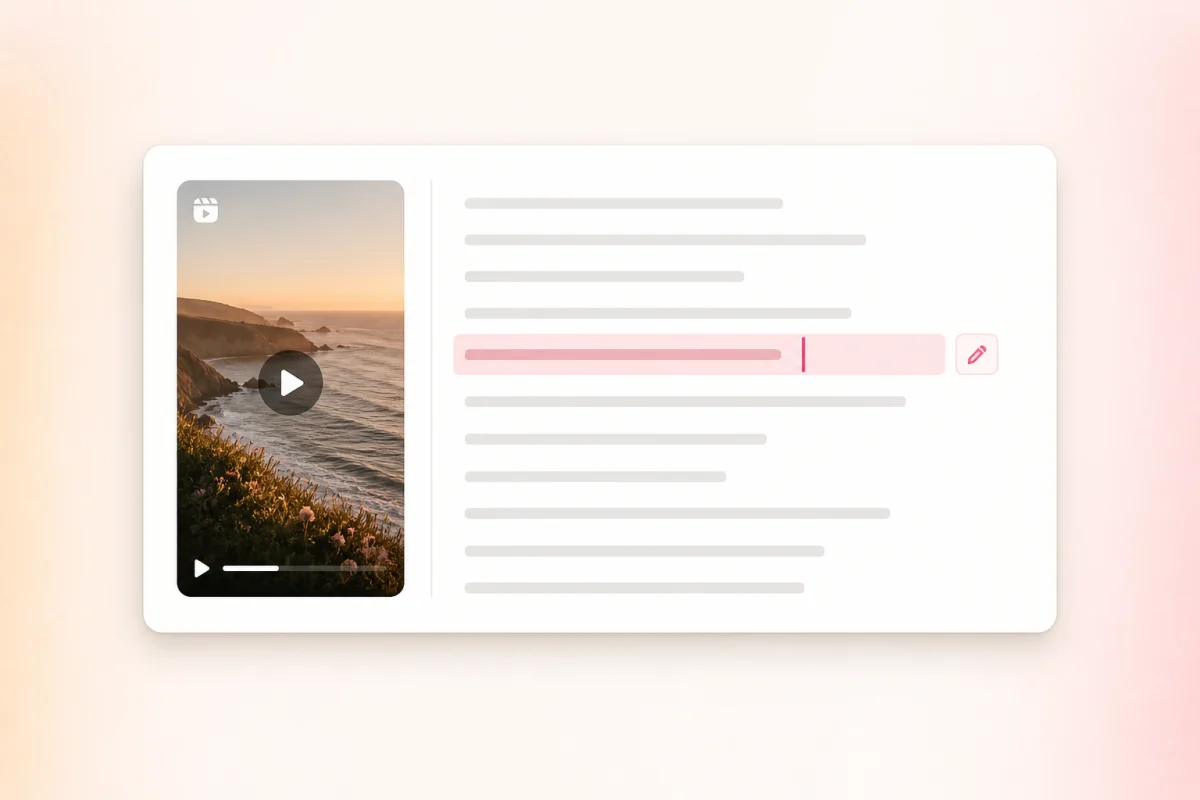
Correct the wording
Review names, product terms, and uncertain phrases against the source before reusing the script.

Paste a supported public Instagram Reel link and turn the spoken content into an editable, timestamped transcript for captions, research, and content repurposing.
Go from a public Reel link to editable text in three focused steps.
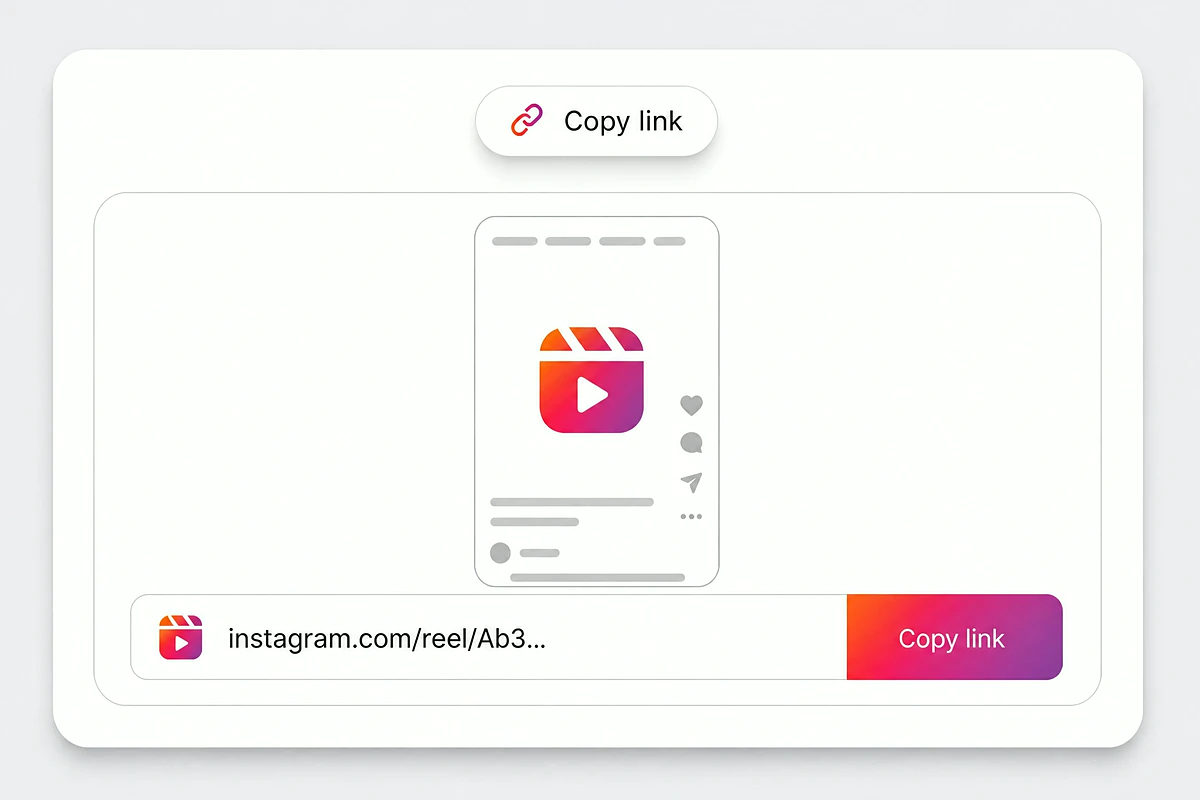
Open the Reel you are permitted to use, tap Share, and copy its instagram.com/reel URL.
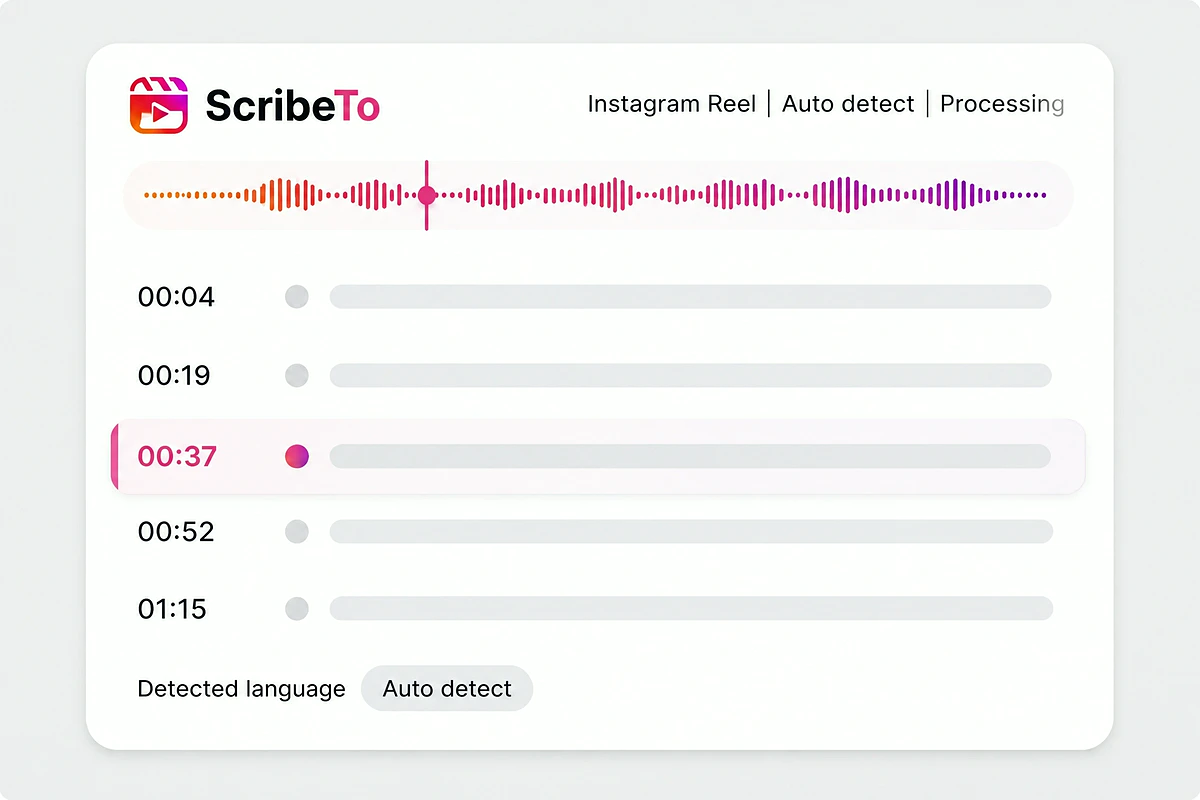
Paste the link above and leave the language on auto detect, or name it when the Reel mixes languages. ScribeTo creates the task once the media is publicly accessible.
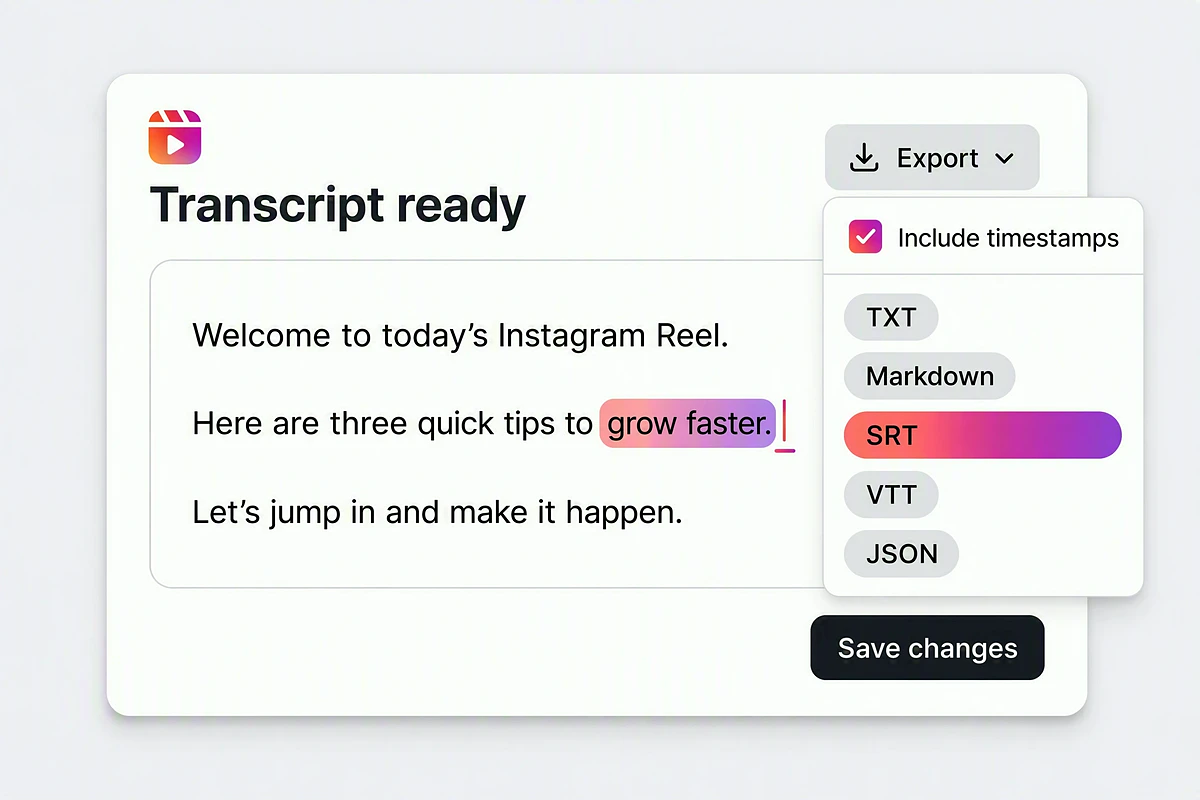
Check the timestamped script against playback, fix the wording, then export TXT, Markdown, SRT, or VTT.
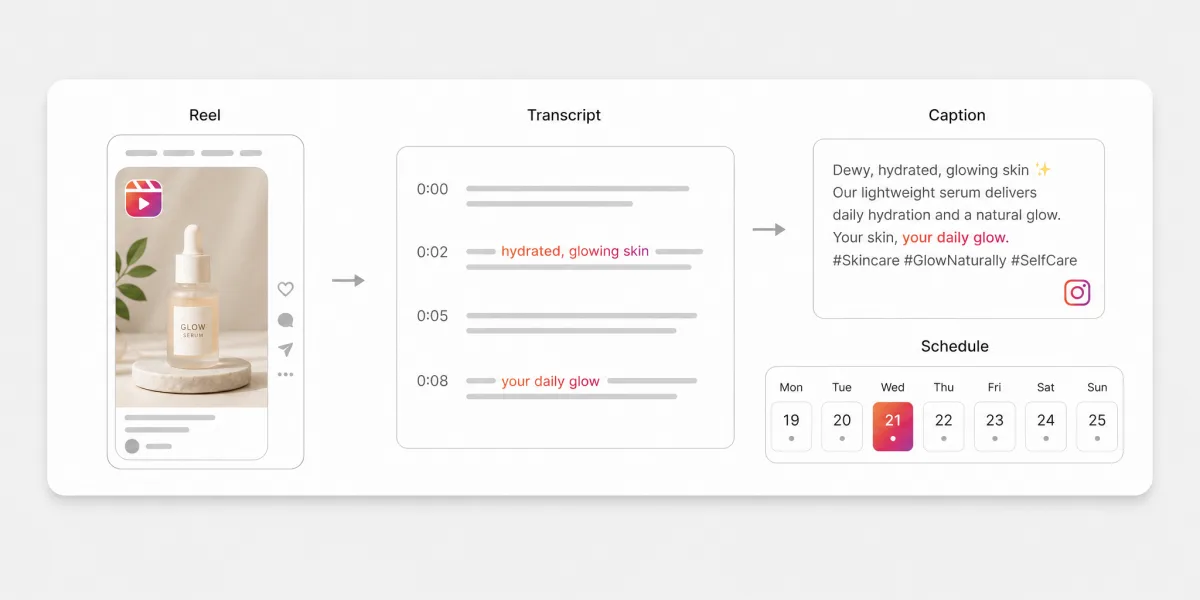
Reels to text reads the audio behind a public Reel and writes out every spoken line as timestamped, editable text — the words the creator actually said, not the caption typed underneath the post.
Review names, product terms, and uncertain phrases against the source before reusing the script.
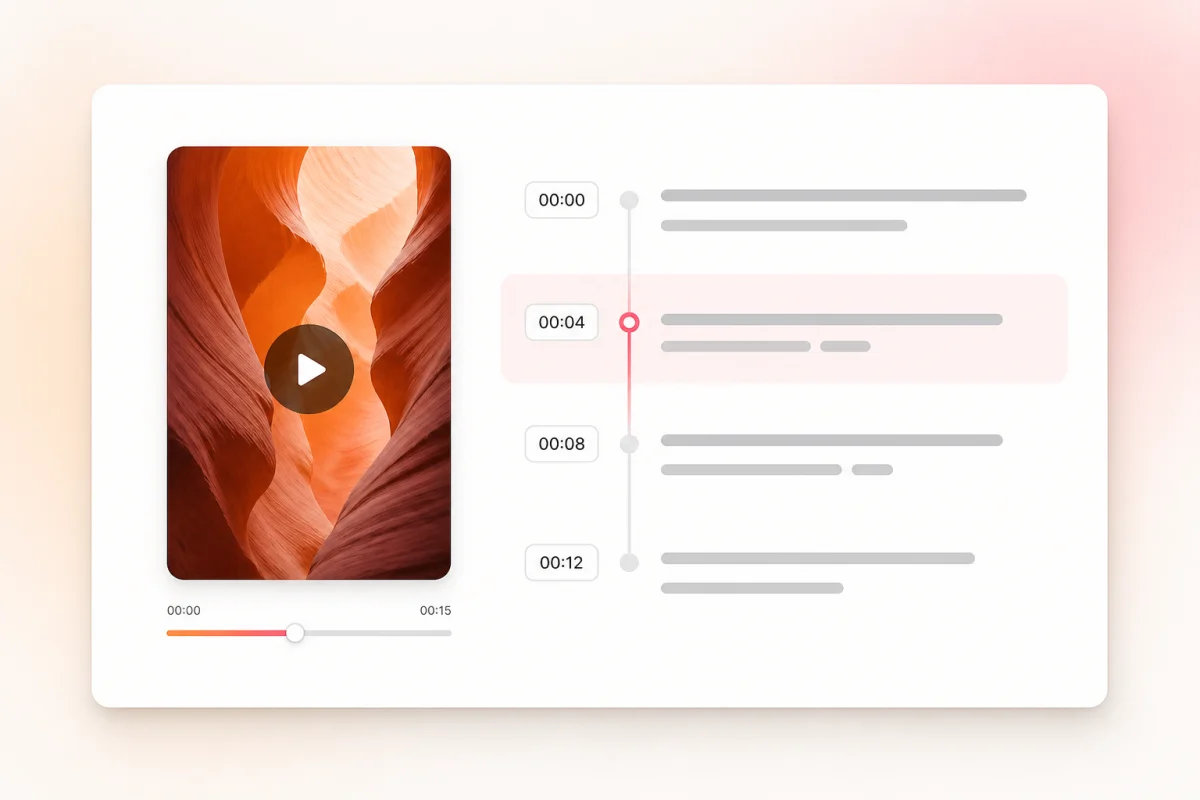
Timestamped segments keep each line connected to the second it was spoken in the Reel.
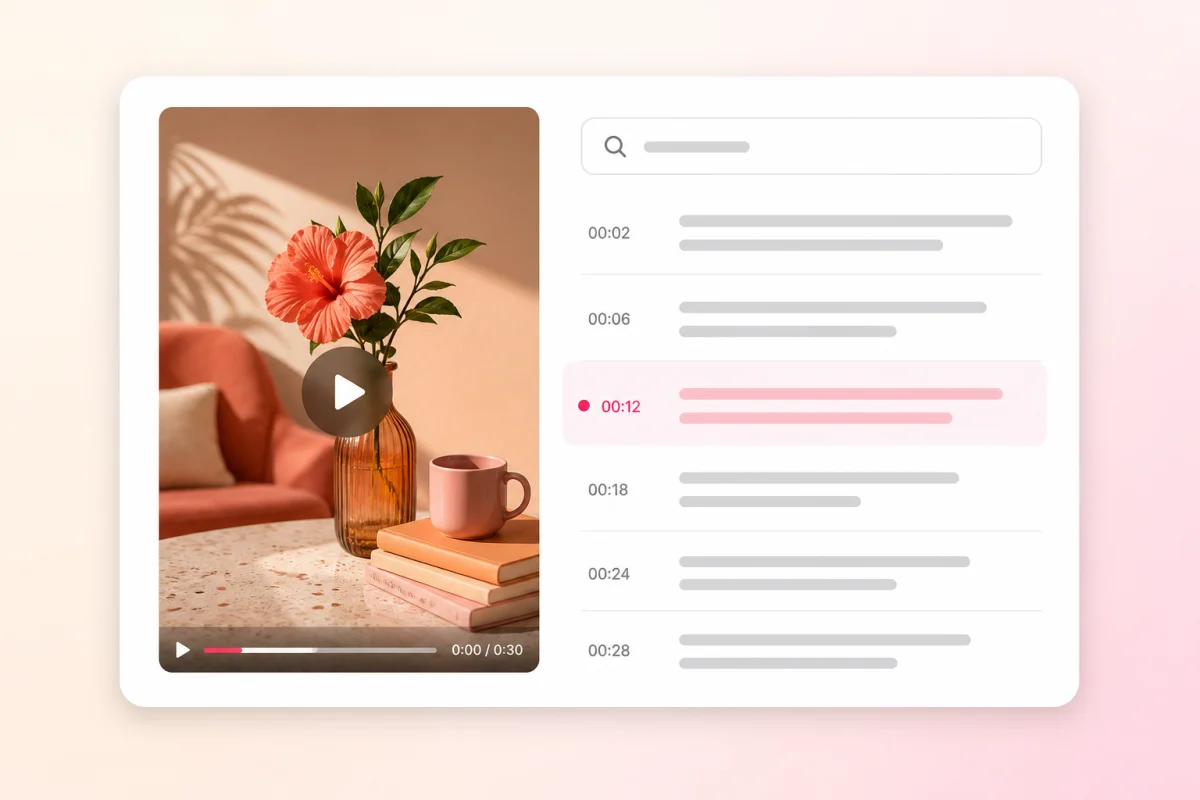
Search the transcript instead of scrubbing a 30-second video back and forth for one quote.
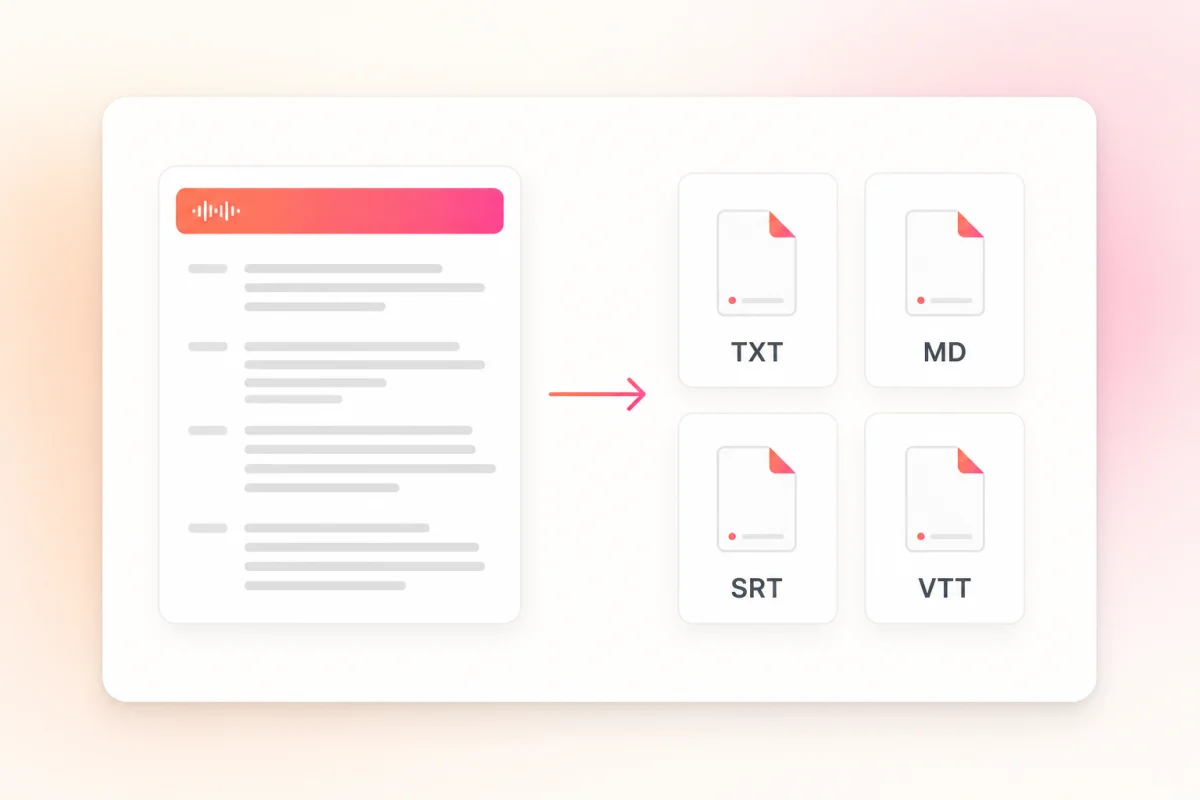
Send editable text or a timed caption file to whichever tool handles the next step.
Paste a public, playable Instagram Reel URL. ScribeTo handles language detection, timestamped transcription, editing, and export in one workspace.
Paste a Reel that opens in a signed-out browser. ScribeTo reads the public source directly and starts a transcript task.
Use the Reel's complete share link—not a profile or feed URL—so ScribeTo can identify the media without extra setup.
Transcribe your own Reel or content you have permission to study, quote, caption, or repurpose.
Start from the public link and skip manual downloading, file conversion, and audio extraction.
Leave language on Auto and ScribeTo detects the speech before building timestamped transcript segments.
Review names and wording, search the transcript, then export TXT, Markdown, SRT, or VTT.
Use TXT for copy-ready text, Markdown for organized notes, SRT for video editing, or VTT for web playback. Each export keeps the structure its destination needs.
Docs, captions and prompts
Clean script text with no markup, ready to paste wherever the words need to go.
Notes, briefs and drafts
Retains headings and segment structure for Notion, content briefs, and newsletter drafts.
Video editors and reposts
Numbered caption cues with timestamps for video editors and captioned reposts.
Web players and courses
Web-ready timed captions for HTML5 video, landing pages, and course players.
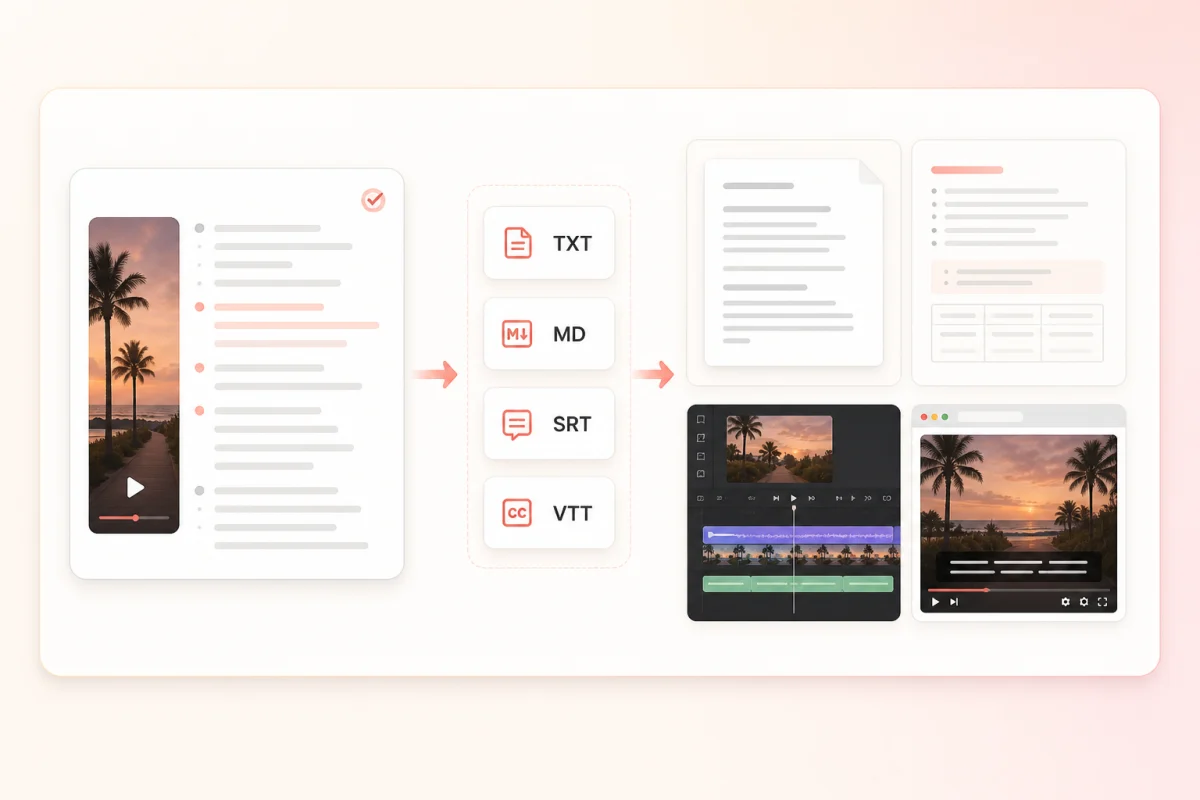
Social teams, writers, researchers, and agencies all start from the same reviewed script and take it somewhere different.
Link handling
ScribeTo uses the public URL for one thing: fetching the audio it needs to write your transcript. You stay responsible for having the right to transcribe and reuse the Reel.
Read the full privacy policyThe media ScribeTo retrieves and the transcript it generates are stored in Cloudflare R2 with your task, so you can reopen the script in your workspace later.
Transfers use encrypted transport, with access controls and server-side credentials on the storage bucket. ScribeTo never signs in to Instagram, and never posts, follows, likes, or messages from any account.
Delete the Reel task yourself in your workspace at any time, or email support@scribeto.ai to request deletion of account data.
Compare the shared ScribeTo plans for link transcription, editing, export, and the rest of your media-to-text work.
Great for trying the whole workflow once.
$0
No credit card required
Get startedFor regular transcription work, week to week.
$19.99 / month
$219.90 / year if billed yearly
Subscribe nowFor high-volume archives, teams and agencies.
$59.99 / month
$679.90 / year if billed yearly
Subscribe nowPractical answers about supported links, cost, privacy, transcript output, editing, and reuse.
Copy the public Reel URL, paste it into the field at the top of this page, and create the transcription task. When the media is accessible, the timestamped transcript opens in your workspace.
A free account includes 10 transcription minutes a month with no card required, and a Reel only spends the seconds it runs — so most short Reels cost well under a minute each. Longer work continues on a paid plan or a minute pack.
Yes. The transcript is created as a task in your workspace so you can reopen, edit, and export it later, and that task has to belong to an account. Signing up takes an email address.
No. Private-account media, follower-only Reels, and links that require an Instagram login are outside the public-link workflow, and ScribeTo does not sign in to retrieve them.
There is no file-size cap, because nothing is uploaded: you paste one public link per transcription and the Reel's own running time is what is deducted from your transcription minutes. For a multi-part series, paste each Reel as its own task.
The Reel may be removed, region- or age-restricted, temporarily unavailable, blocked from automated access, or delivered in a format the service cannot retrieve.
No. This page creates a text transcription task from a supported public link; it is not an Instagram video downloader, and it gives you a script rather than a video file.
Yes, when the supported public Reel exposes accessible spoken audio. The transcript is generated from speech recognition rather than copied from burned-in captions or the post caption.
Yes. Review the timestamped text against playback and correct handles, brand names, slang, punctuation, or uncertain phrases before you export it.
TXT for flat text, Markdown for structured notes, and SRT or VTT when you need timed caption cues for an editor or a web player.
The retrieved media and its transcript are stored in Cloudflare R2 with your task, behind access controls and encrypted transport, and only you open them from your workspace. Delete the task yourself at any time, or email support@scribeto.ai — the privacy policy has the full detail.
You can use permitted content as a starting point for captions, notes, briefs, quotes, or outlines. Respect the original creator's rights and review the text before publishing.
Continue with the workflow that best matches your next source, from Instagram and short-form video links to uploaded media, subtitles and long-form recordings.
Turn the next public Reel into a reusable script
Paste the link, review the timestamped transcript, and keep the useful ideas in a format you can search, edit, and export.